Community Corner
Living La Vida Local
Trying to navigate your way around your Glendora community? Yo tells us what resources worked for her.
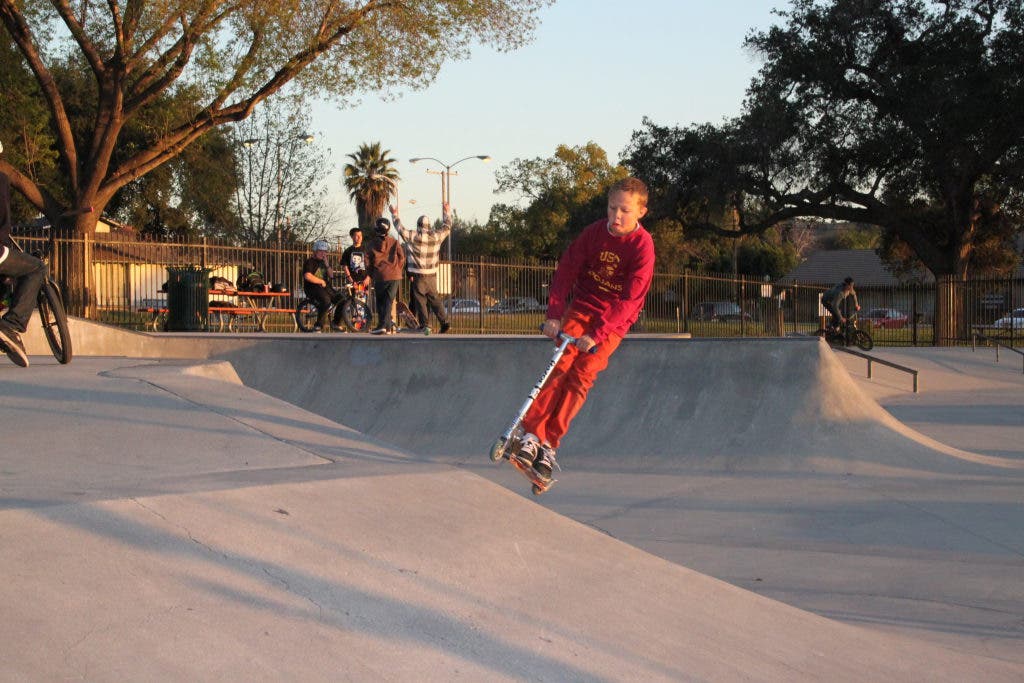
When our family moved to Glendora three years ago, we quickly discovered how convenient it was to a wide array of activities. The mountains, snowplay and skiing were an hour or less to the east. The beach, Orange County (and, of course, Disneyland), were only a half hour down the 57 Freeway. Glitz, glamour, nightlife and culture were a short (well, sometimes short, depending on traffic) jaunt to the west.
But I also noticed that living smack in the middle of the urban sprawl had one drawback: Glendora had an identity crisis. As a parent, when it came to finding resources specific to our immediate area, I discovered that for all its convenience, Glendora was in a weird geographical limbo: it seemed we were always Pasadena’s stepchild or Rancho Cucamonga’s estranged cousin. Although technically part of Los Angeles County, resource guides and calendars listed us under names as varied as “San Gabriel Valley," “Foothill Suburbs," “the Inland Empire” or the dreaded “Surrounding Areas” and “Other Neighborhoods." This made finding a local activity or service a chore tantamount to combing through my pile of last year’s receipts for a missing reimbursable expense (and just as enjoyable).
So to make your life easier, here are some of the tools I have used to track down local news and resources relevant to Glendora families:
Find out what's happening in Glendorafor free with the latest updates from Patch.
- The Glendora Patch (of course). You are here. In case that was too easy and you feel the need to work harder, go to: http://glendora.patch.com/
- Set up a Google News alert. This is how I discovered the Glendora Patch. It alerts you any time the word “Glendora” (or any other terms like “children” and “Glendora” or “Yo Gabba Gabba overdose”) appears in the news. First, you need a Google/Gmail account. Log in and then in the upper right hand corner click “Settings” and select “Google Account Settings” in the pulldown menu. The first item listed in “My Products” is “Alerts." Type in what you want it to search for, customize the settings and voila! Google will now email you whenever it finds what you’re looking for.
- Local Parks & Recreation departments. I always read the class schedules for Glendora, not only for their class offerings, but because they often note upcoming community events. You can also easily download and view the catalogs online for San Dimas, La Verne, Azusa and any other city you are willing to drive to (I take my kids fishing in Fullerton!). Just head to the city’s website, look for the Recreation Department and usually it is somewhere on their page. The city sites are also sometimes good sources of information as well. The city of Glendora’s site has an Event Calendar that lists the library’s events as well as special city-wide events.
- Other websites. I subscribe to or scan various other sites like Macaroni Kid Upland/Claremont/La Verne (http://upland.macaronikid.com/), San Gabriel Valley Tribune (http://www.sgvtribune.com/), EyespyLA—especially the “Kids Stuff” section (http://www.eyespyla.com/), ExperienceLA (http://www.experiencela.com/calendar), and LA.com (http://events.la.com/). You can refine your search by neighborhood.
- Word of mouth. The best way I have found local treasures is through other parents I have met in local groups. See …