Community Corner
Texting And Driving; California Teens Pledge "It Can Wait"
Hundreds of California teens attended the Anaheim Youth Summit to say "It can wait," but also got to test this spooky texting/driving app.


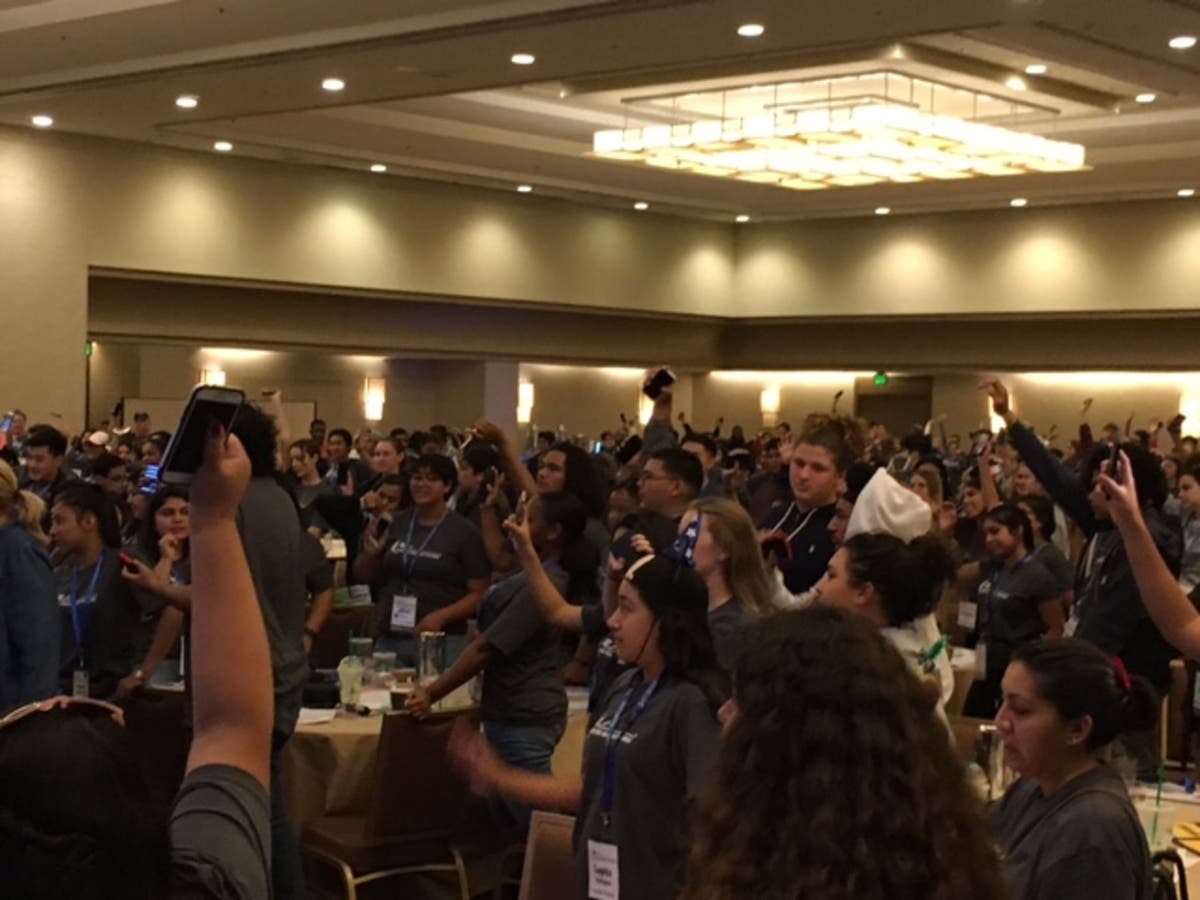


ANAHEIM, CA — Texting and driving. It's no secret that one does not go with the other. In Anaheim this week, over 600 teens attended the Youth Summit, where they learned first hand the dangers of texting and driving and made a phone-hand held high pledge to never text and drive.
"The Youth Summit is the partnership's largest annual event," Liz Lueveno, spokesperson for the event said. "Six hundred high school students from across California took the It Can Wait pledge to not text and drive as part of that summit, the California Friday Night Live Partnership."
The pledge:
Find out what's happening in Orange Countyfor free with the latest updates from Patch.
- I pledge to care for those around me and put my phone down when I'm driving.
- I pledge to share the message: distracted driving is never ok.
- I pledge to be aware that I'm never alone on the road.
To date, over 20,000,000 have made the It Can Wait pledge.
"As a sponsor of this year’s Summit, a representative from AT&T spoke alongside California Highway Patrol and Impact Teen Drivers," Lueveno said. "The students had the chance to drive the "It Can Wait" virtual reality simulator demonstrating the dangers of texting and driving."
Find out what's happening in Orange Countyfor free with the latest updates from Patch.
AT&T hosts It Can Wait programs across the country in an effort to reduce traffic injuries and fatalities caused by texting and driving.
The app shows a 360-degree experience that shows the real consequences of looking at your phone while driving.
Step 1: For best experience, view this 360 video simulation using the YouTube mobile app on either an Android or Apple device.
Step 2: To experience using a Virtual Reality Cardboard, Samsung Gear, or any other compatible headset, locate the video via the YouTube search bar in the mobile app.
Step 3:
Android: Before launching the video, click the ‘cardboard’ icon at the lower right hand corner of the screen to initiate a split screen view.
Apple: If you are viewing through the mobile app on an Apple device simply view the simulation on your mobile screen, without a headset
Step 4: Connect headphones for the most immersive effect.
If you would like to order your own Google Cardboard headset from AT&T, click: http://www.itcanwait.com/vr/
Want to try it out? Download the app on Google Play or at the Apple Store.
Courtesy photos, Zeno Group
Get more local news delivered straight to your inbox. Sign up for free Patch newsletters and alerts.