Business & Tech
Publicist Offers Twitter, Facebook Tips
In the first of a two-part series, publicist Ann Voorhees Baker explains the best ways to promote an event or product via social media.

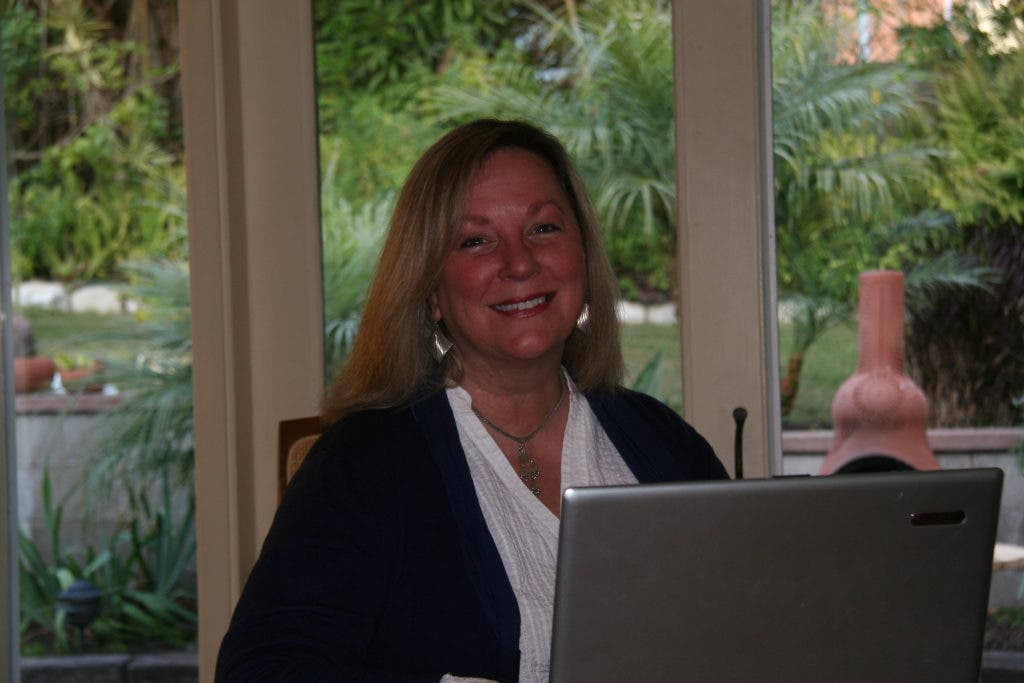

Like me, many of you may be spinning out of control on what Ann Voorhees Baker calls "the hamster wheel of hell"—social media hell, that is.
Here's your profile: You got on Facebook back before the fall of the Berlin Wall (or so it seems) and thought Twitter sounded fun until it all became sort of senseless, and now you feel obligated to look into LinkedIn if only to convince yourself it will not benefit you in any way—except you've got a blog to promote, a charity event or maybe a self-published cookbook to sell.
Baker knows you well. Her Redondo Beach companies, and PR-123, are built around helping "humanoids" who want to achieve specific objectives navigate the ever-spiraling web of social media.
Find out what's happening in Redondo Beachfor free with the latest updates from Patch.
People need to "get over their aversion to [social media]," Baker said. "So many become angry if you even mention the word 'Twitter.' They say, 'I am not going to spend my time telling people I just got a latte at Starbucks.'"
Baker, a former New York attorney for the U.S. Environmental Protection Agency and Ohio magazine publisher, defines social media as "a set of free, self-publishing tools that allow you to speak to the world. Why not take advantage of them?"
Find out what's happening in Redondo Beachfor free with the latest updates from Patch.
For example, Baker compares Twitter to a flashing sign on the freeway. "Traffic streams by, the billboard flashes once and [the message] is out of sight in a second," she explained.
One way to harness the flashing sign is to log into Twaitter.com (using the same sign-in as your Twitter account) and schedule days and times you want your 140-character promotion to run—every four hours three days a week? Maybe twice a day every day for a month?
Nevertheless, it's possible to overdo it. Running your message every five minutes may cause Twitter to mark it as Spam (e.g. your message is toast).
Whether you want to advertise an art show, a bake sale or a new business, the combination of a blog, Facebook, Twitter and (possibly) LinkedIn are invaluable assets—if you learn to use and coordinate them properly, the publicist said.
Baker advises people to start with a bi-weekly blog with short-and-sweet posts (if you want it read). Build it with WordPress, a free software that provides more plug-in goodies (custom colors, fonts, sign-up boxes) than Google's Blogger.
While WordPress.com does offer free hosting, there are limits as to what you can do on the site. "If you use an inexpensive service such as GoDaddy to host your site (about $5 a month), you can still use WordPress software, but you can add a lot of extra options," said Baker, who has represented such clients as Sharp Electronics, Office Depot Green, Lexus and The Financial Whisperer.
Once your blog is written and hosted, a business page on Facebook is a must in social media PR.
"The thing about Facebook is that, frankly, it's hard to use," Baker said. "Menus and navigation are not intuitive."
The upside, however, is huge. "Facebook has more online searches a day than any other segment of the internet, including Google," she said.
But Baker did not by accident entitle one of her free ebooks Facebook—GRRR!!! Somebody Explain it to me! (You may request the ebook, along with How to Get Off the Social Media Hamster Wheel in Hell, at the website linked above.)
Since Facebook was originally designed as a social site, not a business one, it has "weird rules and confusing procedures," Baker said. "Everything is built off your personal account." Once that is set up, "you can add as many other pages as you want—for business or for group interests."
Attempting to set up a second business account with a different email is considered a serious violation of its terms of use, Baker said, and Facebook will wipe you off the site.
The pages Baker created for her firm, Publicity Pros, and select services PR-123 and WebTraffic-123 spin off her personal account, Ann Voorhees Baker, yet the business pages remain separate.
Seeking help from the Facebook Help Center can be maddening, too. "I never use it," the publicist said. "It almost never gives me the answer I'm looking for."
Instead, Baker goes to her search engine and types in a question. "I’ll find the answer in someone else's blog or in an eHow article," she said. eHow.com is a popular how-to site that offers answers via videos and articles.
When adding a business page to your personal account, you need not worry that all those weird friends who write weird things on your Facebook wall will spill over to your business page. They never need know about it, Baker said. Conversely, "your personal account will never be visible to fans of your business page," she said.
To create a business page, log into your Facebook account, scroll down to the navigator ("the little blue words across the bottom"), and click on "Create A Page."
From there, you select your business page name, fill out a business profile, add a link to your blog and upload a logo or other image. Be sure to check the privacy settings, Baker said, and make sure that no private addresses, phone numbers and such are available to the public.
Getting friends and business associates or prospects interested in your Facebook business page can be done by inputting your email contact list, searching for and joining groups, and "friending" new people.
Facebook offers "a bazillion apps (most are free) for various functions you can add to your business page," Baker said. "You have to know how to search for them and then install and configure them, but once you get the hang of it, it's amazing what you can do ... and how you can link them to other social media activities such as Twitter and your blog."
Spreading the word is also where Twitter comes in, that wonderful 140-character "one-line press release," as Baker calls it. "A lot of media people use it religiously," she said.
The Twitter search function and page are amazing resources, she said. "If a journalist is trying to find someone who invented cold medicine," she said, "they will find a recent tweet" and begin to connect with the right people.
For those who want to attract and join in Twitter discussions centering on a keyword, they can use Twitter hashtags (the # sign before certain words, like "Redondo Beach" or "surfing") to categorize their tweets, Baker said.
"All tweets that use the hashtag before that word or phrase will come up together when someone does a search of that keyword," she said.
LinkedIn is wonderful for people in business, Baker said; however, many "use it passively. [They] post a resume and a picture and don't realize there are a lot of interactive capabilities."
She suggests searching for LinkedIn groups and participating in discussions. "You can start a new discussion and promote a business or product," she said.
Baker, who lives with her husband Brad in Redondo Beach (her two daughters reside in New York), also advises patience. "You don't have to set up a thousand crazy accounts," she said.
"No need to get overwhelmed either: If you don't enjoy learning new technology, there are plenty of firms and consultants who will set you up and train you, even manage your accounts for modest fees," she added.
Editor's note: You can find Redondo Beach Patch on social media, too! "Like" us on Facebook at facebook.com/RedondoBeachPatch or follow us on Twitter at @RedondoBchPatch.