Schools
Naugatuck Public Schools Adopt ParentSquare as Communication App
The district has released this list of helpful hints for parents on their Facebook page.


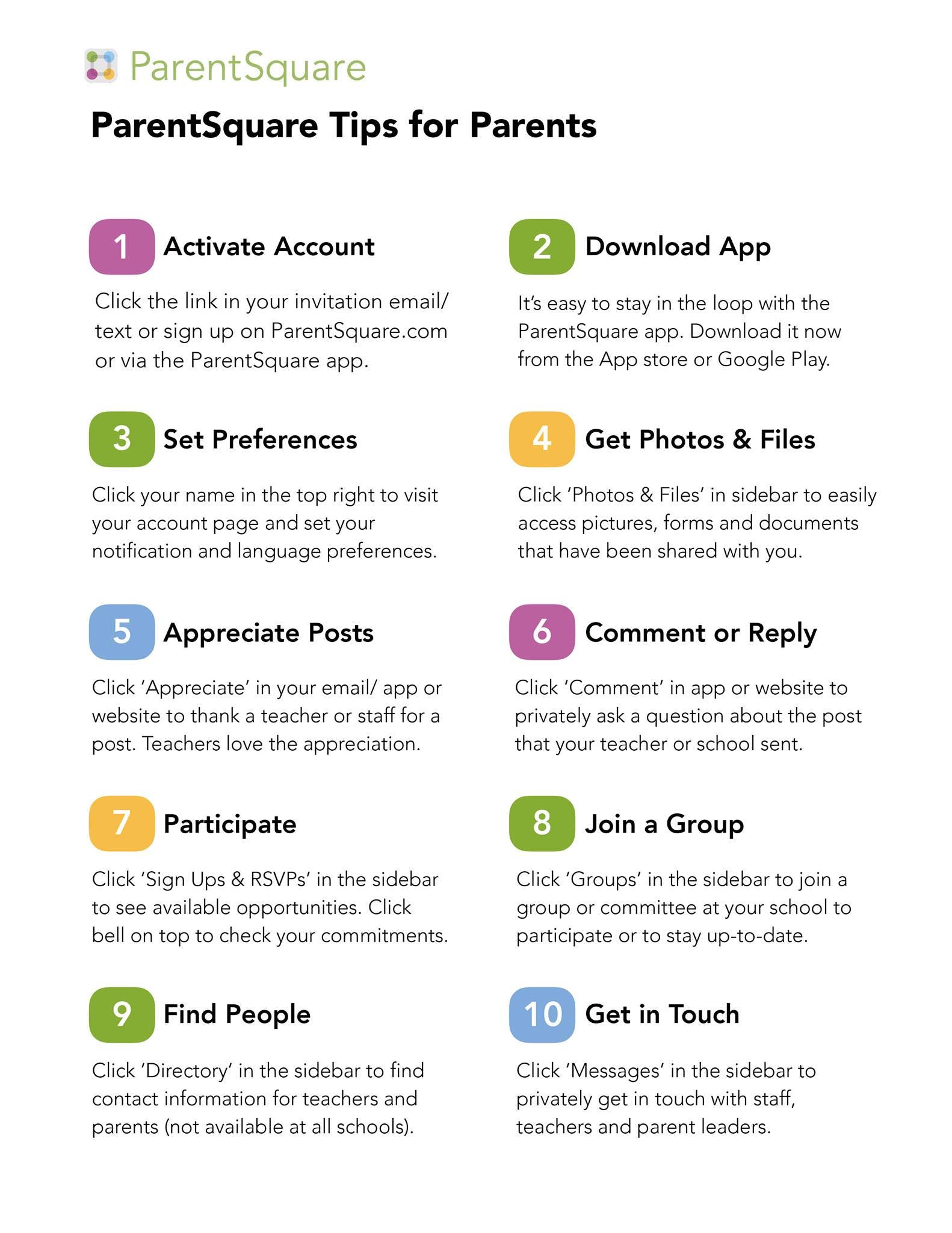
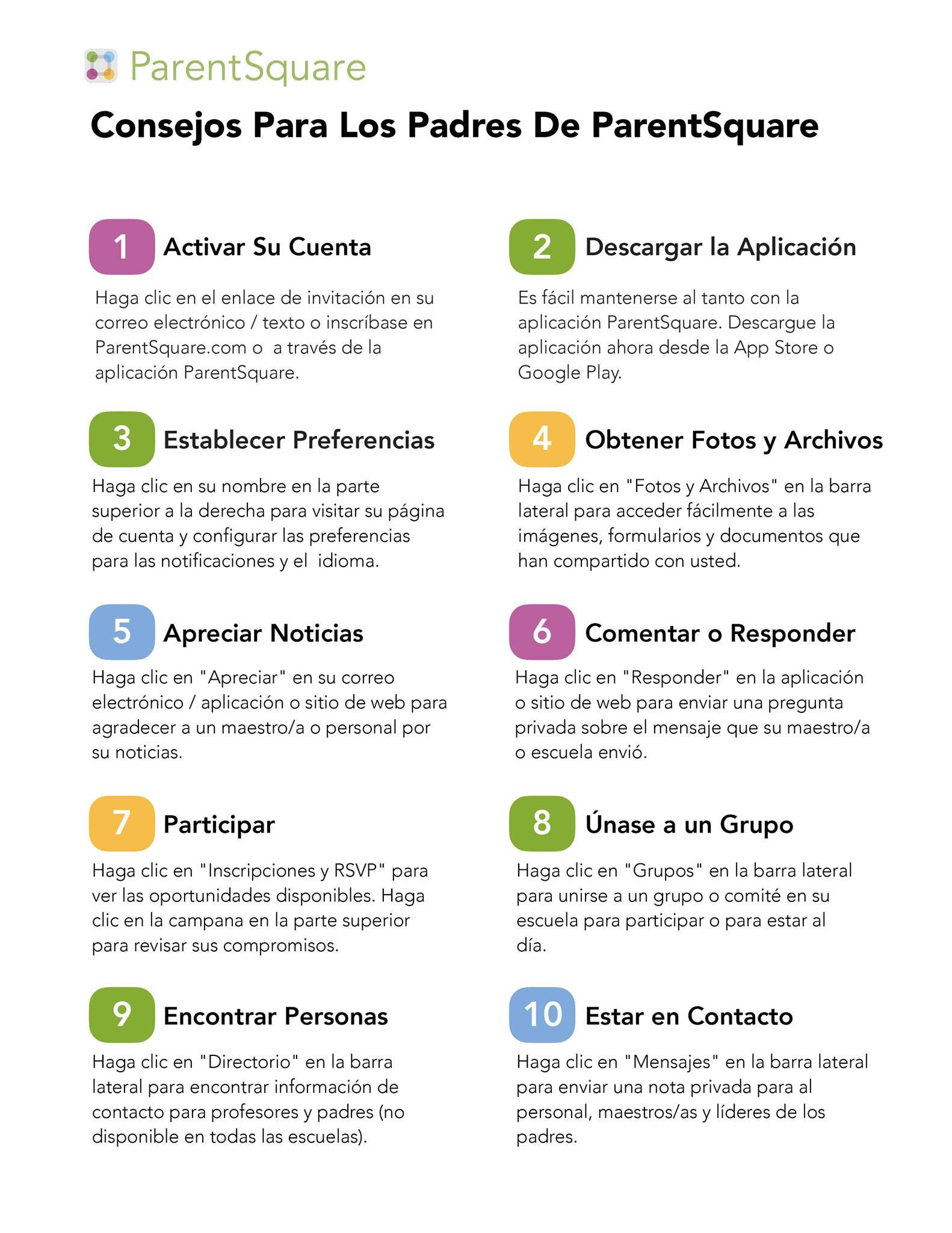
NAUGATUCK, CT - ParentSquare has been adopted by the Naugatuck Public Schools as the new family communications app. The district has released this list of helpful hints for parents on their Facebook page. The Spanish version of the graphic above is posted below.
Here’s 10 Things to do in ParentSquare
1. Activate Account: Click the link in your invitation email/ text or sign up on ParentSquare.com or via the ParentSquare app.
2. Download App: It’s easy to stay in the loop with the ParentSquare app. Download it now from the App store or Google Play.
Find out what's happening in Naugatuckfor free with the latest updates from Patch.
3. Set Preferences: Click your name in the top right to visit your account page and set your notification and language preferences.
4. Get Photos & Files: Click ‘Photos & Files’ in sidebar access pictures, forms and documents that have been shared with you.
Find out what's happening in Naugatuckfor free with the latest updates from Patch.
5. Appreciate Posts: Click ‘Appreciate’ in your email/ app or website to thank a teacher or staff for a post. Teachers love the appreciation.
6. Comment or Reply: Click ‘Comment’ in the app to privately ask a question about the post that your teacher or school sent.
7. Participate: Click ‘Sign Ups & RSVPs’ in the sidebar to see available opportunities. Click the bell on top to check your commitments.
8. Join a Group: Click ‘Groups’ in the sidebar to join a group or committee at your school to participate or to stay up-to-date.
9. Find People: Click ‘Directory’ in the sidebar to find contact information for teachers and parents (not available at all schools).
10. Get in Touch: Click ‘Messages’ in the sidebar to privately get in touch with staff, teachers and parent leaders.
#Naugatuck #NaugatuckSchools @parentsquare #naugygoesthedistance
Cross Street Intermediate School teacher Charles Marenghi encouraged parents to sign up in this message on Facebook.
Parents of NPS students: Don’t wait. Get set up on your ParentSquare account now. School communications are being sent out through this app already. It will be the ONLY online format teachers and schools will be using to communicate from now on. Set it up today.
En espanol: