Photoshopping is not shopping for photos. But Photoshop has become a verb. Although technically the term identifies Adobe software that is often used to edit photos, the process of editing has become Photoshopping, as in "Was that picture Photoshopped?"
Most serious digital photographers use one or more editing tools to improve their photo. I not only believe that any photo can be improved by editing, I believe that all photos need to be improved by editing. If you don't believe that, send me a photo and I will "improve" it. I realize that "improve" is a subjective word and you may not like my improvement, but it is not difficult to learn to edit it yourself.
You don't need the full Adobe Photoshop CS5 (Creative Suite 5) at up to $850.00 or even the scaled-down Photoshop Elements at $99.00, as there are many editors available, some are free downloads from the Internet. Others may be used online directly. You probably also received some type of editing software with your digital camera.
I heartily agree with the glib answer to questions like: "What's the best word processor?" or "What's the best email service?" or "What's the best photo editor?" That answer is: "It's the one that you know!" If you have mastered it, it is good. The real answer is that the best editor is the one that can do the job you need it to do.
Find out what's happening in Land O' Lakesfor free with the latest updates from Patch.
Here are features to look for:
- Basic adjustments - cropping, rotating, straightening, red-eye correction, lighten/darken, contrast adjusting, color correction. Most editors provide these.
- Photo organization - organizing, tagging, sorting, viewing.
- Filters and special effects - color filters, artistic filters, dramatic filters, etc.
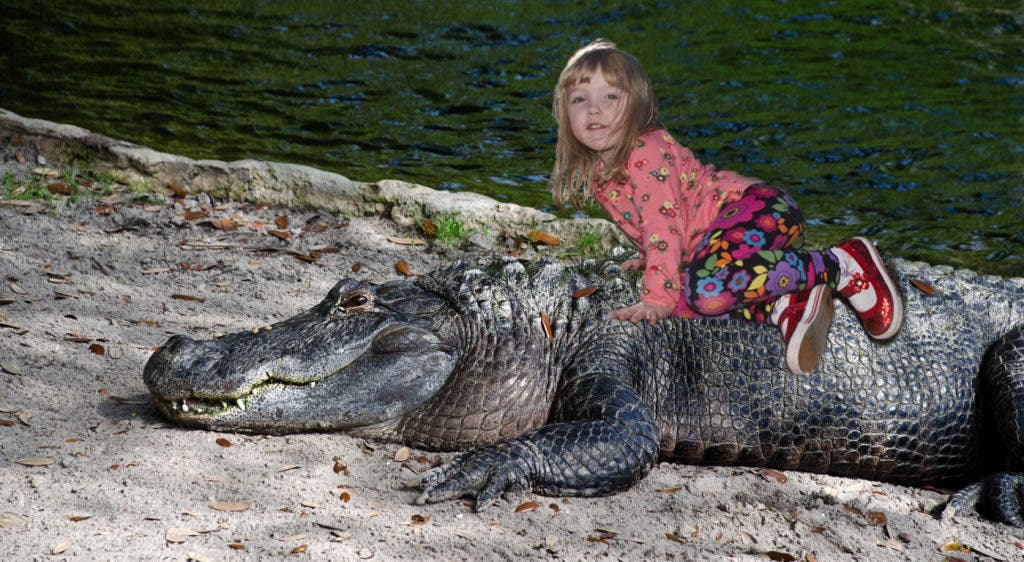
- Layers and complex adjustments such as the ability to work on selections within your image, retouching, removing unwanted objects, adding people to a photo, overlaying images, etc.
If you are looking for an editor, I recommend Adobe Photoshop Elements, but then, it's the one I know best. Another very highly rated editor is Corel PaintShop Pro at around $50.00. Other excellent free editors include Picasa, Windows Live Photo Gallery, and IrfanView. Good inexpensive editors include ACDSee ($35.00) and Ulead PhotoImpact ($30.00).
Find out what's happening in Land O' Lakesfor free with the latest updates from Patch.
There is much you can do with an editor, but the basic steps to a better photo are these:
1. Crop / Straighten (remove parts of the image not needed and straighten as required)
2. Adjust lighting (adjust brightness, contrast, shadows, and highlights)
3. Adjust color (correct white balance)
4. Retouch (fix red eye, skin color and blemishes, remove power lines, etc.)
5. Sharpen (make the edges sharper)
6. Save as… (a new name to preserve your original image)
You will be surprised at how much you can improve your pictures!
For more information on editing your photos join us this Thursday night at 7 p.m. at the Land O' Lakes Community Center for the next in our series of digital photography classes. Take advantage of the special introductory price of just $10 per class. Call 813-929-1229 or email info@con2000.com for more information.
Editor's note: Have a question about photography? Email Maury Griffith at info@con2000.com. He will answer select questions in future blog posts.