Schools
iPads Help Sarasota County Principals with Classroom Walkthroughs
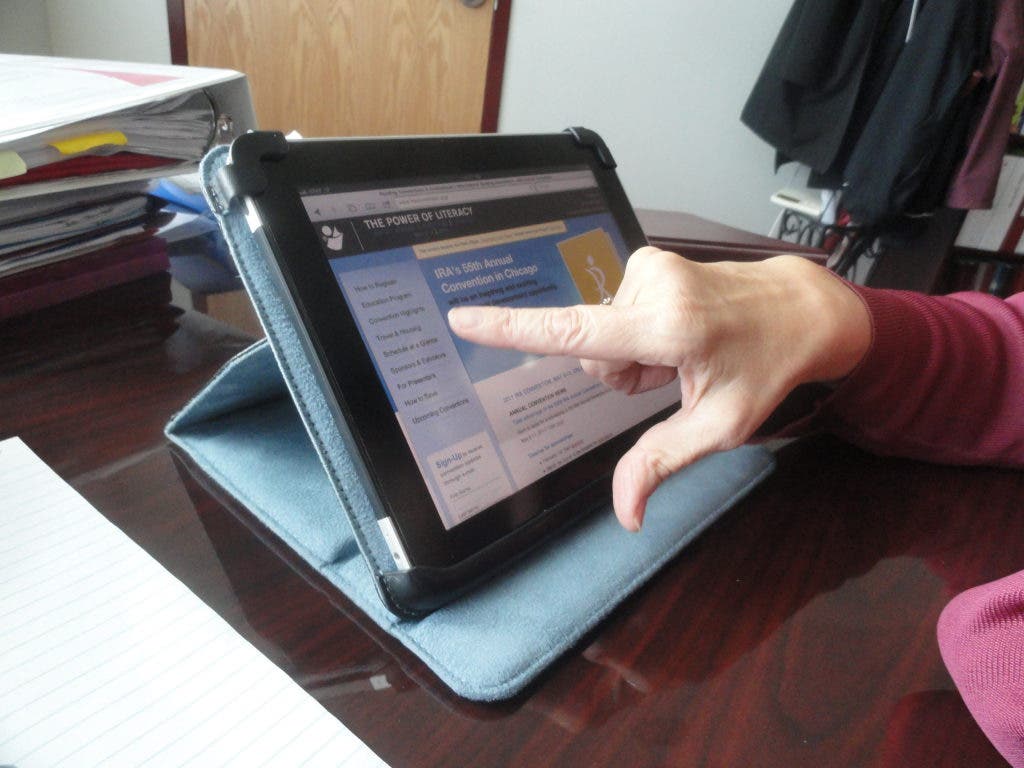
The iPad app Teachscape allows principals to enter classroom evaluations onto the iPad without having a paper trail that would have to be entered again later on a computer.




principal Linda Nook used to sit down at her desk with a massive notebook of calendars, notes from evaluations, curriculum guidelines and everything else a principal should know about his or her school.
She would manually enter information from classroom walkthroughs into her desktop computer.
“I used to get so backlogged with paperwork,” Nook said of the notes taken during classroom walkthrough evaluations. That was until Nook started using an iPad for classroom walkthroughs.
Find out what's happening in Sarasotafor free with the latest updates from Patch.
Now, Nook can walk into a classroom not having to worry about where to sit with her oversized three-ringed notebook. “I’ll just go in the back and use a lab table, pull out my iPad and do my evaluation in five minutes.”
The application Nook and other Sarasota County principals are using is called TeachScape. The app has a master schedule and a curriculum guide (like a syllabus) that allows principals to answer class-specific questions directly into an electronic system without keeping a paper trail.
Find out what's happening in Sarasotafor free with the latest updates from Patch.
While walking through her school, Nook said she might see a classroom doing something interesting and instead of worrying about going to grab her evaluation folder, she can just pop in and do a quick evaluation now that she has an iPad.
She has also ordered Apple's iPad for her five assistant principals.
The purchase was part of a district-wide effort to help principals, assistant principals and district officials become more efficient. According to the distirct, more than 80 school board employees are now using the iPad, which cost the district more than $58,000.
Superintendent Lori White said it is not mandated that school officials use the iPad and not every district official or principal ordered one.
The district purchased the iPads, which employees are allowed to take home with them, but the employees are responsible for any additional purchases such as iTunes or applications.
At the January school board work session, school board member Carol Todd said she wanted to know more information about the iPads.
“Where is the threshold between providing technology that is necessary and not chasing after the newest, the latest, the best, the greatest,” Todd said.
Todd said there needs to be a balance between having what came out yesterday and what is a tool that will help teachers, principals, etc down the road.
Nook said another great part of using an iPad so far, is being able to better keep up with emails.
“I average a couple hundred emails a day, so if I can pick them off two or three at a time either respond or forward, it helps,” Nook said. “In a meeting you are always waiting for somebody. If I can do a couple emails or things like we are trying to look at the math master schedule, I can get the answer and we can move forward. Makes us all so much more efficient.”
Nook cautioned, however, that she has had to learn to put down the iPad and relax.
“I’ll have this sitting on the coffee table at home,” Nook said. “It’s real tempting to check one more email and the next thing it’s 10 o’clock at night.”
Get more local news delivered straight to your inbox. Sign up for free Patch newsletters and alerts.