Weather
5 Ways To Keep Your Smartphone Charged During A Power Outage
Cell phones can burn through their battery life in a matter of hours. Power outages can last days.


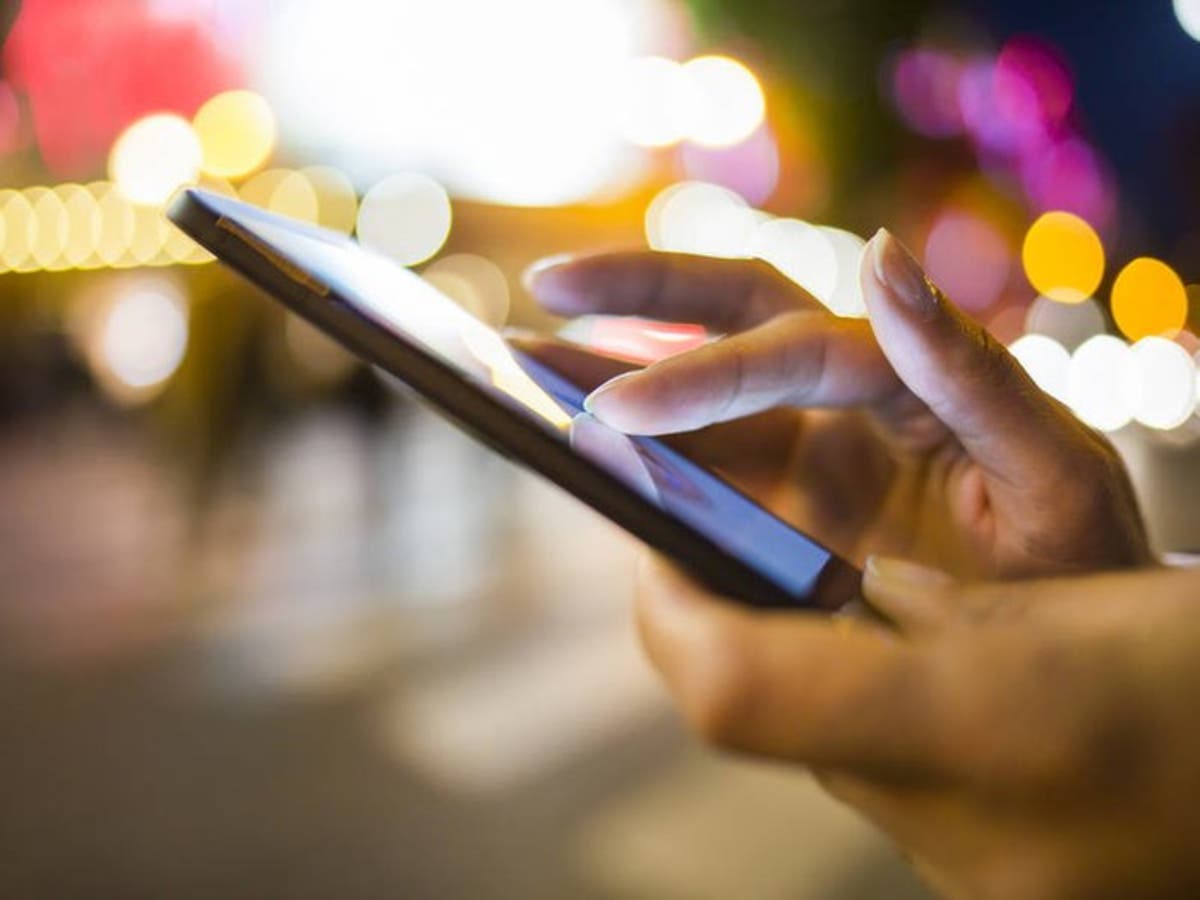
TAMPA, FL -- Cell phones can be a critical lifeline during a storm. But today’s smartphones, with all their cool features and apps, are power-hungry devices. They can burn through their battery life in a matter of hours. Power outages can last days.
With that in mind, AT&T is offering five tips to help keep your mobile devices charged when you need them most:
1. Use a battery backup pack. External battery packs range in size from as small as a lipstick tube to as big as a paperback book. The smaller ones are good for topping off a small smartphone battery, while the larger, higher-capacity packs can keep your phone going for days or be used to charge multiple devices.
Find out what's happening in Tampafor free with the latest updates from Patch.
2. Use a car charger. If you don’t have a back-up battery pack and you lose power at your home, consider charging your smartphone with a car charger. Your car battery will still have life long after your smartphone doesn’t.
3. Use your laptop as a back-up generator. While there’s time before a storm arrives, fully charge your laptop. Then don’t use it. That way, if you lose power, you can plug your smartphone or tablet into the laptop via the USB port and charge it.
Find out what's happening in Tampafor free with the latest updates from Patch.
Patch is tracking every move of Hurricane Michael. Get all the updates on the storm by subscribing to Patch's free breaking news alerts and daily newsletters.
4. Use a power inverter. If you need to power up something a little bigger than your smartphone, like a laptop or tablet, a power inverter might be useful. The inverter can be used to convert DC power from your car battery into AC juice for devices you normally plug into a wall outlet.
5. Extend the life of your smartphone battery. Putting your smartphone in power-save mode reduces screen brightness and turns off the touch key light and vibration mode. Turning off Bluetooth and Wi-Fi and deleting apps you don’t use will also extend your phone’s battery life. And be sure your battery is running super low on juice, put your phone in Airplane Mode. It will prevent you from using your features, but it will save battery power. Also, texting burns less power than a phone call.
See related stories:
Hurricane Michael: Impact Of 'Monstrous' Cat 4 Storm Hours Away
Hurricane Michael: Power Companies Prepare For Possible Outages
Hurricane Michael Speeds Closer; Some Florida Evacuations Ordered
Hurricane Michael: FL Governor Activates 750 National Guardsmen
Hurricane Michael: Airports Close; Airlines Cancel Flights
Hurricane Michael: Tampa Bay Won't Escape Impacts
As Hurricane Michael Nears, Gov. Will Still Join Trump In Orlando
Airbnb Activates Open Homes Program For Hurricane Michael
Image via Shutterstock
Get more local news delivered straight to your inbox. Sign up for free Patch newsletters and alerts.