Neighbor News
5 Tips for Managing Data While Chasing Pokemon
AT&T offers tips for Pokémon Go gamers to avoid unnecessary data charges.
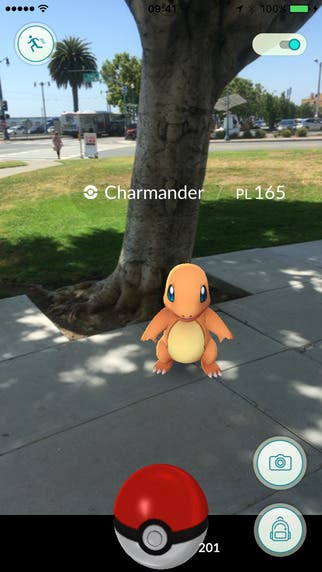
Pokémon Go is everywhere. The latest mobile app craze, which launched less than a week ago, now has nearly as many active users as social media giants like Twitter and Snapchat.
The game uses and augmented reality app and involves players catching and training special creatures called Pokémon. Pokémon Go has people searching malls, woods, churches, stores, even a police department for the little creatures.
But all that gaming can blow through a gamer's data pretty quickly. So here are 5 tips from AT&T for playing Pokémon Go without breaking the bank:
Find out what's happening in Westchasefor free with the latest updates from Patch.
- Keep your WiFi on: When you're logged in to play the game, make sure your WiFi is on and set to automatically connect to any available network.
2. Turn off automatic app updates: If you're worried about going over your data limit, another easy way to cut back is to disable automatic updates.
3. Make sure you close the app when you're not playing: As long as the app is running in the background, your data is being used!
Find out what's happening in Westchasefor free with the latest updates from Patch.
4. Keep your phone charged: Buy an extra battery, a back-up battery pack or carry an on-the-go wireless charger.
5. Monitor your data usage while playing the game: AT&T customers can do this using the myATT app or by dialing *DATA# on their smartphone.
And most importantly, watch where you're going while p