Politics & Government
Frankfort Uses Tech Codes for Public Hearing Signs
Village officials come up with an economic, user-friendly way to pass along zoning information.

At the June 6 meeting, , which he was testing as a way to lessen paper use and increase efficiency.
Before the iPad trial run, Jeff Cook, director of community development and building, did a little research and estimated that if you stacked the board meeting packets vertically for the past seven years, you'd reach the top of the tower.
But that wasn't all Cook had been researching. Another tech-related project involved updating the village public hearing signs, which provide notices to area residents and business owners about proposed zoning changes.
Find out what's happening in Frankfortfor free with the latest updates from Patch.
While Cook and his colleagues knew that the new signs would feature the redesigned village logo, they wrestled with how to make the sign more user friendly within its space limitations.
"We wanted to make sure we got (the public) to the right information—the when, where, what and who," Cook said.
Find out what's happening in Frankfortfor free with the latest updates from Patch.
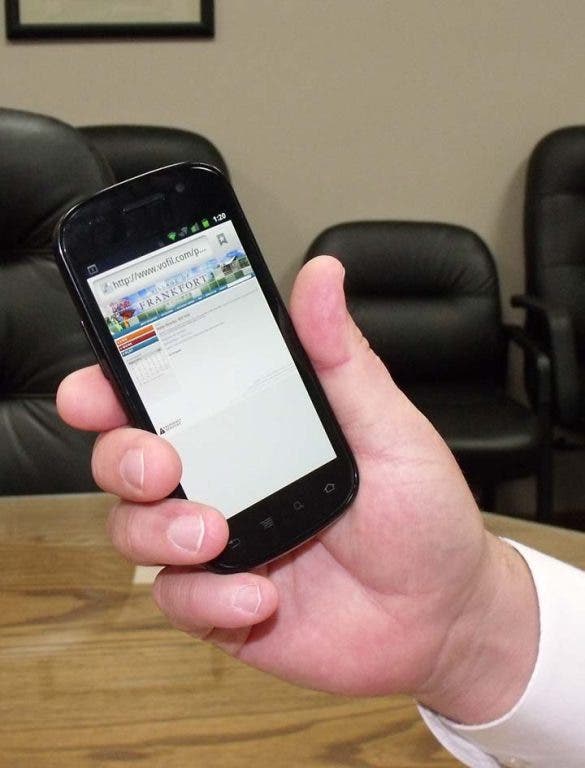
Incorporating technology seemed to be the easy answer, but figuring out how to do that economically with an outdoor sign was a little trickier. Two solutions emerged: First, the village purchased a new, short domain name (vofPH.com) just for public hearings and included the web address and a three-digit reference number on each sign. Second, Cook figured out how to add a QR code.
QR codes—short for quick response codes—are being used more often as quick and easy ways to connect a print reader automatically to a website or other link. All a user needs is a smart phone with a camera. In the case of the village, a user simply photographs the code (a black-and-white box filled with a squiggly pattern) and is immediately taken to the village site for more information on that property.
"We wanted to leverage our website, which is easy to update and maintain," Cook said.
According to Cook, generating the QR code is free and done online. Once Cook had the image saved as a graphic file, he simply sent it over to the sign printer to include in the final design. Interacting with the QR code on the user end is free, as well; all it takes is an app downloaded on a camera phone.
Non-smart-phone users don't need to fret: If the data within the QR code is a phone number or address, a user will be able to see that information. However, if the code requires an Internet connection and your phone doesn't have that service, then you won't.
The best part, though, is that all the updating can be done behind the scenes. The signs, once printed, stay the same, while the reference numbers and codes are reused with only the hearing information changing on the website.
"There are a lot of things that you can build in on the back end that automate themselves that will save people a lot of time and money," Cook said.
"We don't necessarily have all the answers, but asking the questions is the first step in the process," he added.