Neighbor News
How to Plan for an IT Disaster
With Halloween coming up, we want to share how you can avoid a scary IT experience!
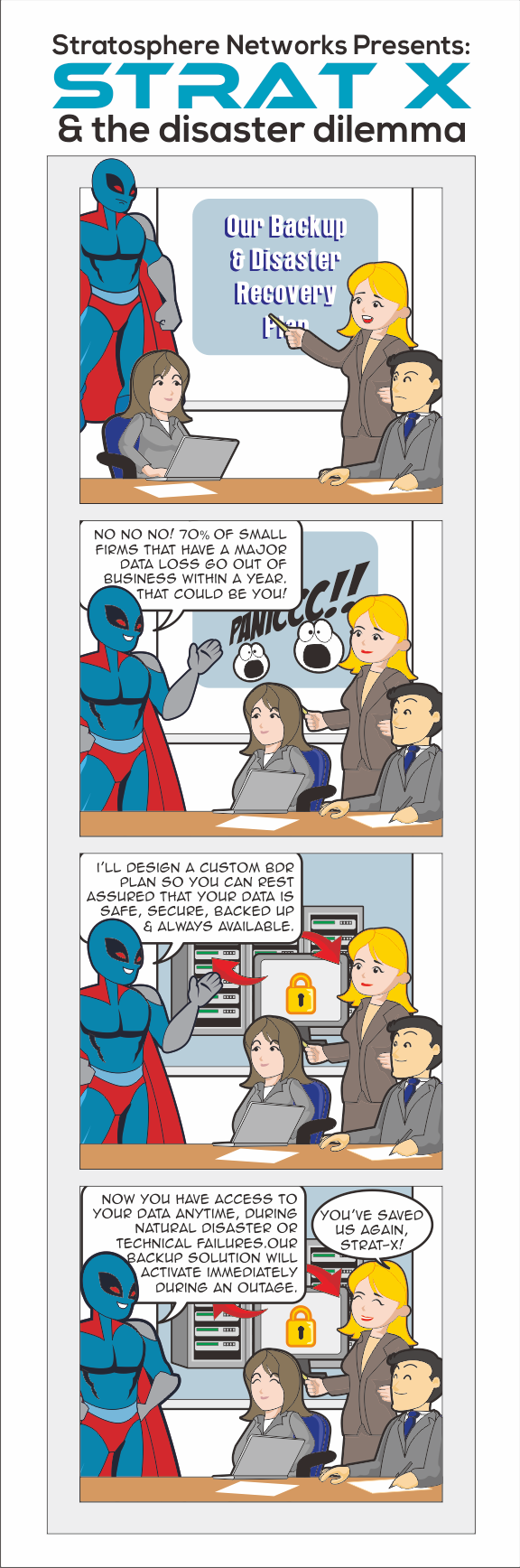
What if you arrive at work to find that all of your servers are down? Or what if there’s a thunderstorm that floods your business? Take it from us, you don’t want to wait for a disaster to happen to create a backup plan. Here are a few considerations to keep in mind:
Know your data recovery needs.
It’s essential to know how your business and customers would be affected should you experience an IT disaster. Would you employees experience excessive system downtime? How you would approach the situation, and what would you tell your clients, customers and employees? These are key questions to revise with your IT department to ensure that you’ll have a quick response should anything happen to your servers and computers.
Know the risks.
Natural disasters may seem improbable, but they do happen. When these happen, there’s no way of knowing what the extent of the damage will be. Creating a plan for each level of severity is key to make sure your business won’t suffer from prolonged downtime. Whether it’s the accidental deletion of a file to complete system failure, it’s good to be prepared and ready to respond to the situation.
Find out what's happening in Lake Zurichfor free with the latest updates from Patch.
Know what the impact of total system failure would be.
What data is most important? How will your IT team respond? What are the chances of system failure and what is the estimated time of recovery? These questions are all essential when creating your backup disaster recovery plan.
Have you ever experienced an IT disaster? Share your scariest technology experience in the comments below!
Find out what's happening in Lake Zurichfor free with the latest updates from Patch.
For more technology and IT tips for your business, follow Stratosphere Networks on Twitter @StratosphereNet and like us on Facebook!
Like this comic? Visit StratosphereNetworks.com for more Strat X adventures!