Health & Fitness
Secure On-Line Banking and Investments
Safe on-line banking and investment management involves understanding and actively using "two-factor authentication".

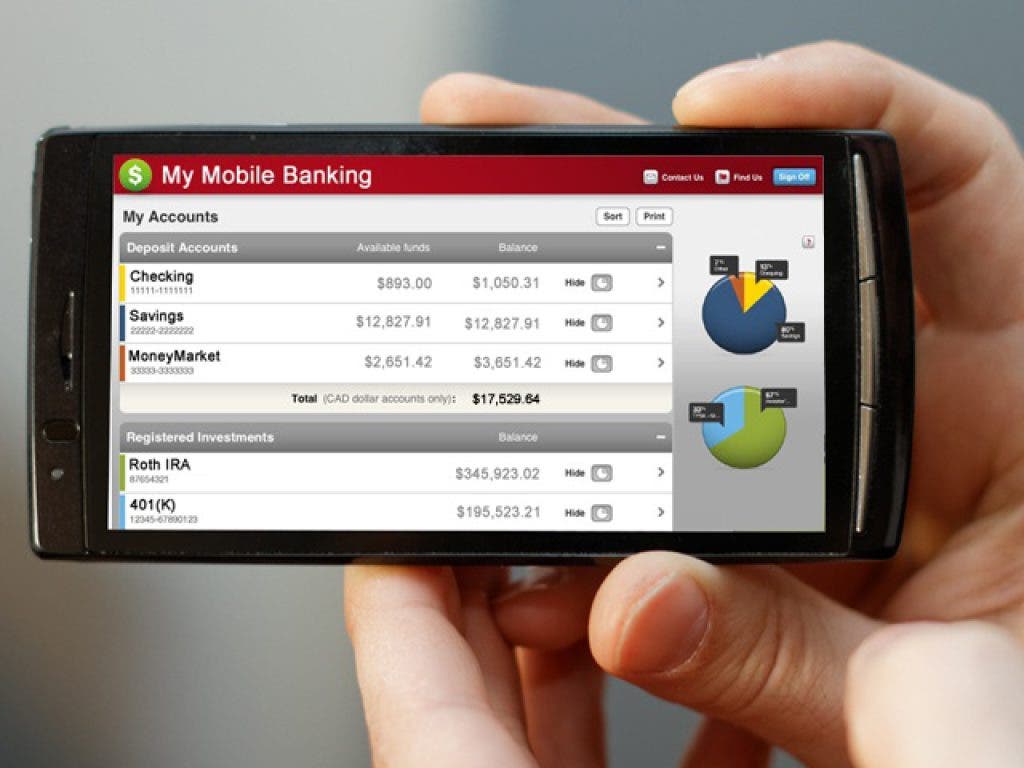
Using computers or mobile devices to access our financial institutions "on-line" has made these activities fast, convienent and easy. But consider the risk, this is your financial data and some institutions allow you access to move these funds around. Personally, I have on-line access to my checking and savings accounts, a 401k, an IRA and a pension through four different financial institutions. It must be a personal priority to exercise additional caution when establishing on-line or mobile access to these types of accounts and clearly understanding the security provided by your financial institution(s).
The Federal Financial Institutions Examination Council recommends that banks and credit unions use at least two forms of verification for access to Internet banking. This verification is called a "two-factor authentication". The options typically include: (1) something you know [e.g. a password, PIN, etc.] and (2) something you have [e.g. computer, mobile device, secure token, etc]. It's very important to understand how this system helps keep your financial data private and secure. Likewise, make sure you clearly understand how your financial institution(s) implements this. This Wikipedia article provides a detailed explanation of authentication factors.
Something You Know. Make sure that your password is at least eight or more characters and combines letters, numerals, and symbols. Never use the same user ID and password for your financial accounts as you do for any other website. Never use your name, birthday, social security number, telephone number or your account number as part of your password. Change this password frequently and never allow your browser or app to remember the password to a financial institution. In the connected world, the humble password is probably the weakest link to your financial security, so make your password a very good one. Here's a couple of good, random password examples: 92D4a!5b8Y or 2gV6h7%4
Something You Have. This dimension can vary greatly from one financial institution to the next, so check this option out very carefully. Some institutions electronically 'register' your computer or mobile device and app as "the owner". Others use a code sent to your registered mobile device as a SMS text message. Yet another option may be a smart (USB) card or a secure token device issued by the financial institution. Some may simply require the PIN to your bankcard (ATM or a debit card). Usually a financial institution will only offer one or two of these options, so carefully consider the protection that you are offered. I prefer to use a secure token, but typically only the larger financial institutions offer these devices.
Technology is great and often very convenient. However, It's one thing to use your spouse's birthday as your Facebook password, but it is certainly not prudent to use that password to protect your on-line financial account. Never take short-cuts with your financial accounts. Understand what "two-factor authentication" system your bank uses and make sure you feel it adequately protects your financial accounts and personal data!
Here a few other important mobile security practices:
- Always log-off from your bank when you are done
- Turn-on automatic device locking and set a password
- Turn on WiFi encryption and avoid using unsecured networks
- Install an anti-virus app approved by your device manufacturer
- Keep your device's operating system and apps current
- Avoid clicking links in SMS & email unless you know the sender
- Keep Bluetooth devices out of discovery mode when not in use
- Never leave your mobile device unattended
- Delete all information stored on a device before changing owners