Community Corner
How to Post Your Events on Havre de Grace Patch
Have something to share? Post it here!


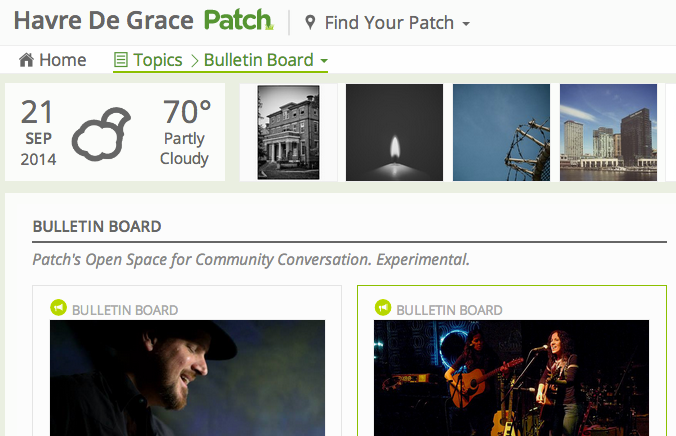
Havre de Grace Patch has undergone a bit of a makeover recently, so there’s a new way to share information.
Here’s how to post everything from events to photos to letters to the editor on Havre de Grace Patch:
- Sign in to your free account at Patch —http://contribute.patch.com
- Click “+ Create Article” in the upper right corner of the page.
- Your category is Bulletin Board.
- Assign your community in the right corner of the page. Start typing “Havre de Grace,” and it will appear; click the name to “assign it.”
- Enter your information and upload one photo. Make sure it says “image received” under the photo box. For best results, your photo should be under 2 MB. You won’t be able to preview the photo until it publishes but you can always go back and change it.
- Click “Publish” — Your article is automatically approved and will be posted on the site! It may take a few minutes for it to appear.
Thanks for sharing your events and thoughts on Havre de Grace Patch!
Find out what's happening in Havre de Gracefor free with the latest updates from Patch.
By subscribing, you agree to Patch's Privacy Policy and Terms of Use.
Get more local news delivered straight to your inbox. Sign up for free Patch newsletters and alerts.