Health & Fitness
Myth Busting: Four Common Computer Virus Misconceptions
Common computer virus misconceptions and how to keep your computer safe online.
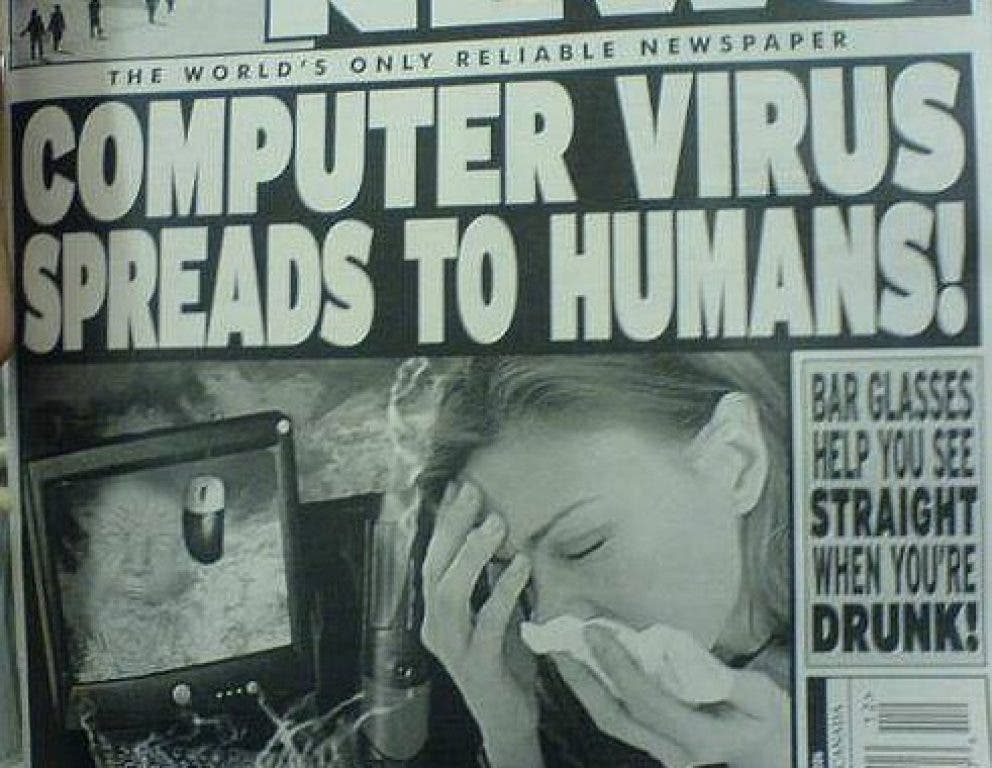
It's a mad, mad, world out there.
Throw in the anonymity and international legal loopholes of the Internet, and we've got something akin to the wild west. But let's face it: Those electronic devices we are growing more and more dependent on just aren't all that useful unless they are connected to the Internet. So I have resigned myself to the fact that 90% of new clients walking in the door are looking for a virus removal.
Here are the 5 most dangerous pieces of folk wisdom I hear from the public, as well as a better approach to dealing with the dangers of a global network.
Find out what's happening in Burnsvillefor free with the latest updates from Patch.
Myth #1: Two Anti-Virus Programs Are Better Than One
When most people realize they have an infection, they use what functionality they still have left to try and remove it themselves. This is the smart thing to do. Quick action with the right tools will rid your computer of most infections. If your first attempts fail, however, the next step should not be downloading or installing additional anti-virus programs in hopes that they will be more effective.
I commonly find up to 30 different "cleaning" programs installed on infected computers. While a good removal plan will attack a virus from multiple fronts, it is important to avoid running more than one "real-time" protection. Any program that is constantly running, intercepting programs that you run to scan for a known virus is a "real-time" protection program. More than one of these programs running can be like having no protection at all.
Find out what's happening in Burnsvillefor free with the latest updates from Patch.
Myth #2: A Virus Deleted All My Files And Broke My Computer
While it is certainly possible that a virus could delete your files, or cause actual physical damage to your computer, it is inconceivably rare.
Virus writing is a business that aims to make the most money by infecting the largest number of computers. A broken computer doesn't make them any money, so they avoid disabling the computer altogether.
Sometimes the aim is to hold your computer hostage until you give up some financial information in hopes the virus will remove itself. The most common of these schemes is the "fake antivirus" scam. Once infected, your computer appears to have the software necessary to remove the infection, if you just plug in your credit card number for the full version of the software. Screen capture examples are available here, here, and here.
Another common trick is to "hide" all the files from the user to make them think they've lost everything. Simply setting a "show hidden files" flag reveals that they are safe and sound. After performing thousands of virus removals, I have yet to encounter a single one (in the wild, at least) that has deleted the computer owners files, or one that has done physical damage.
Myth #3: Good Protection Costs Good Money
I always recommend a free anti-virus program that scores well against the subscription-based programs, partly because I know a good deal when I see one and partly because a client who knows you don't have to pay for anti-viral protection will not accidentally give their credit card info to a fake anti-virus program. AV-Comparitives, an independent lab that regularly tests antivirus programs against threats, publishes their results both publicly and regularly. Some of the free programs regularly outscore their more popular commercial counterparts.
Myth #4: I Don't Get Infected. If I Did, I'd Know
You don't have to go exploring the seedy underbelly of the Internet to get infected. Clever ad placement will stick an infectious payload into many popular sites, and a little hacking is all that is needed to do the same on sites that don't even host ads. Many of these infections will place your computer on a botnet, which is a large group of computers that can pool their resources to give their controller vast amounts of computing power and Internet bandwidth.
While the number of silently infected computers varies from day to day, as many as 400,000 computers have been observed working towards the nefarious goals of their infector. The longer their virus remains hidden, the longer your computer remains part of their army.
It Can't ALL Be Doom And Gloom!
All the nasty tricks aside, regular maintenance, good computing practices, and a hint of paranoia can go a long way towards keeping your virus exposure to a minimum.
Just be careful not to trust everything that guy next door tells you. The technology landscape changes frequently, and unless you are in the trenches going head to head with these virus creators, you'd never know it. The three programs that I recommend most often for a worry free Internet experience are linked below.
Microsoft Security Essentials (free real-time scanner / fully uninstall all other antivirus)
MalwareBytes Anti-Malware (free without real time scanner component)
CCleaner (free, like all of the other great tools made by Piriform)