Health & Fitness
Smartphone & Tablet E-Mail Made Easy
Managing e-mail with multiple devices can be a challenge, but these tricks can make it easy.
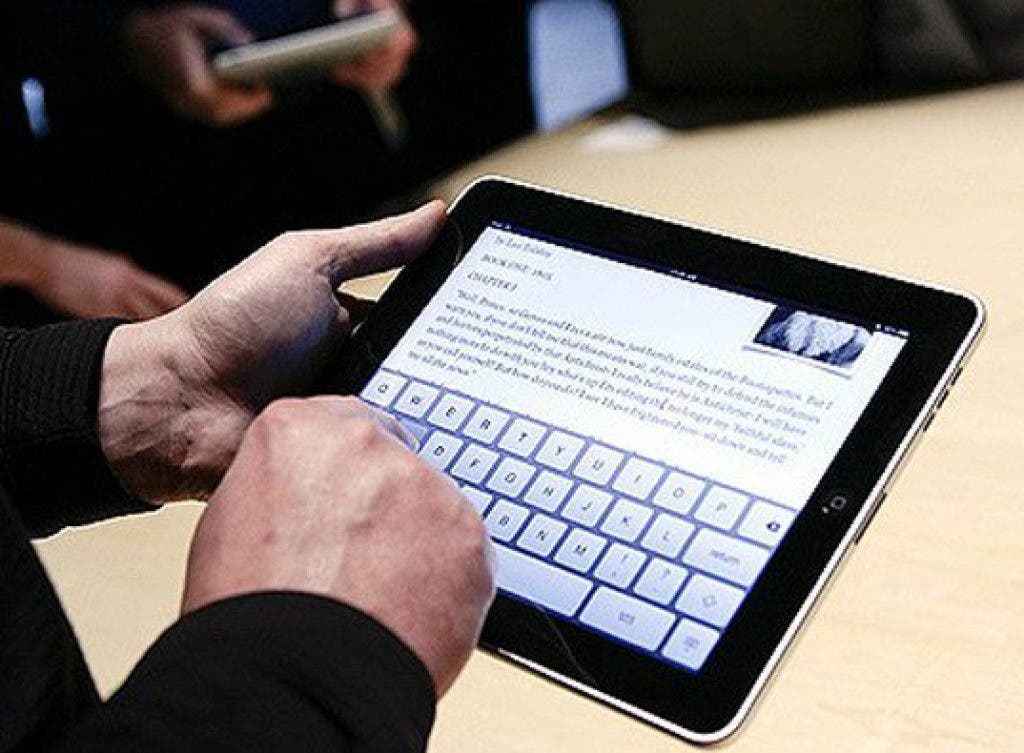
E-mail has been one of the most widely used technologies since the birth of the Internet. Like all technology, it has evolved in some useful (and frustrating) ways. A reader recently posed a question about these changes.
Q: Whenever I check my e-mail on my computer, they disappear from my phone! Worse yet, sometimes my phone won't even connect in the first place if my computer is on. What do I do to fix this?
It wasn't that long ago that most people had one place they checked their messages, but that has quickly changed. At the end of 2011, Nielsen estimated 44 percent of US consumers owned a smartphone, compared with only 26 percent in their 2010 survey. Add to that the roughly 10 percent of consumers using tablet computers, and that makes for quite a few secondary devices.
Find out what's happening in Burnsvillefor free with the latest updates from Patch.
Why the old way doesn't work:
The culprit in the caper of the missing messages is POP. POP stands for "Post Office Protocol" which is a pretty accurate description of how it works. Your ISP acts as the "Post Office" and holds your messages for you — until you pick them up. One major limitation is that only one device can connect to the "Post Office" at a time, resulting in connection errors periodically for multiple device users. The first device to grab your messages also deletes them from the "Post Office."
This presents two problems. First, if you check the "Post Office" for messages from another device, it will be empty. They already gave your mail to your primary computer. The second problem is that your messages exist in only one place after they are downloaded, a big no-no for backup policies. The computer serving as the "Post Office" likely has backup generators, multiple connections to the Internet, and layers of redundancy the average home user could never hope to afford.
Find out what's happening in Burnsvillefor free with the latest updates from Patch.
How to fix it:
The solution is to treat your ISP not as a post office, but rather as the storage area for messages. To do this, you can simply reconfigure all your POP devices to use IMAP. IMAP stands for "Internet Message Access Protocol" which, remarkably enough, is yet another pretty accurate description of how it works. Your messages are stored on that expensive, reliable, server your ISP owns, and all your devices just access them remotely.
There are other advantages to this method besides the reliability of the server and the flexibility it gives you with multiple devices. IMAP allows you to manage your messages in folders right on the server. Once you've organized everything from your e-mail program, every other device will have access to your newly organized messages. This can be especially useful when trying to find a specific message using a slower 2G or 3G smartphone.
Most ISPs will allow both POP and IMAP access to your e-mail. Some do limit the amount of storage you are allowed, however. If you aren't great at deleting your old messages, you can run into that limit, but there is a simple workaround for that, too. GMail, the free e-mail service operated by Google, allows very large mailboxes. You can access these mailboxes using IMAP instead of the gmail.com web interface. This makes cleaning up your old messages a snap in most e-mail clients. Simply drag and drop into a folder into your free Gmail account, and your messages are moved to Google's expensive, reliable server.
For those readers that are concerned about IMAP as a new technology, have no fear. Both POP and IMAP are downright geriatric in terms of technologies. While POP has been around for 28 years, IMAP will be celebrating its 27th birthday in 2012 as well.
If you have any technology mysteries you'd like solved, e-mail the author at patchblog@budsandbytes.com