Neighbor News
Beat the Freeze: Extreme Cold Can Harm Smart Devices
UScellular Offers Tips to Keep Smart Devices Functioning in Cold Weather
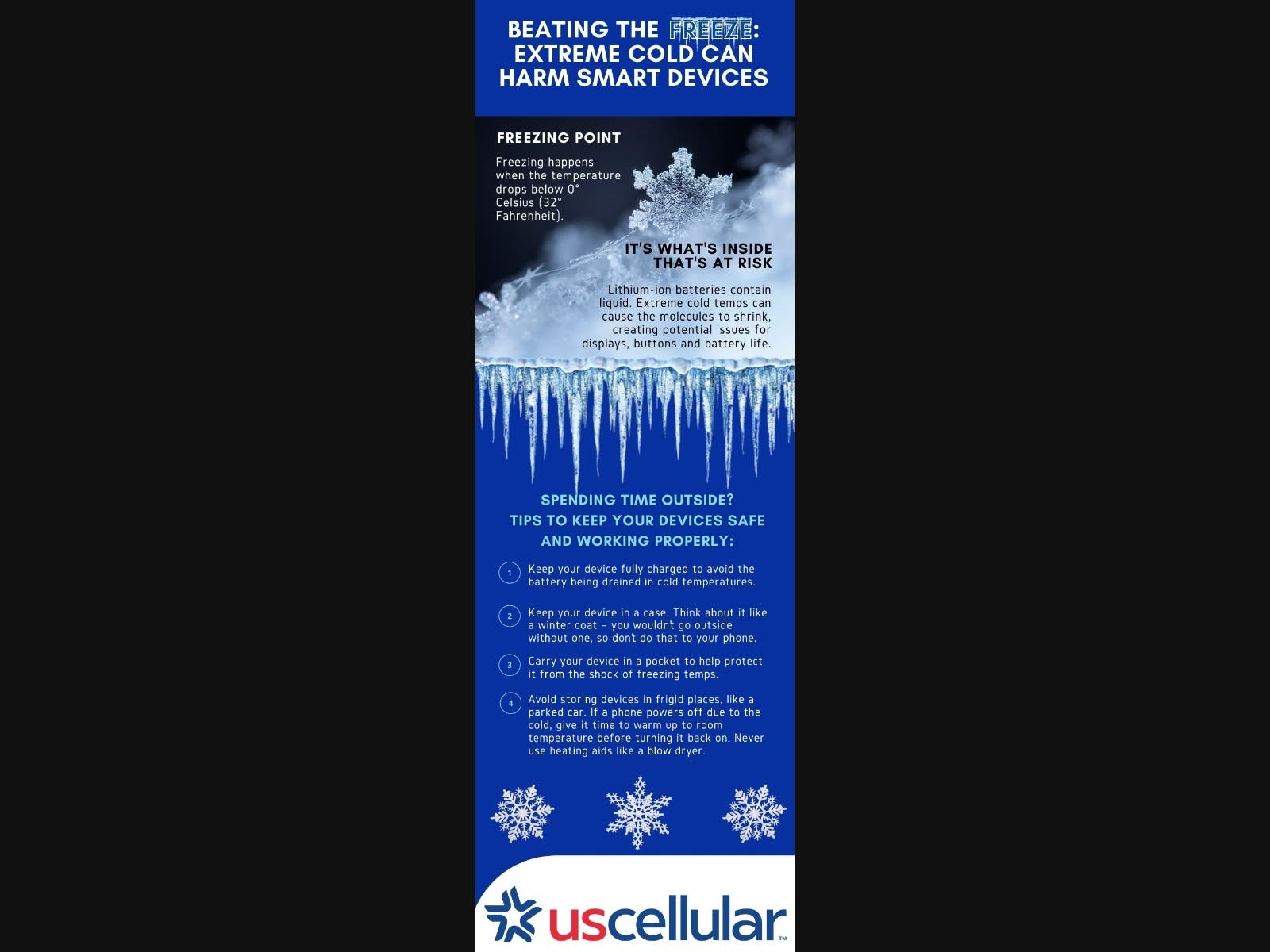
With temperatures dropping, UScellular wants to inform the public of the potential impact extreme cold temperatures can have on smartphones.
According to the wireless carrier, it is the lithium-ion batteries in smartphones and other connected devices that often create an issue in cold temperatures. Lithium-ion batteries contain liquid. When extreme cold temperatures are introduced, the molecules shrink, which causes potential issues for displays, buttons and battery life.
“We typically think of hot temperatures causing issues for smart devices, but extreme cold can do the same. Anything below 32 degrees is going to start slowing down your phone,” said Joe Cabrera, director of retail sales and operations for UScellular in Missouri and Kansas. “We use our smart devices for nearly everything these days, so it’s important to keep them protected in extreme temperatures, so they maintain their functionality.”
Find out what's happening in Springfieldfor free with the latest updates from Patch.
With cold temperatures in the forecast this week, UScellular recommends the following tips to keep your devices safe and working properly:
1.) Charge your device. Because battery power can be reduced in cold temperatures, it’s best to keep your device fully charged to avoid the battery being completely drained in outdoor temperatures. A portable charger, such as the Ubio Labs 4-in-1 Portable Charger, is a good thing to carry.
Find out what's happening in Springfieldfor free with the latest updates from Patch.
2.) Keep your device in a case. Think about it like a winter jacket. You would not go outside without one, so don’t do that to your phone. When it comes to protecting your phone, a case, such as the OtterBox Defender Case, is a first line of defense. It can create a barrier between your device and the outside elements.
3.) Keep your device in a pocket. Humans are a natural source of heat. When you are out in the cold, try to keep your device in a coat pocket rather than in a purse or bag. This will help protect the device from the shock of the freezing conditions.
4.) Let your device warm up before you try to use it. For optimal performance, users should avoid storing devices in frigid places, such as a parked car. If a phone powers off due to the cold, give it time to warm up to room temperature before you hit the power button. You should never use heating sources, such as a blow dryer.
About UScellular
UScellular is the fourth-largest full-service wireless carrier in the United States, providing national network coverage and industry-leading innovations designed to elevate the customer experience. The Chicago-based carrier is building a stronger network with the latest 5G technology and offers a wide range of communication services that enhance consumers’ lives, increase the competitiveness of local businesses and improve the efficiency of government operations. To learn more about UScellular, visit one of its retail stores or www.uscellular.com. To get the latest news, promos and videos, connect with UScellular on Facebook.com/uscellular, Twitter.com/uscellular and YouTube.com/uscellularcorp.