
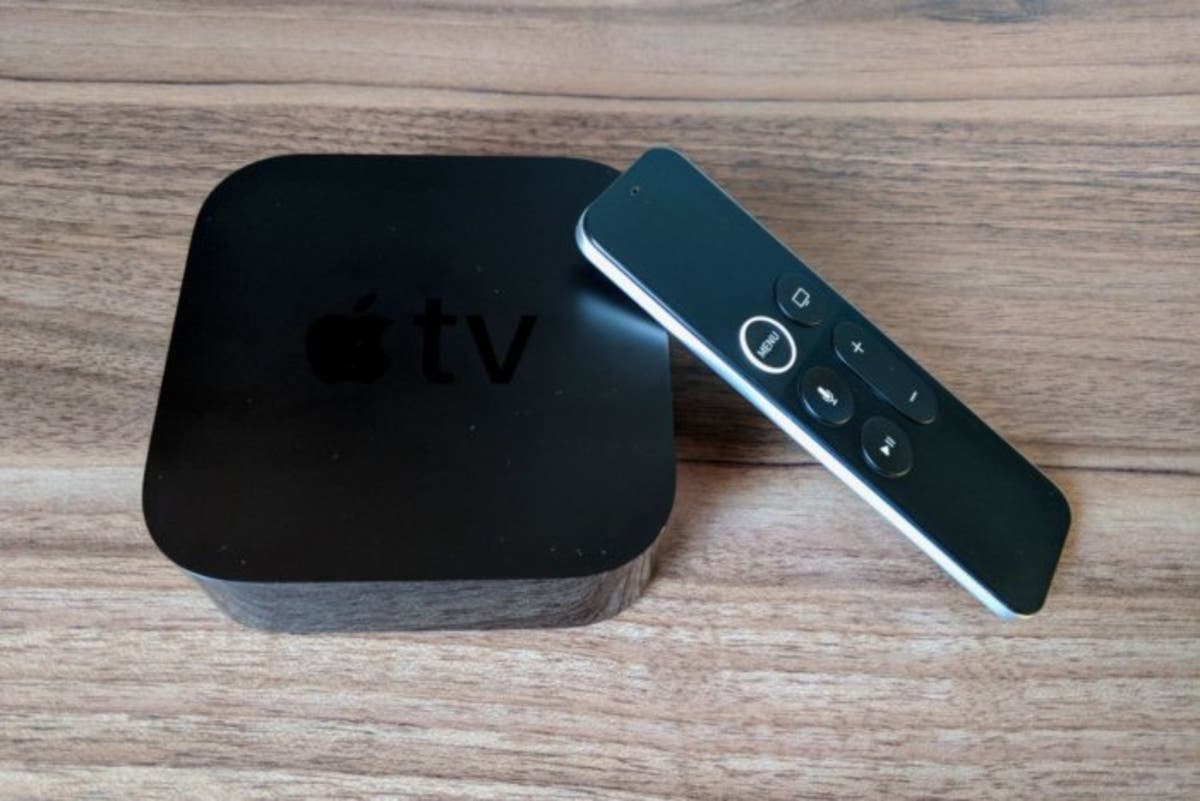
Andy Raynor NH - Just after releasing iOS 11.2, Apple has renovated the long overdue Apple tvOS to tvOS 11.2. You can download it now on the Apple TV 4th gen and Apple TV 4K, by navigating to System > Software Update.
This update adds two exciting upgrades. Importantly, the TV app now has a Sports tab, FINALLY. You can pick your teams and see their schedules, live games, and scores. Go to Settings > Apps > TV to turn off sports scores to avoid a spoiler.
On the techy side and perhaps more important for those of you with the new Apple TV 4K, there are options in the Audio & Video section of Settings to match the dynamic range and frame rate of 4k content. As originally shipped, the Apple TV 4K would convert all content, regardless of whether it was HDR or SDR and no matter its frame rate, to 60Hz HDR on supported TVs, eliminating the 4k viewing experience. The goal was to eliminate the flickering and HDMI handshake errors that sometimes crop up as TVs switch modes, but some users found that it also introduced corrupted colors and frame pacing problems.
Find out what's happening in Portsmouthfor free with the latest updates from Patch.
Now, you can optionally allow the Apple TV to switch its output to standard dynamic range for non-HDR content, and to output the content’s exact frame rate (useful for 50Hz international content or 24Hz movies).
With all the new international streaming, including Netflix new series Dark, this upgrade is sure to make Apple TV and 4k sets a match made in high def heaven!

