Neighbor News
Overview of Woo Sports
The WOO is a motion sensor designed to capture and visualize your kite boarding session.
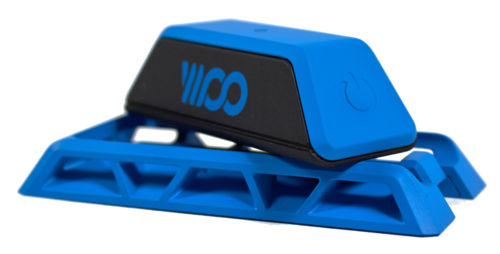
1. Clip it.
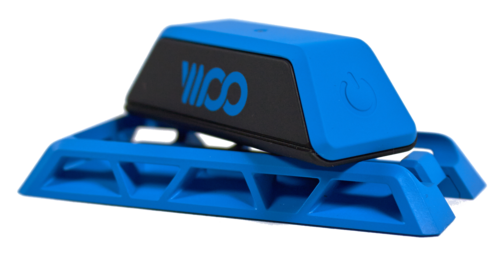
The WOO clips directly onto your board using an included mounting plate. Attach the plate to your board using the adhesive back or the screw tap in the center of the plate. Then simply clip the WOO in, press the power button, and you’re ready to pair the sensor with your phone.
Find out what's happening in Syossetfor free with the latest updates from Patch.
2. Start your session.
Find out what's happening in Syossetfor free with the latest updates from Patch.
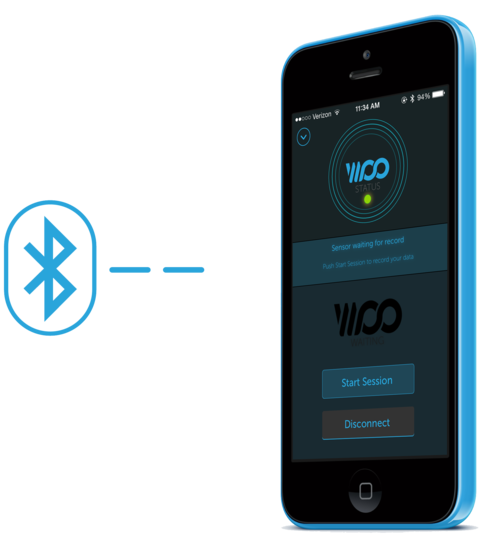
Use the WOO iOS app to initiate your session. The app tells the sensor to start recording, allowing your phone to stay on the beach while you head out to ride.
3. Go ride!

The WOO records motion while you ride, calculating jump height, airtime, and g-force on landing.
4. Sync Up.
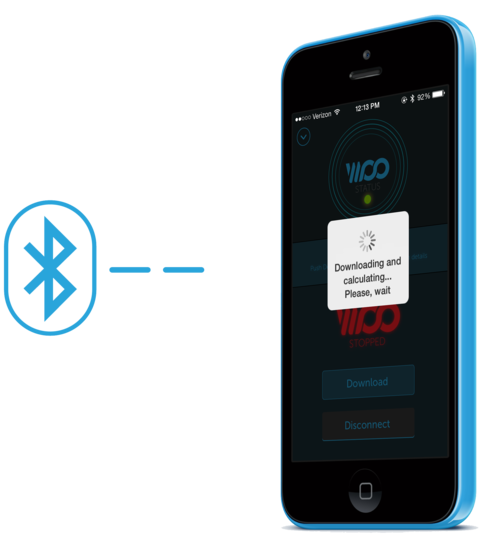
When you’ve back on the beach, grab your phone and download your session data. The app processes all your airs and reveals the highlights of your session.
5. Share.
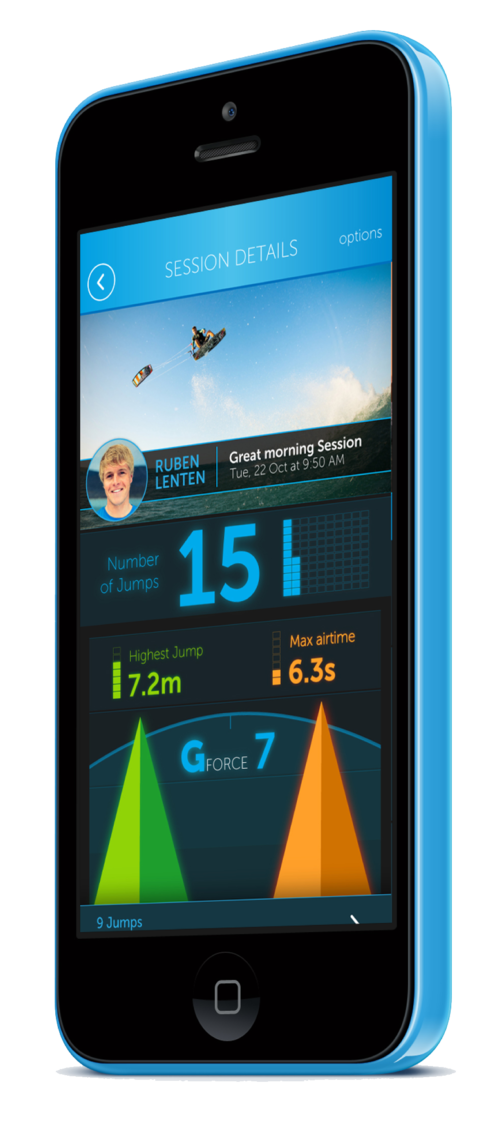
Add a few details to your session summary - a session name, your riding location, a photo from the beach - and post your update to the global feed.