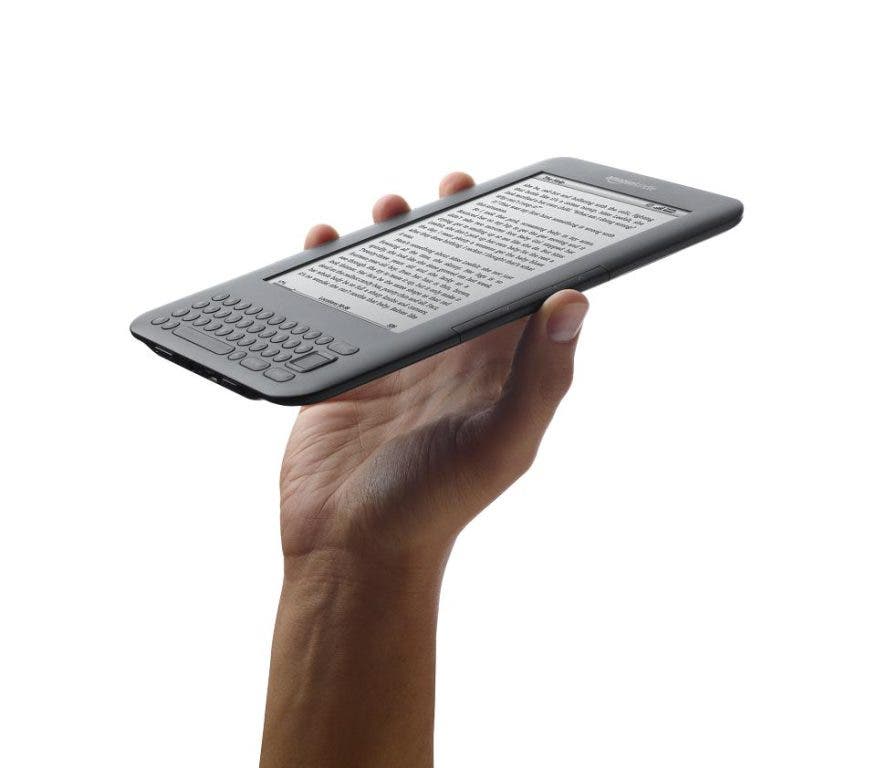
This informative demonstration will take you through the process step-by-step fordownloading library eBooks to your Kindle reader. We’ll answer all your questions after the demonstration. You do not need to bring your reader. Please
be sure you have a valid library card and an Amazon account before you registe rfor the program. You may register online through the library’s website: www.northlandlibrary.org/news./calendar.html or by calling the adult reference desk at 412-366-8100, extension 113.