
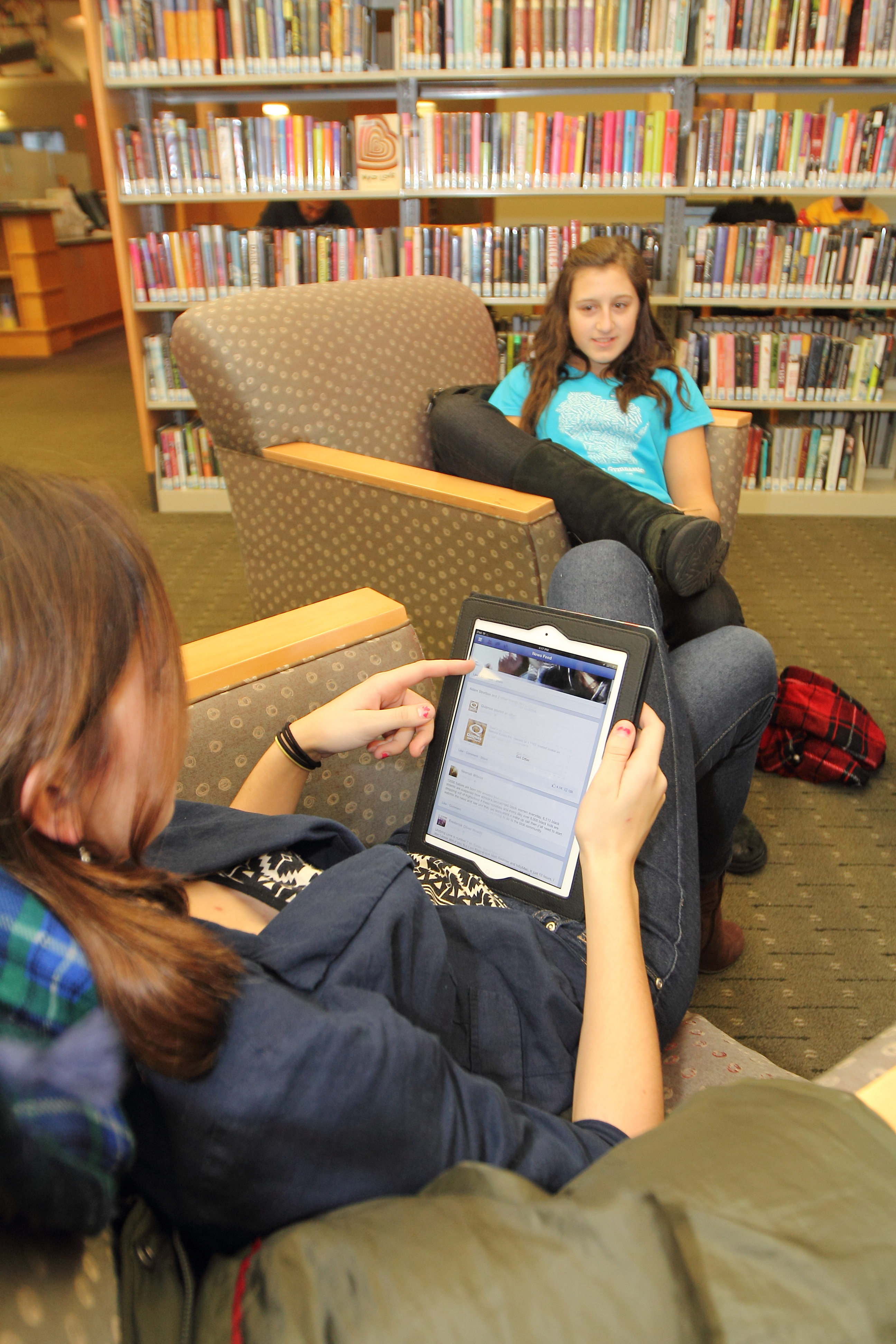
Picture this: you want to make a dessert with summer's best fruits. You recall seeing a recipe featured on the cover of a magazine at the grocery store, but magazines aren't in the budget these days. So you head to the Shorewood Library website and within moments you've got the magazine, and the scrumptious recipe with pictures, up on your computer screen. And it was free!
How? The answer is e-reading: digital books and magazines available to you at no charge through the library. The library has always been a place for you to check out items without cost, and now you can get them right from your kitchen (or any other room you find yourself in when the need to read strikes).
Easy E: How to Get E-Reading
In order to use e-books and magazines, you need two key things: an email address and a valid Milwaukee County library card with a PIN. (For more on creating a PIN please see the tutorial here.) You can read library e-books and magazines using:- your e-reader or tablet
- your mobile phone that connects to the Internet (smart phone)
- your home computer
- Shorewood Library's PCs or laptops
- Wisconsin Digital Library: e-books and digital audiobooks
- Zinio for Magazines: digital magazines
- Shorewood Library Nooks: pre-loaded with bestseller e-books
Wisconsin's Digital Library
What it is: As a Wisconsin public library patron, you have access to the Wisconsin Digital Library, a state-wide shared collection of e-books and digital audiobooks.Get started: Visit the Digital Library online to browse what's available. Sign in to your account by typing in the name of the library that your card is from (whether Shorewood or another Milwaukee County library), and your library card number and PIN.
Helpful Tip: Pay attention to the format books are offered in. Kindle Books can only be read on Kindles or using the Kindle app, for example. Books that list OverDrive READ as a format can be read right in your Internet browser.
Zinio for Magazines
What it is: An online tool that lets you read Milwaukee County Federated Library System's collection of digital magazines.Get started: Go to CountyCat online and choose Zinio Magazines from the E-Books & Databases menu to get to the Zinio start page. There you will find a great tutorial about using Zinio. You can read your magazines right in your Internet browser, or get the Zinio app on your phone or tablet to read on the go!
Helpful tip: You will be prompted to create two separate accounts: one to access the library system's collection of magazines, and one to use Zinio itself to store and read your magazines. You can make these accounts have the same log-in info, so once you get set up access will be easy.
Shorewood Library Nooks
What it is: A Nook is an e-reader, and ours come loaded with bestsellers, both classic and contemporary, that we think you will like.Get started: Come check one out! You don't need to be a tech whiz to use a Nook. You check it out for three weeks, so take it on your vacation or just spend that time getting to know whether e-reading is right for you.
Helpful tip: You can't request our Nooks through the online catalog, so if you are interested ask a librarian to place a request for you.
This is just a brief introduction to e-reading at the library. If you have more questions about it, please ask a librarian over the phone, in the library, or via email. (We'll answer your questions about print books/magazines, too.)