Neighbor News
Top 10 Productivity Mobile Apps of 2014 According to Google
Google released the best productivity mobile apps for Android for 2014. Here's a list of each of them.
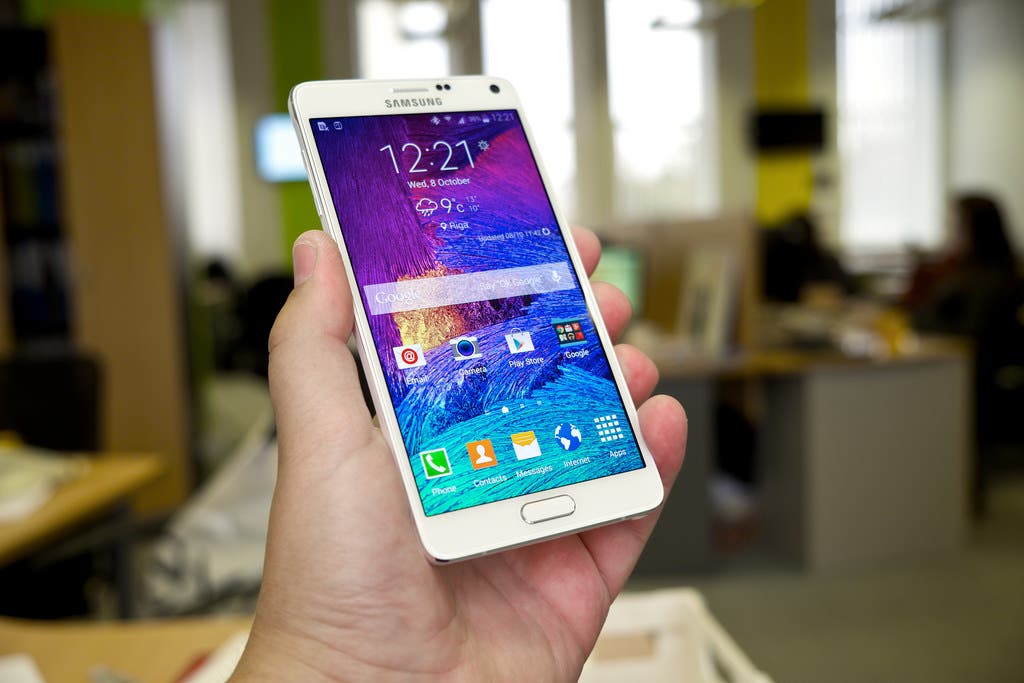
Google recently released the best mobile apps of 2014 for Android, and categorized the mobile apps based on their usage.
From the 1 million apps available on Google Play Store, they narrowed it down to at most 11 best applications for each category. Some of them are well-known already, while others are new but already making waves due to its functionality.
Here’s the list of the best productivity apps you can find at the Play Store today:
Find out what's happening in Baldwin Parkfor free with the latest updates from Patch.
1. Wunderlist: To-Do List & Tasks
Described by Lifehacker as the best to-do list manager, Wunderlist allows you to jot down the things you have to do, places you have to see, school stuff you have to do, and pretty much any idea that crosses your mind. The app is available multi-platform so you can easily view your lists on your tablet, laptop and mobile phone. It was selected as Google Play Editor’s Choice and mentioned in high-profile magazines such as The Verge and The New York Times.
2. SwiftKey Keyboard
Users can easily speed up the typing process with the help of the SwiftKet Keyboard + Emoji. The smart keyboard predicts what you’re going to type next based on previous uses. It also supports emojis and smarter auto correct. The app is available in over 80 languages. It can also be viewed in 30 layout designs available in multiple devices.
Find out what's happening in Baldwin Parkfor free with the latest updates from Patch.
3. IFTTT (If This, Then That)
Working on a very simple algorithm of If This, Then That scenarios, IFTTT makes the complicated world of technology simple. You can manually sync numerous apps, called channels, such as Facebook, Twitter, Instagram and more with other channels. The connection between the two channel are called Recipes, and they simplify the effective use of technology. Recombu lists some of the best thought-out Recipes out there
4. Sunrise Calendar
You won’t miss another meeting or your friend’s birthday with Sunrise Calendar. Though it’s free, many appreciate that this one has no ads. It’s compatible with Google Calendar and you can also sync it with Facebook. Sunrise has some amazing features such as it displays time in plain language (e.g. ‘Dinner with friends at 7pm!’) and easily accesses information from Google Contacts, LinkedIn and Facebook. Inputting the location of your meetings automatically alerts the app to provide useful direction on how to get there.
5. Todoist: To-Do List, Task List
This personal task manager can be accessed across multiple platforms such as tablet, desktop, browser and mobile phone. It has been praised by the likes of The New York Times, Android Police, Lifehacker and other magazines as one of the leading to-do list app for Android. Users can use Todoist even when offline, but automatically updates it to the cloud once the user goes online. They can also easily integrate their to-do lists with Dropbox and Google Drive.
6. Mailbox
Viewing your email has never been more efficient with mailbox. Users can easily swipe mails to archive or trash, and emails can be snoozed for later so they can return to your inbox when you’re ready to view it at a later time. Conversations in email can also be viewed in chat-like format. Mailbox is often raved as the best email management app in the market and for a good reason. It’s UI makes everything seem a lot easier.
7. Offtime – Life Unplugged
When you rush essays for school or cram office reports, you try to avoid getting distracted by the little things including a text message or a phone call. Offtime allows user to unplug, especially during crunch time. Users can customize profiles to block emails, text messages and phone calls, and make exceptions for important people. If missing out on important calls is your worry, there’s an activity log that allows you to see who tried to reach you when you were unplugged.
8. Rundavoo
Rundavoo helps users organize activities with friends and co-workers. The user can simply set up a date and venue of meeting and friends can input their suggestions as well. Besides organizing events, the user will also be free to explore popular places and view reviews on Yelp. Using OpenTable, they can also book venues with Rundavoo. This mobile app also integrates well with your calendar.
9. Money Tracker by BillGuard
This mobile app can be the lifesaver of those who struggle with budgeting money. It doesn’t just track your spending, but also alerts users of data breach and fraud. The fraud alert is location-based and alerts the users when his card is used in a store or an ATM when he’s not there. It also detects sneaky charges and hacking. Money Tracker provides a bite-sized money tracking interface that lets users sort spending by category.
10. SlideShare Presentations
The SlideShare mobile app lets you view presentations on your mobile app and not just on your browser. You can view stunning visual presentations anywhere you go. The mobile app lets users bookmarks presentations, too. What’s great about this mobile app is that it lets users follow top companies so they’ll be notified whenever they upload presentations. Users can even share on their social media accounts the presentations they find useful.
Though you really can’t breeze through anything in life, there’s no point denying that these apps have made life a lot easier.