Community Corner
Pay Your Parking Meter From Your Phone
Avoid parking tickets by setting a notification that your session is about to expire and add extra time, if needed. Download the app.

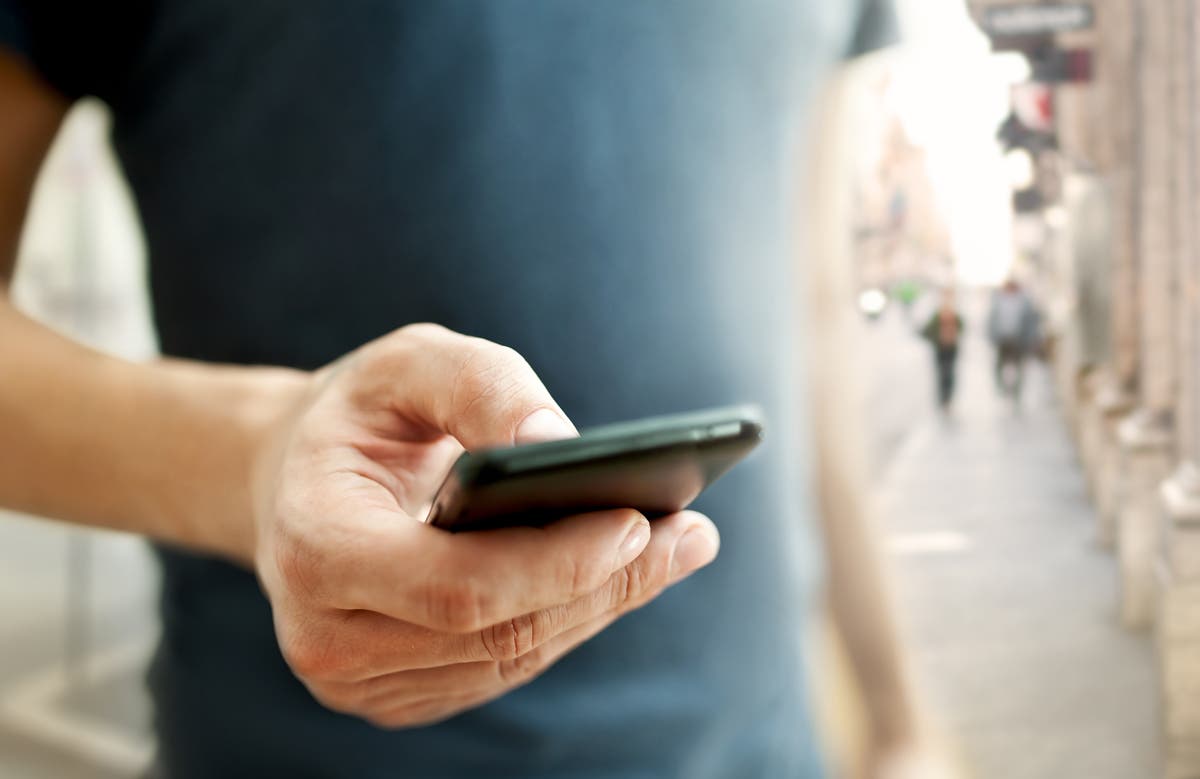
BERKELEY, CA — You can now pay for parking at any of the City of Berkeley's parking meters or pay stations using your cell phone.
Using the Parkmobile app, users can also sign up for notifications when a paid parking session is about to expire. You can also add time remotely without returning to the meter if within posted time limits.
To create an account or start a parking session, download the Parkmobile app from the Apple or Android stores, or visit Parkmobile.io. Customers who don't use a smartphone may also use the service by calling 1-877-727-5718. The process is faster if you've signed up in advance online.
Find out what's happening in Berkeleyfor free with the latest updates from Patch.
Upon finding a parking space, customers can enter the appropriate zone code for their parking space, which is located on bright green decals on the meters or pay stations. Customers enter their desired length of time and confirm their vehicle license plate and payment method to begin a parking session.
The Parkmobile payment option is provided at no cost to the City, so the service provider adds a 35 cent user fee per meter transaction to cover costs. For more information, visit the City's parking meter page.
Find out what's happening in Berkeleyfor free with the latest updates from Patch.
The meters themselves don't change their displays after the phone transaction is complete. However, Parking Enforcement Officers are able to check payment status on their wireless handheld devices and will not cite vehicles that have paid using the Parkmobile service.
-Image via Shutterstock
Get more local news delivered straight to your inbox. Sign up for free Patch newsletters and alerts.