Neighbor News
Top Mobile App Testing Challenges
Top mobile app testing challenges are the key obstacles QA teams face in ensuring apps work across devices and networks.
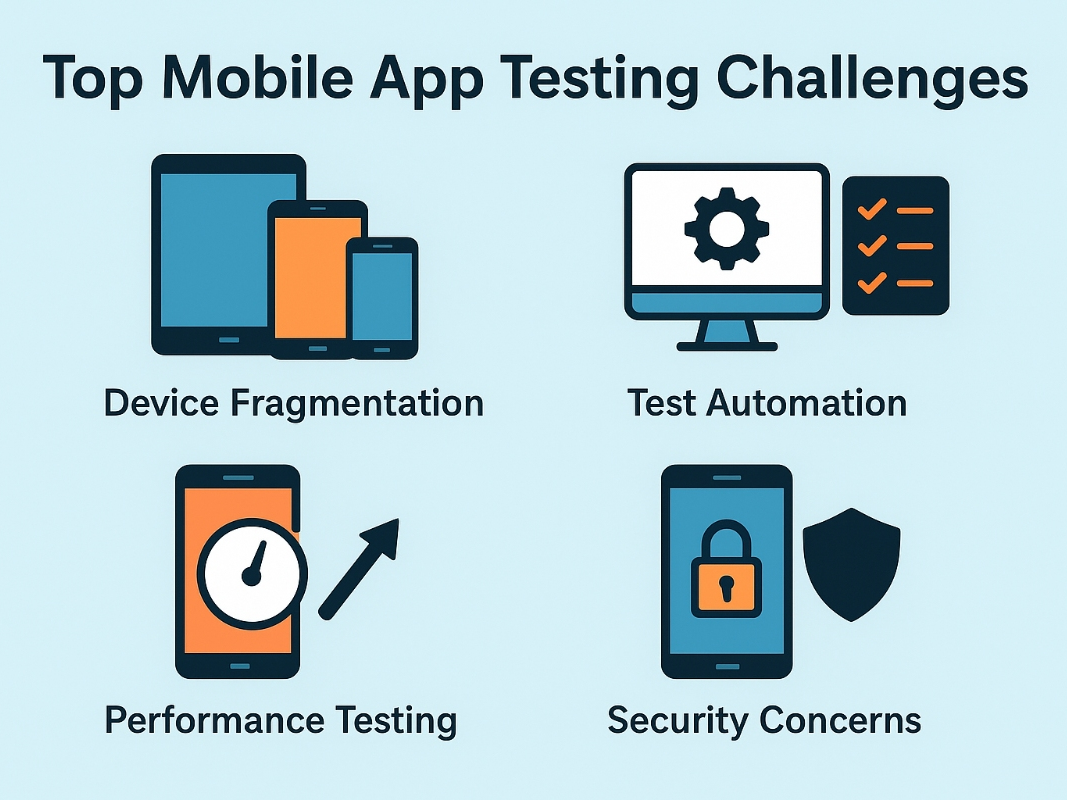
QA teams face many challenges that can directly impact app quality, like device and OS fragmentation, varied screen sizes, frequent OS updates, and the need to maintain a consistent user experience across platforms.
Poor performance and inconsistent user experiences across platforms can lead to uninstalls and damage brand reputation. QA teams need to address these challenges to deliver all that meets user expectations and performs well in competitive markets.
Key Challenges QA Teams Face in Mobile Application Testing
8 major challenges in mobile application testing are mentioned below
1) Device & OS Fragmentation
The mobile ecosystem is highly fragmented, with thousands of device models varying in hardware specifications and custom OS versions. Even within the same OS, variation between versions can cause apps to behave differently, which makes compatibility testing a significant challenge for QA teams. QA teams must:
Find out what's happening in Los Angelesfor free with the latest updates from Patch.
- Maintain a device coverage matrix based on analytics and market share
- Use a mix of real device cloud platforms and emulators to maximize coverage efficiently
2) Screen Size & Resolution Variations
Screen dimensions and pixel densities can cause inconsistent UI rendering. For example, a button that fits perfectly on a 6.1-inch display might be clipped on a smaller device.
- Test in both portrait and landscape orientations
- Use visual regression testing tools to detect layout changes across resolutions
3) Rapid OS & Device Releases
Device manufacturers frequently release OS updates and new models. Even minor changes in system behaviour and APIs can disrupt app features and require constant compatibility testing. What QA teams need to do
Find out what's happening in Los Angelesfor free with the latest updates from Patch.
- Join Apple Developer and Android Beta programs to test pre release OS versions
- Automate compatibility checks within your CI/CD pipeline
- Maintain backward compatibility for at least the last two major OS versions your audience uses
4) Network Variability
Users may access apps on high speed 5G, slower 3G and unstable wifi connections. Network fluctuations can cause slow responses or failed transactions. QA teams need to do this
- Simulate different network conditions using network throttling
- Test offline functionality for critical app features
5) Security Vulnerabilities
Mobile apps are a prime target for cyberattacks, with risks ranging such as insecure local data storage and weak authentication methods to exposed API endpoints and unencrypted communications. These vulnerabilities can lead to data breaches and regulatory penalties under laws like GDPR or HIPAA.
- Follow OWASP mobile security testing guide standards
- Conduct penetration tests and review third party integrations for security risks
6) Real World Condition Testing
Lab testing can not fully replicate actual usage environments. Interruptions like incoming calls and push notifications can disrupt app behavior and must be tested on physical devices. Best practice that needs to be followed
- Test on physical devices for accurate results
- Use cloud device labs with support for geolocation and sensor testing
- Simulate interruptions during active sessions to make sure a smooth recovery
7) Performance & Load Handling
Most apps need to work efficiently under pressure, such as during peak traffic, or heavy memory processes and background tasks can slow things down or cause the app to crash. Our testing should ensure stability under load, so performance remains a strength, not a weakness.
- Run load and endurance tests on real devices
- Monitor CPU and temperature during tests
- Optimize code to minimize resource consumption
8) Consistent UX Across Platforms
Users expect a good experience whether they are on iOS, Android, tablet or a screen phone. The challenge is that each platform has its own design guidelines and hardware differences can subtly impact how interactions feel.
- Conduct usability testing with real users from target demographics.
- Test accessibility features like screen readers and voice commands
Final Thought
When these mobile app testing challenges are ignored, the consequences can be severe, and apps may crash on certain devices and load slowly under real world network conditions. Poor performance and inconsistent user experiences across platforms can lead to uninstalls and damage to the brand's reputation.
If an app does not meet the competitive market where users have countless alternatives and fails to address challenges, then a promising app turns into a forgotten one.