Community Corner
Five Ways to Optimize Your WiFi for Working from Home
You're using more internet at home than usual. So, now what?

Whether you’re new to working from home or you’re a work-from-anywhere superstar, telecommuting definitely comes with its share of pros and cons. While your list of frustrations probably looks very different from others’, it’s quite possible that somewhere on that list is your internet. Here are some of our best tips for improving the performance of your home network.
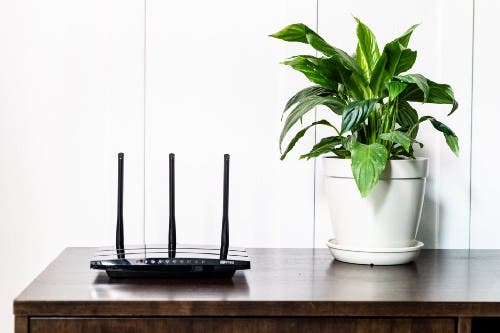
1. Check your router placement
The distance between your various devices and your router makes a huge difference in how each of them perform. If it isn’t already, consider relocating your router to a central location in your home that is clear of obstacles.
Find out what's happening in San Leandrofor free with the latest updates from Patch.
2. Harmonize your speeds
Download and upload speeds are equally important, and many providers short customers on upload speeds! Upload speeds are critical for many work-from-home activities like video conferencing and sharing large files.
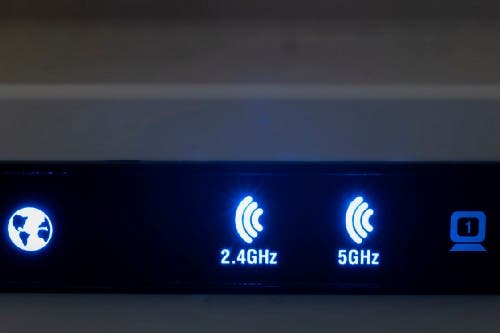
3. Fine-tune your frequencies
Use 5Ghz whenever you can because it’s faster and there is less interference. Only use 2.4Ghz if devices are out of range for 5Ghz or have specific requirements.
Find out what's happening in San Leandrofor free with the latest updates from Patch.
4. Get even more ideas
Read more about these tips and get even more ideas to optimize your WiFi network here.

5. Upgrade and get two free months of better internet
Common offers fast, reliable home internet that’s perfect for working from home, with symmetric speeds and no data caps. We’re offering two free months of super-fast internet for Alameda and San Leandro residents to try the service. Sign up by April 30, 2020 to take advantage of this limited-time offer.
This post is an advertorial piece contributed by a Patch Community Partner, a local sponsor. The views expressed in this post are the author's own.
To learn more about becoming a Community Partner, click here.