Health & Fitness
Seven Rules of Paper Management
Rules to control incoming junk mail, keep countertops clear, and manage paper files.
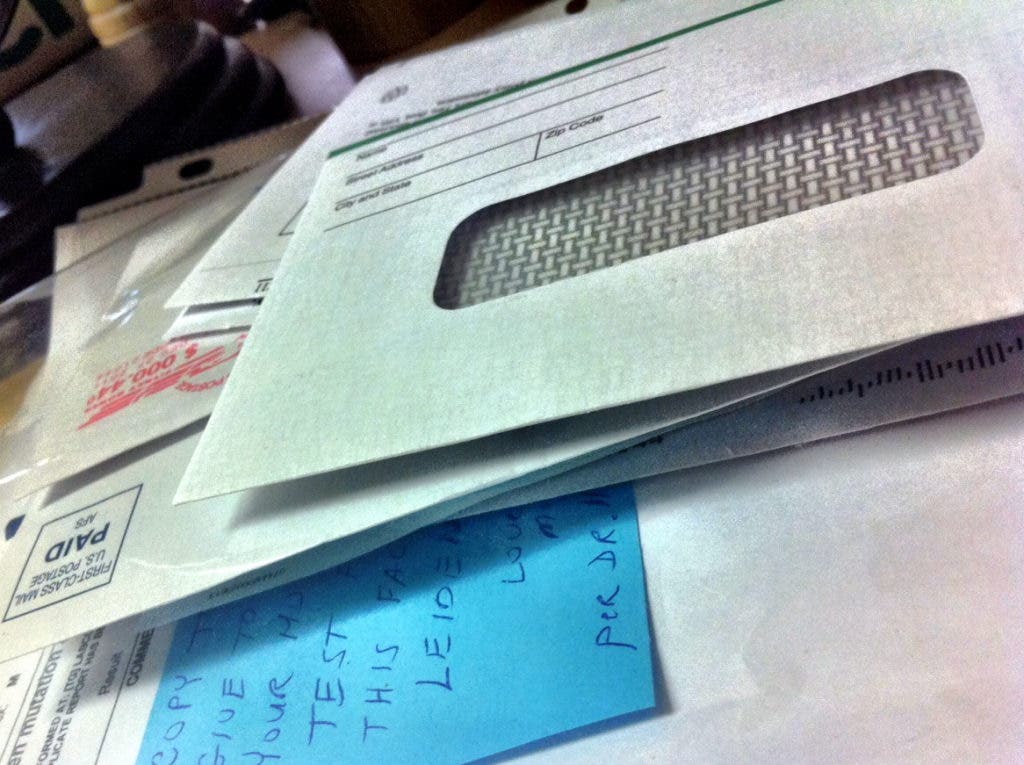
1. Stop junk mail. Simply eliminating the bulk of incoming junk mail will reduce the amount of time spent managing mail.
2. Don’t allow mail to pile up on tables or countertops. Create a “go to” spot for incoming mail. This can be something as simple as a decorative file box with a lid that resides in a visible spot or a desktop file in your office.
3. Keep a shredder and recycle bin close to the area where you store your papers – whether that’s a nook in the kitchen or a dedicated office space. And your recycle bin doesn’t have to be one of those clunky yellow plastic bins. Get yourself an attractive basket, line it with a paper grocery bag and toss your recycles in.
Find out what's happening in Edgewater-Davidsonvillefor free with the latest updates from Patch.
Tip: Sort incoming mail over the recycle bin and shredder!
4. Never label a file “Miscellaneous”. If a piece of paper is important enough to keep, then it should be important enough to have a file of its own.
Find out what's happening in Edgewater-Davidsonvillefor free with the latest updates from Patch.
5. Never use paper clips on papers to be filed. If two or more papers belong together, use a staple. Paper clips are bulky and have a way of catching on other things.
6. Schedule regular filing sessions. Rather than wait until you have a huge pile of papers to tackle, consider filing as you go or build sessions into your schedule (every day, once a week, etc.).
7. Don’t file instruction booklets or warranty manuals in your file cabinet. They take up a lot of room and have a way of getting into the file and never being seen or heard from again! A better way to store them is in a binder. Get yourself a 2 or 3-inch binder and a box of heavy-duty page protectors. Place the page protectors in the binder and add your booklets and manuals. You can also add tabs to create separate sections for “electronics”, “appliances” and “tools” if you like. The next time you replace your TV or an appliance, open the binder, pull the old documents out and replace with the new.