Health & Fitness
Reading Aids
The Watertown Free Public Library offers help to readers with vision impairment.
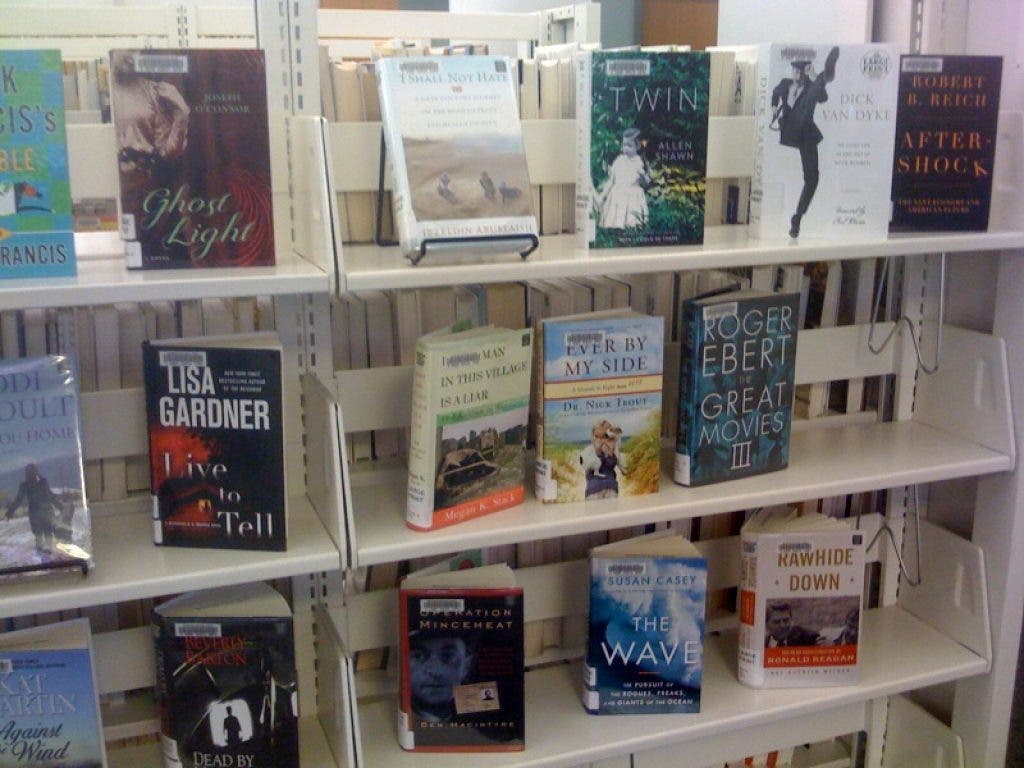

Watertown Free Public Library Adult Services Department offers several large print options for our readers. If print is just a little too small, we have a hand-held magnifier for enlarging print at the Reference Desk. But there are also several other electronic devices and types of software to help readers.
The Optelec ClearView+ is a large print reading appliance which makes small print much more readable and also offers contrasts and colored backgrounds as needed. The Optelec Clear View+ is located at a study desk in the Fiction Room. Buttons to select magnification and color options can be adjusted very easily. A user manual is available at the reference desk.
ZoomText is magnification software which is installed on all of the public computers. To open Zoom Text, click on the Zoom Text icon on the desktop and select the degree of magnification such as 3X or higher.
Find out what's happening in Watertownfor free with the latest updates from Patch.
If you merely wish to increase the size of a particular screen without using Zoom Text, click on “View” on the Task Bar, and then select Zoom. Also look upstairs for the two yellow large type keyboards that make computer use easier.
A collection of popular large print fiction and non-fiction books are shelved separately a few yards away from the Reference Desk. A large print weekly condensed version of the New York Times and the large print Reader’s Digest can be found in the Periodical Room. Ask at the Reference Desk if you require assistance with any large print need.