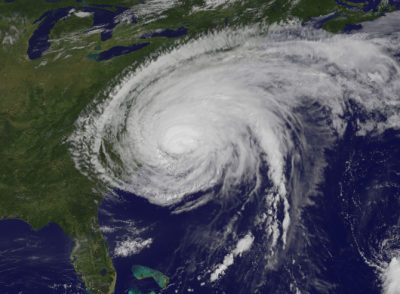
The Weston Council on Aging presents these tips that come from the Massachusetts Emergency Management Agency:
- Keep your cell phone working with extra batteries or chargers
- Text! Learn to send updates by text and internet from your phone
- Program ‘In Case of Emergency’ (ICE) contacts into your cell phone
- If evacuating, ‘call-forward' your home phone to your cell phone
- No cell phone? Carry a prepaid phone card
- Listen to the media. Have a battery-powered radio on hand or listen to your car radio.
- Watch for information on your smartphone. Wireless Emergency Alert (WEA) text messages are automatically sent by the National Weather Service and MEMA to those within an impacted area.
- Stay in touch: get MEMA updates at www.mass.gov/mema, via Twitter at www.twitter.com/MassEMA and Facebook atwww.facebook.com/MassachusettsEMA
- Download the free ‘Ping4alert!’ app to your smartphone to get messages from MEMA. Steps are at www.mass.gov/mema/mobileapp
- After the storm, use a camera phone to photograph or take video of damaged property for your insurance company
To enable authorized town officials to reach you during emergency events, you may provide your cell phone number to be included in the telephone numbers called through the Town's Emergency Notification System known as Blackboard Connect. For more information, please visit Blackboard Connect under the Public Safety menu tab at the top of the page.
Get more local news delivered straight to your inbox. Sign up for free Patch newsletters and alerts.