Health & Fitness
Gabe's TechTip - What is Google Drive?
Tired of paying for the newest version of Microsoft Office? Tech blogger Gabe Fletcher tells you how to cut the MS umbilical cord once and for all.


I’m tired of paying Microsoft for their newest version of MS Office. It’s time to be free and less tethered to the office computer.
Thankfully, Google now offers a free, web-based alternative that is accessible from anywhere you can access the Internet. That means no more portable flash drives, no more CDs or DVDs, no more saving e-mails with document attachments. Easy access, anywhere you go!
Let me explain…
The initial version of this idea, Google Docs, was a suite of web-based productivity software that did everything MS Office could—except it’s attached to your Google account and accessible via your web browser.
That product became Google Drive: a complete mobile software suite with word processing, spreadsheet, presentation, web forms, and even drawing programs.
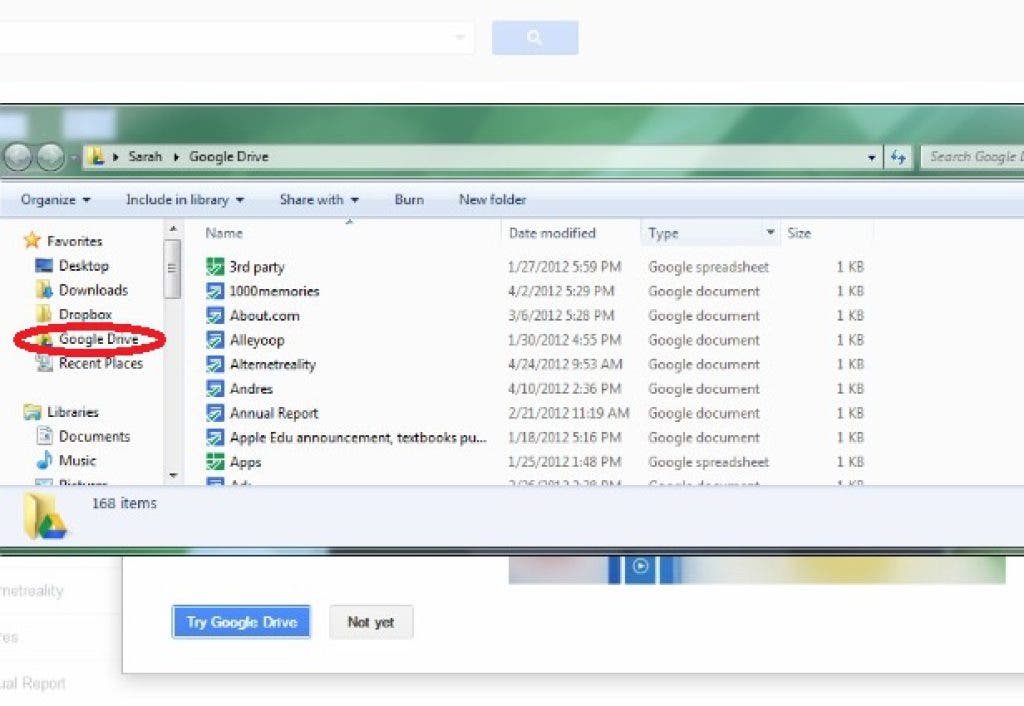
The big difference between the two? Google Drive has added 5 GB of free cloud-based storage! That’s right, you can sync up to 5 GB of files from your laptop or PC to the Google Drive Cloud. Want instant-anywhere access to photo albums, .PDFs, or other important files? Create a Google Drive folder on your computer, drop them in, and presto. You now have the ability to access, edit and save those files from anywhere you access them.
One of the most exciting features about Google Drive is its value in the collaborative workspace. Multiple users may edit the same document (or spreadsheet, or presentation) and can also print it using Google Cloud Print. Google Drive also offers users the ability to purchase more space, for a very nominal fee, making it inexpensive as well as efficient.
To use Google Drive, sign in to your Google Account, or go to www.google.com/drive, agree to the terms of service and install the application. (You can do without the Sync service if you just want to use the online software suite.)
Need more information? Visit the Google Drive Getting Started page for tips, shortcuts, and an introductory video.
Gabe Fletcher is the owner of 1GeekMedia.com - Experts in Social Media Management, SEO (Search Engine Optimization) Services, E-Commerce & Web Design.
Find him online at http://www.1GeekMedia.com or on Facebook @facebook.com/1GeekMedia or on Twitter @1geekmedia.