Neighbor News
How to Program Emergency Contacts in Your iPhone®
What would happen if you're injured in an accident and emergency personnel need to identify you or get in touch with your family.

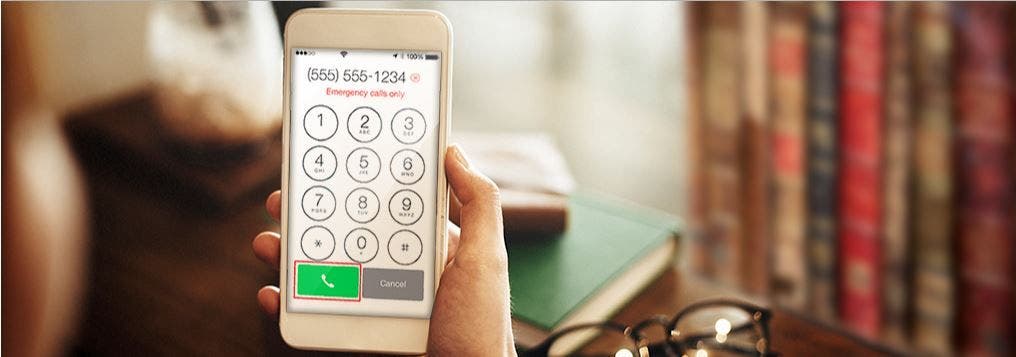
If you’re like most people, the thought of losing your smartphone, or having it stolen, seems catastrophic. Having password protection on your phone can put your mind at ease knowing thieves can’t access your data (or they’ll at least have a harder time doing it).
But what would happen if you’re injured in an accident and emergency personnel need to identify you or get in touch with your family – they may not be able to unlock your phone.
While you may have already designated “In Case of Emergency” (or ICE) contacts in your phonebook, those may not be useful if your phone is locked.
Find out what's happening in Cranfordfor free with the latest updates from Patch.
You might not know about it but if you have an iPhone® mobile digital device there’s a simple fix that could help save your life in an emergency. Here’s an easy step-by-step on how to program emergency contacts in your iPhone.
Find out what's happening in Cranfordfor free with the latest updates from Patch.
Find the Health app. Depending on your phone model and operating system, it’s the app with a heart icon.
Tap on Medical ID. Then, you’ll either choose “Create Medical ID” or “Edit.”
Enter your emergency contacts. You can also enter health information such as your birthdate, height, blood type and allergies or other health conditions.
Turn on “Show When Locked.” This will make your Medical ID available from the lock screen. In an emergency, it will give people who want to help some important information, like the emergency contacts that you’ve just entered.
Tap “Done.”
Once you follow these five simple steps, the option to view Medical ID will appear under “Emergency” on the lock screen. In addition to programming your Medical ID, it’s smart to also note your “In Case of Emergency” (ICE) contacts in your contact list by writing “ICE” next to their name.
For information on auto insurance, visit our site or contact Zita Santos-Martinez at 732-832-4132.

Photo and article courtesy of Plymouth Rock Assurance
iPhone is a registered trademark of Apple Inc. This blog is in no way sponsored, endorsed, authorized, administered, or approved by Apple Inc., and any such inferences are hereby expressly disclaimed. Plymouth Rock Assurance does not endorse or warrant Apple Inc. or any of its products.