Neighbor News
Microsoft Office 365 migration assistance and support services
Discover the benefits of migrating to Microsoft Office 365: Scalability, Cost-Efficiency, Access Anywhere, Built-in Security, Disaster Recov

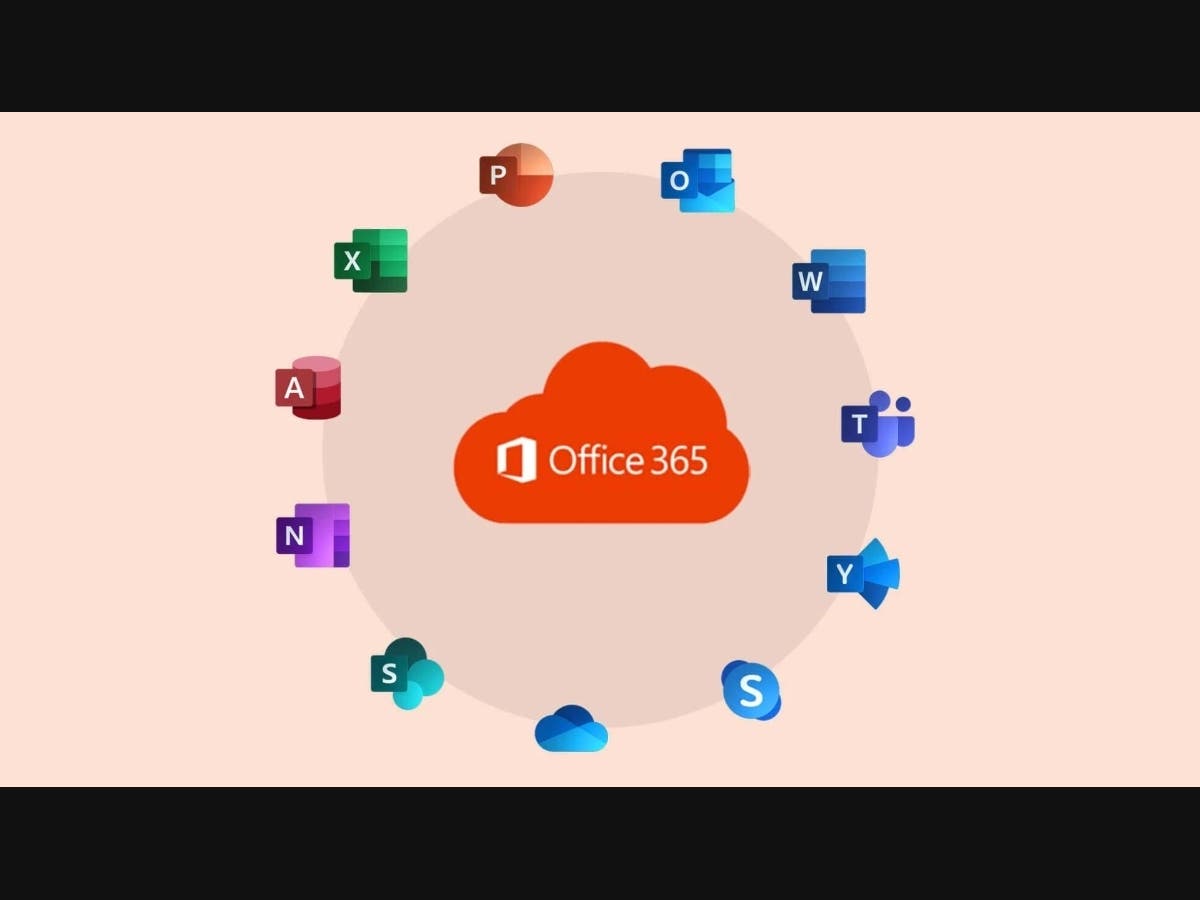
Microsoft Office 365 is a Software as a Service (SaaS) solution that combines Microsoft Office desktop applications, Microsoft application services, and productivity services. Microsoft 365 is a cloud-based productivity platform that includes the same core applications as traditional versions of Office. Migrating to Microsoft 365 can provide benefits such as improved collaboration, enhanced security, and access to productivity tools.
The applications include:
Word, Excel, PowerPoint, Outlook, OneNote, OneDrive, Publisher, Planner, Exchange, SharePoint, Access, Skype, Yammer, Microsoft Teams, etc.
It proves to be a powerful service when switching from a traditional on-premises exchange server to a cloud-based server, making it a highly scalable solution for businesses of all sizes that traditional on-premises Exchange Server setups often cannot match.
Find out what's happening in Gloucester Townshipfor free with the latest updates from Patch.
Switching to Office 365 is also cost-effective as it transitions costs from a capital expenditure (CapEx) model to an operational expenditure (OpEx) model. It means organizations can avoid hefty upfront costs associated with server hardware purchases, as well as the ongoing costs of maintenance and upgrades associated with on-premises setups.
Moreover, office 365 being a cloud-based platform not only is highly accessible for companies with remote work policies but also has robust built-in security features and compliance capabilities.
Find out what's happening in Gloucester Townshipfor free with the latest updates from Patch.
Administrators must possess a thorough comprehension of the data migration process and its velocity while preparing for a migration to Microsoft 365 or Office 365. Microsoft 365 and Office 365 provide a range of options for seamlessly migrating email, calendar, and contact data from your existing messaging system to their platform.
Frequently used migration methods:
- Internet Message Access Protocol (IMAP) migration
- Cutover migration
- Staged migration
- Hybrid deployment
- Third-party migration
The process of transitioning from an on-premises Exchange Server to Office 365 is a highly complex one that demands meticulous planning and execution. That’s where a leading Microsoft Certified Partner who has assisted hundreds of NJ businesses with migrations to Office 365 cloud comes in handy. They excel in providing comprehensive assistance for all your Office 365 requirements, ranging from email migrations to support, administration, and licensing management. Their team of Microsoft Office 365-certified professionals possess the expertise to smoothly transition your organization to the cloud while ensuring cost-effectiveness. With Office 365, you can leverage the advantages of Microsoft's most rapidly expanding product. Rest assured, they will guide you through every step of the migration process, making it a hassle-free experience.
Significance of Migrating to Microsoft Office 365:
-Scalability: Office 365 is the ultimate solution for companies looking to scale up their operations. It provides an effortless way to add new users and services without any additional hardware investments.
-Cost-Efficiency: The subscription model of Office 365 is a cost-saving solution in comparison to on-premise Exchange servers. It enables accurate IT cost predictions and eliminates the need for upfront hardware and software expenses.
-Access Anywhere: With Office 365, users can easily access email, documents, and productivity tools from anywhere with internet access. This feature facilitates remote work and guarantees business continuity.
-Automatic Updates: Rest assured that Office 365 takes complete control of software updates, which includes security updates, to guarantee that users receive the most advanced features and ultimate protection against potential threats.
-Built-in Security Features: With Office 365, your organization's data is protected by powerful security features such as threat intelligence, data loss prevention, and multi-factor authentication. Microsoft takes full responsibility for the platform's security, compliance, and privacy, allowing businesses to focus on their core operations without worrying about potential threats. Rest assured that your data is in safe hands with Office 365.
-Integrated Productivity Tools: With Office 365, you can effortlessly collaborate using essential productivity tools such as Word, Excel, PowerPoint, and Teams.
-Disaster Recovery: Rest assured that in the event of a disaster, be it a hardware malfunction or a natural calamity, the data stored in Office 365 remains securely protected in the cloud. This provides a robust disaster recovery solution that effectively minimizes any potential data loss.
-Compliance: Office 365 is unequivocally designed to adhere to industry compliance standards, such as GDPR, HIPAA, and other pertinent regulations.
Before migrating to Office 365 from your on-premises Exchange environment, follow these important steps to ensure a successful transition:
To initiate a successful migration to Office 365, it's crucial to follow a systematic approach. Firstly, assess your current email setup by understanding the number and sizes of your mailboxes, exchange server version, and utilization of unique features like public folders. Next, choose the migration method that best suits your needs, considering factors like size and server version, with options including cutover, staged, hybrid, or IMAP migration. Prepare your users by informing them about the migration and providing training on Office 365 usage. Purchase necessary Office 365 licenses, set up your Office 365 tenant and verify your domain. Ensure your Exchange server is properly configured, secure, and ready for migration. Evaluate and optimize your network and firewall settings to handle the migration load. Clean up mailboxes by archiving or deleting unnecessary items to streamline the migration process. Develop a communication plan to keep everyone informed about the migration's progress and potential impacts. If coexistence is necessary, plan for it by setting up directory synchronization, configuring mail flow, and ensuring free/busy sharing between environments. Before the complete migration, conduct a pilot migration with a few mailboxes to identify and address any issues. Lastly, have a rollback plan in case unexpected problems arise, allowing you to restore your previous email environment.
To migrate email accounts to Microsoft 365 or Office 365, there are several methods available:
Migrate mailboxes from the Exchange Server
An administrator can migrate email, calendar, and contacts from on-premises Exchange Server to Microsoft or Office 365. Three types of email migrations that can be made from an Exchange Server:
1. Migrating all mailboxes at once, which can be done through cutover migration or express migration.
2. Migrating mailboxes in batches, which is known as staged migration.
3. Migrating using an integrated Exchange Server and Microsoft 365 or Office 365 environment, which is referred to as hybrid migration.
Use the Import Service to migrate PST files:
Organizations with large PST files can utilize the Import Service to migrate email data. Administrators can upload PST files through a network or mail them on a prepared drive.
Migrate email from another IMAP-enabled email system:
The Internet Message Access Protocol (IMAP) can be used to migrate user email from systems like Gmail, Exchange, and Outlook.com. However, IMAP migration only transfers items from users' inboxes or mail folders and doesn't create mailboxes.
Have users import their email:
Users can import email, contacts, and mailbox information to their Microsoft 365 or Office 365 mailbox. User guide for the different migration types:
| Exchange Migration Type | Source | Target | Recipient in Target |
| Hybrid onboarding | Exchange > On-premises > Hybrid Org A | Exchange > Online > Hybrid Org A | Mail User with ExchangeGuid |
| Hybrid offboarding | Exchange > Online > Hybrid Org A | Exchange > On-premises > Hybrid Org B | Mail User / Remote Mailbox with ExchangeGuid |
| Cross-tenant Migration | Exchange > Online > Tenant A | Exchange > Online > Tenant B | Mail User with ExchangeGuid + matching attributes |
| Cutover migration | Exchange > On-premises | Exchange > Online | No recipient (migration service creates the mailbox in EXO) |
| Gmail migration | Google Workspace | Exchange > Online | Mail User (migration service converts to mailbox in EXO) |
| IMAP migration | IMAP server | Exchange > Online | Mailbox |
Work with a partner to migrate email:
If none of the above methods suit your organization, collaborating with a managed IT services NJ partner for email migration to Microsoft 365 or Office 365 is hassle-free. ICS's extensive knowledge of Office 365 features and plans is a crucial aspect of its service offering. Here's how ICS helps match the best Office 365 plan for businesses:
In-Depth Assessment: ICS starts by conducting an in-depth assessment of the business's specific needs and requirements. They take the time to understand the nature of the organization, the size of the workforce, and the unique challenges and goals of the business.
Comprehensive Understanding: Leveraging their extensive knowledge of Office 365, ICS professionals have a deep understanding of the various Office 365 plans available. They stay up-to-date with the latest updates and offerings from Microsoft.
Tailored Recommendations: Based on the assessment and their expertise, ICS provides tailored recommendations to businesses. They consider factors such as the need for email hosting, collaboration tools, data storage, security features, and compliance requirements.
Cost Optimization: ICS is mindful of the budget constraints of businesses. They aim to optimize costs by recommending a plan that offers the necessary features without unnecessary additional expenses.
Scalability: ICS takes into account the scalability requirements of the business. They ensure that the chosen Office 365 plan can grow with the organization, accommodating future expansion seamlessly.
Training and Support: ICS not only helps in selecting the right plan but also provides training and ongoing support. They ensure that businesses make the most of their chosen Office 365 plan by assisting with implementation and user adoption.