Politics & Government
Free Energy Fundraiser Will Help Eatontown and Residents
New Jersey Natural Gas online program will allow residents to track and analyze energy use online

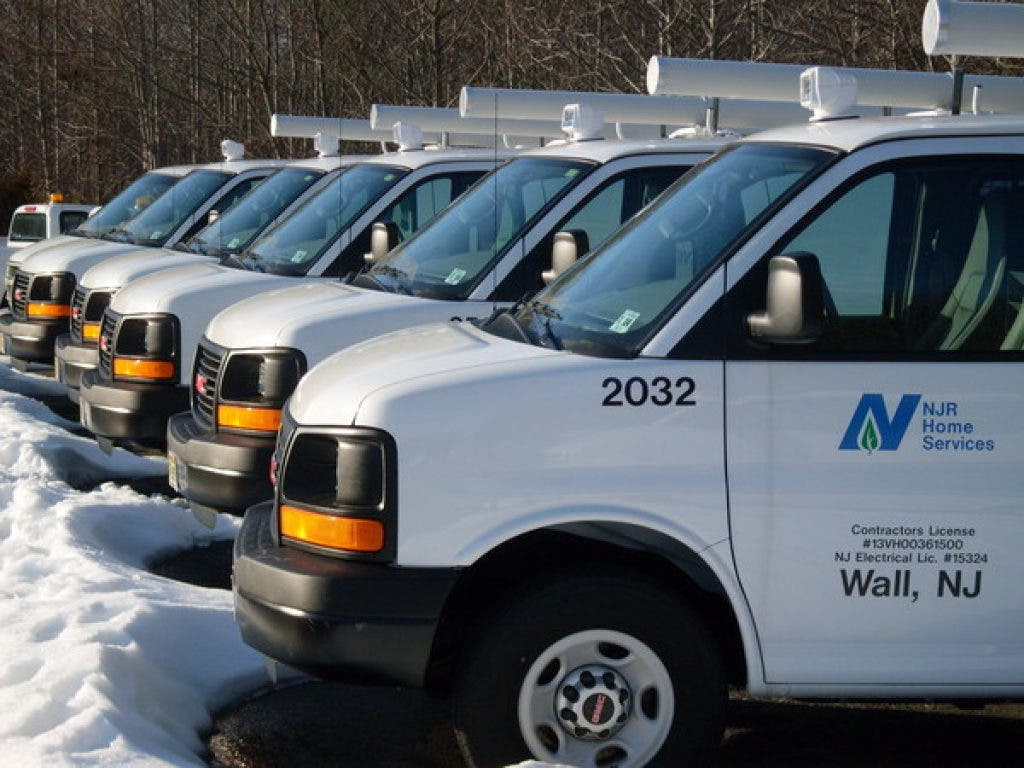
The Borough of Eatontown has joined the Conserve to Preserve Community Rewards program from New Jersey Natural Gas (NJNG).
Residents and the borough will receive benefits from the program.
"With the help of NJNG residential customers the Borough can receive up to $5,000," Borough Administrator George Jackson said in a release. "It takes just a few minutes to sign up and not only will the borough benefit, but participants will receive ongoing analysis of their energy usage and recommendations for energy-efficiency improvements."
Find out what's happening in Long Branch-Eatontownfor free with the latest updates from Patch.
Jackson said any funds received by the borough will be used to offset project costs and operating expenses of the Eatontown Green Team and the Eatontown Environmental Commission.
"(They are) two municipally-sponsored volunteer organizations that work toward making Eatontown a more environmentally friendly and energy efficient place to live and work," Jackson said.
Find out what's happening in Long Branch-Eatontownfor free with the latest updates from Patch.
Residents who wish to participate in the program must do so between March 29 and June 27.
Jackson reminded residents to select "Borough of Eatontown" when registering and said any questions can be directed to him at (732) 389-7621.
Here are instructions on how access the dashboard:
1. Visit www.njng.com and login (or register) at My Account.
2. If you are already registered for My Account, simply login and skip to step 4.
3. New users will be prompted to create a user name and password then answer a few security questions.
- Enter your account information and number as it appears on your NJNG bill.
- Enter your e-mail address to receive free seasonal energy-saving tips and information on programs, products and rebates through E-Tips.
- Click submit.
4. Click on Manage My Account
5. Click on the Conserve to Preserve Dashboard icon. If the Dashboard won’t open, it may be due to your Internet pop-up blocker settings. Adjust your settings to allow pop-ups.
6. Fill out the Home Profile questions using the drop down boxes then press “Next” at the bottom of the page. The last question on the profile is “What encouraged you to visit the Conserve to Preserve Dashboard?” You must use the pull down box to select “Borough of Eatontown” for us to receive credit for the referral.
Get more local news delivered straight to your inbox. Sign up for free Patch newsletters and alerts.