Health & Fitness
Is Your Job A Pain In The Neck?
Got Pain? The kind of work you do can affect how you feel. Making improvements to your workplace ergonomics can set you up for greater productivity, less stress and less physical pain.
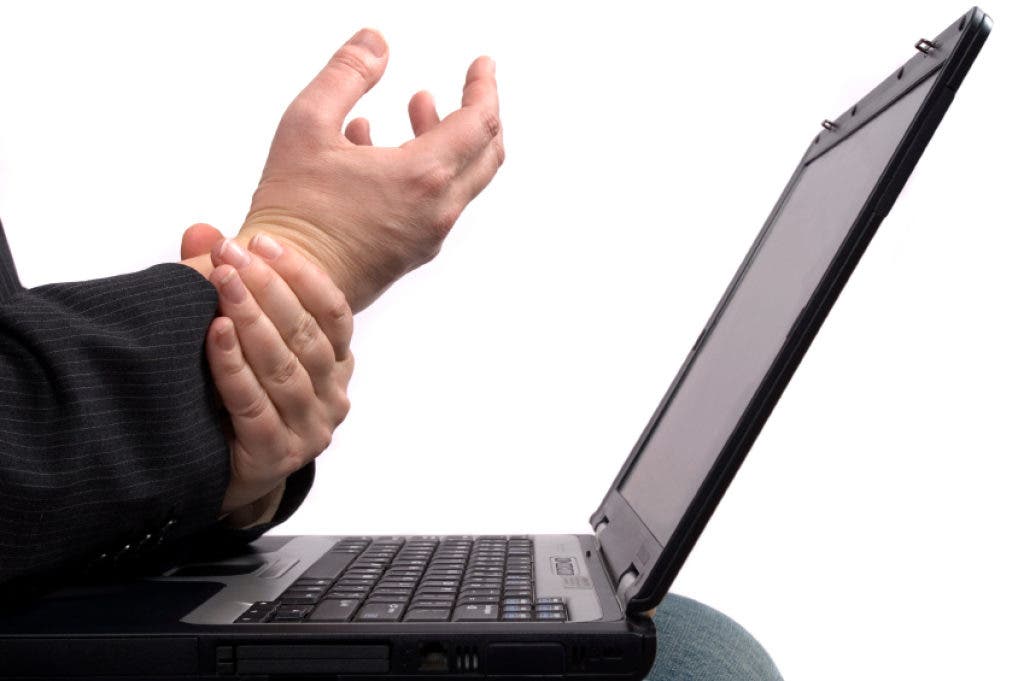

The kind of work you do, the environment you work in, and the tools you use to do your job all affect how you feel. Making improvements to your workplace ergonomics can set you up for greater productivity, less stress and less physical pain.
Symptoms of poor ergonomics can include:
- Low back aches and pains
- Pain that radiates down your leg
- Numbness and/or tingling in your feet
- Neck and shoulder pain
- Pain that radiates down your arm
- Numbness and/or tingling in your hand(s) or fingers
- Hand, wrist and arm pain
Find out what's happening in Verona-Cedar Grovefor free with the latest updates from Patch.
Nerve Damage? Many people will tolerate the pain and continue to work (less productively) rather than take the time to find a solution. Often, by the time I see a patient with the symptoms I've listed above, they no longer have a minor twinge that they can ignore. They usually wait until they simply can't get out of bed in the morning. Their back is stiff and pain shoots down their leg. Their fingers are numb and tingling and they can no longer just "shake it off". Unfortunately, by that time, their twinges are given new names, like Carpal Tunnel Syndrome or Sciatica.
Find out what's happening in Verona-Cedar Grovefor free with the latest updates from Patch.
Don't Let This Happen To You -You can reduce your chances of musculoskeletal injuries and be more comfortable and efficient by setting up your workstation & work tools for your own personal needs.
- Your chair should have adjustable seat height, back, and arm rests, and a base with wheels for easy movement without tipping. Lumbar support for your back is very helpful. When you sit in your chair, your feet should rest flat on the floor, and your thighs should be parallel to the floor. The edge of the chair should be soft and should not touch the backs of your knees. If you have arm rests, you should be able to use them without slouching or having your shoulders either hunched up or drooping down.
- Your desk should be large enough to accommodate your work area. Arrange your desk so the items you need most often are within reach, and you don't have to bend or twist frequently.
- Your keyboard tray should be big enough to hold your keyboard and mouse, and the height should be adjustable.
- A footrest can help support your legs and reduce low back strain, especially if your feet don't rest comfortably flat on the floor.
- Your computer monitor should be directly in front of you. The height should be adjustable, with the top of the screen at about your eye level.
- Your computer mouse can be a trackball or touch pad, which may help reduce symptoms some people get from the repetitive motions of a standard computer mouse.
- The computer mouse should be placed close to the keyboard where it does not cause you to lean forward or to reach too far.
- Contoured or curved keyboards are designed to help reduce problems in the hands, wrists, and shoulders. They seem to help some people, but there is no good evidence that they reduce symptoms. Wrist pads (also called wrist supports or wrist rests) help support the arms and reduce strain during breaks from typing. The pads are not intended to be used while you are typing.
Take Action To Stop The Pain And Get On With Your Pain Free Life!
Bloomfield Wellness Center
Dr. Anthony Mancino
1000 Broad Street, Bloomfield, NJ
973-259-1919