Business & Tech
Warehouse Security in the Digital Age: Protecting Assets and Data
As technology transforms warehouses, security must evolve to protect both inventory and data networks.


Traditionally, warehouse security has been a physical challenge that strong locks, fences, proper lighting, and consistent guard rotation could mitigate. These are still key components, but today’s warehouse has just as much to do with technology as with storing goods.
Scanners, RFID, inventory management systems, electronic door controls, camera monitoring software, and other IT assets all add speed and visibility but also create potential vulnerabilities. Security requires protection of both tangible assets and information assets across its networks. Let’s explore some key components of warehouse security in the digital age.
Identify Attack Paths
In a connected warehouse, a single weakness can become a bridge to bigger losses. A stolen badge might lead to access at odd hours. A compromised Wi-Fi password could expose camera feeds or allow tampering with inventory records. An unattended terminal might reveal pick lists, customer addresses, or shipment timing. A strong security plan maps likely attack paths, such as:
Find out what's happening in Across New Yorkfor free with the latest updates from Patch.
- Entry points, such as doors, docks, gates, and visitor areas.
- Systems, which can include WMS/ERP terminals, handheld cameras, printers, and labelers.
- Networks, including WiFi, IoT device connectivity, and remote access tools.
- High-value processes such as receiving, returns, cage access, and outbound staging.
Use Layered Access Control
Electronic access control is one of the highest-impact upgrades for most warehouses. Key practices include:
- Role-based access. Give employees access only to the zones and systems they need. For example, returns processing should not automatically grant access to high-value cages or IT closets.
- Tailgating awareness. Implement controls that reduce badge sharing and follow-through entry. Even simple measures, such as door alarms, signage, and camera coverage at checkpoints, can help.
- Time-based rules. Limit after-hours access to approved roles and supervisors. Require explicit approval for exceptions.
- Audit trails. Ensure door events are logged, retained, and reviewed, especially for sensitive areas such as pharma cages, high-theft SKUs, bonded storage, and IT/network rooms.
Modernize Video Surveillance
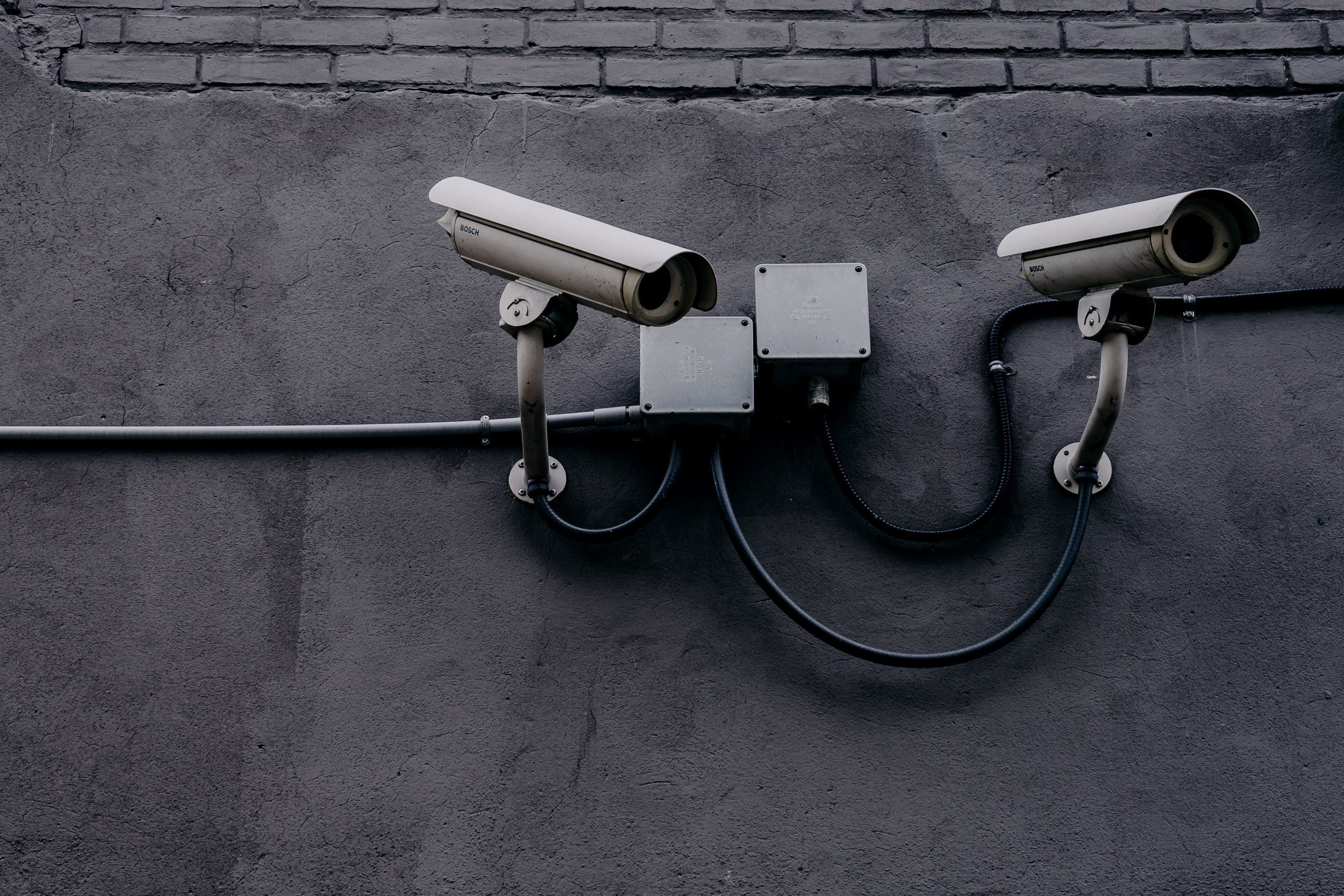
Cameras are everywhere, but many sites still use video for passive recording rather than as an active security tool. To improve effectiveness:
Find out what's happening in Across New Yorkfor free with the latest updates from Patch.
- Cover the key points. These include receiving doors, dock plates, outbound lanes, high-value storage, returns, and any area where inventory state changes.
- Pair video with events. Integrate cameras with door access events, motion alerts, and alarm triggers.
- Retention and integrity. Set retention based on risk and protect footage from unauthorized deletion.
- Remote monitoring controls. If feeds are accessible offsite, lock access behind MFA and restricted accounts. Camera systems are a common weak link when left on default settings.
Secure the Warehouse Network
Warehouses increasingly run on Wi-Fi, IoT sensors, and connected devices, often spread across large footprints with mixed hardware generations. That makes network hygiene essential.
Core Tactics
- Segment networks. Separate corporate devices from operational tech (e.g., scanners and printers) and from IoT (e.g., cameras, door controllers). If one segment is compromised, segmentation helps contain it.
- Harden Wi-Fi. Use strong encryption and rotate credentials appropriately. Avoid shared passwords posted in public areas like break rooms. Prefer managed device authentication where possible.
- Keep everything up to date. Think of scanners, kiosks, NVRs for video cameras, door access control systems, and label printers as endpoints that need regular updates.
- Remove unnecessary services. It is common for many devices to ship with ports open and default passwords enabled for administrative access. Close and change these at the time of installation.
- Look for anomalies. Basic logging and alerts, such as device joins to the network, login attempts, and bandwidth usage, can uncover suspicious behavior.
Protect Operational Data and Customer Information
The amount of sensitive data stored and processed in warehouses is vast. It includes customer names and addresses, order contents, shipping times, supplier information, and, in some cases, product specifications. The loss of such data is as harmful as losing the inventory itself.
Best Practices for Safeguarding Data
- Least privilege for applications. Limit who can export data, edit inventory records, or override exceptions.
- Strong authentication. Use multifactor authentication (MFA) for remote access, admin dashboards, and any system that can change inventory or shipping status.
- Encryption and backups. Ensure critical systems are backed up and that restoration procedures are tested.
- Log everything important. Track who changed what, such as inventory adjustments, location moves, and cycle count overrides. Retain logs long enough to support investigations.
Integrations and EDI
Many warehouses use EDI and other integration tools for order handling, ASN management, invoice processing, and shipping confirmations. Such integration is essential, but it can become a source of problems, including security issues and data leaks, when not properly configured.
When you focus on EDI compliance and best practices, be sure to include security considerations. This includes documented integration ownership, access controls around trading partner configurations, and routine validation.
Don’t Forget the Human Layer
The best electronic controls still fail if daily workflows encourage shortcuts. Build security into daily processes. This becomes even more crucial during periods of expansion or high-volume surges. With companies like Amazon now promising 1-3 hour deliveries, many warehouses feel pressured to expand their staff rapidly. To do so safely, keep these practices in mind:
- Fast badge replacement to prevent employees from borrowing badges.
- Clear rules for visitors and contractors with sign-in, escort requirements, and temporary credentials.
- Device discipline. Auto-lock on shared terminals, USB storage prohibited, and secure charging/storage for scanners.
- Simple incident reporting. Make it easy to report lost badges, suspicious activity, or mis-ship risks without blame.
Create a Response Plan that’s Practical and Intuitive
When something happens, such as forced entry, suspected shrink ring activity, credential compromise, or a ransomware incident, every minute counts. An effective plan must include:
- Who to call, whether a site lead, IT, security, police, or key vendors.
- What to preserve. This could be camera clips, access logs, system logs, or affected devices.
- How to contain the damage. You may need to turn off badges, isolate network segments, or freeze inventory locations.
- How to recover. This could mean restoring from backup, re-issuing credentials, or validating inventory integrity.
Create a Secure Warehouse Environment

The movement of personnel, goods, and information should all be tracked closely. The best way to do this is through a combination of traditional methods and high-tech electronic and IT-based controls. Think about your security controls from every possible angle, including access, video, networks, and processes, so that you can lower your risk as much as possible.