Health & Fitness
Print From Your (Android) Phone
Your phone is a computer. Can you print that spreadsheet or PDF from your phone? Here is how.

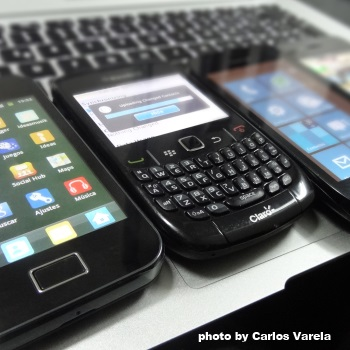
Your phone is a computer. This may be obvious to you now, but the legacy of the dumb handset created a mindset that a mobile phone is equally dumb.
Not so.
To make this point, today's nugget is about printing from your Android phone. I know, it's not an iPhone, but there have been quite a few Android phones activated. Nine hundred million, roughly speaking.
Step 1
Get a printer that talks to the internet. These printers are so-called "cloud enabled." Here is a tentative list of them from Google. If it's configured properly and connected to the internet, you can skip step 2.Step 2 (optional, probable)
This step covers the scenario that your printers aren't on the list in step 1. Is the printer network-ready? That means it has an Ethernet RJ45 connector on it that is connected to your network. If so, go to your old school desktop. Grab the Google Chrome browser if you don't already have it. Follow the instructions here to tell the Chrome browser where the printers attached to your PC live.Step 3
Go to your phone and launch a web browser. (There are third party browsers - they may or may not work).Step 4
For example, open a Google spreadsheet. (Note: Don't open it in the app, Google Drive, even though your phone may try to.)Step 5
Select Print. This button is in the upper right of the document (for spreadsheets and text documents in Google Docs).Step 6
All the printer(s) will be listed, even ones in other cities. Touch the printer icon associated with the printer desired.Step 7
A standard printer dialog will be presented, just like on a desktop. For instance, change the spreadsheet print option so that it prints in landscape mode.Step 8
Google's cloud service will push this message to the phone: "Creating a new print job."Step 9
Ouila. The document will print on your printer.TIP
If you have the app Google Drive installed, it's as easy as touching the document inside Google Drive before opening it. A dialog will open that includes Print.Question
Can I print a browser web page? Maybe. Doesn't work from my Gingerbread phone with the native browser, or with Opera Mini, but if a Share button is available, try that. There are also some third party solutions.For Amusement For fun, set it up with your son's printer in California and send him a 20 page spreadsheet at 3 AM.
An account with Google is mandatory. That's why it's free -- for now.