Health & Fitness
7 Simple Ways To Keep Your iPad Secure
The iPad is a great tool and wonderful toy, but it also can hold some of our most personal and private information. Make sure you keep your iPad safe and secure by following these seven simple tips.
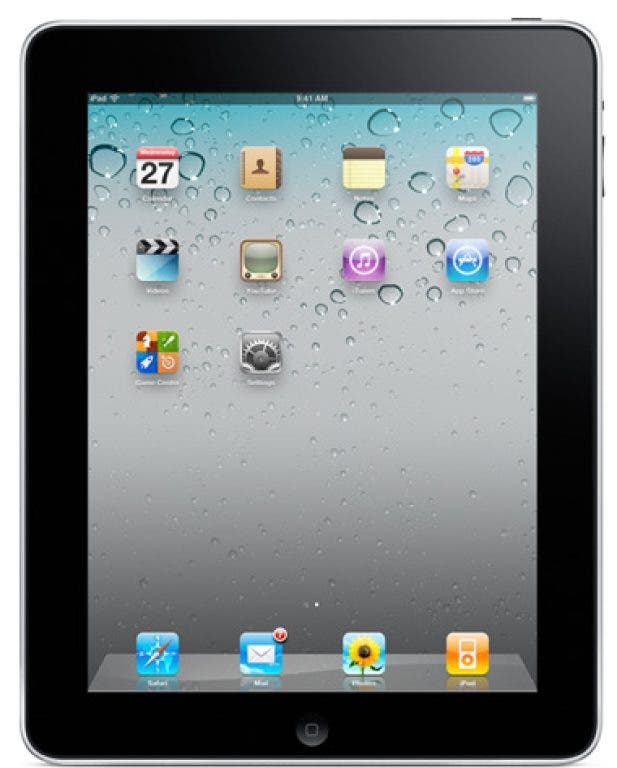
iPads are wonderful devices that help us stay organized, give our children something to play with in the car, and store a wealth of information. Among that information potentially stored on your iPad is personal and private information like email addresses, contact details and usernames and passwords for banking, shopping, social media and other online sites. You should protect that information so that if your iPad is ever lost or stolen your personal information is not compromised. By following these seven simple tips, you can keep your iPad safe and secure.
1. Don’t leave your iPad lying around
Find out what's happening in Manassasfor free with the latest updates from Patch.
Although this is common sense, you’ve probably violated this rule more than once. How many times have you been at the coffee shop and you stepped away to get some cream? Did you take your iPad or leave it on your table? iPads are easy targets for thieves, so don’t let it out of your sight when in a public place – and don’t leave it in plain view in your car or you might end up with a broken window in addition to a stolen iPad.
Find out what's happening in Manassasfor free with the latest updates from Patch.
2. Use a passcode
Although it’s not 100% hacker-proof, it will block unauthorized users from accessing your information.
3. Consider enabling automatic data erasing
You can configure your iPad to erase your data after 10 failed passcode attempts. While this may not be a good solution for anyone who constantly forgets a password or those who have children who might try endlessly to log in to use your iPad, it is a good idea if you are traveling with an iPad or using one in public frequently.
4. Sign up for MobileMe
This software will allow you to locate a lost iPad and, if it is not recoverable, you can remotely wipe the device of your private information.
5. Limit your iPad’s capabilities
You can set your iPad to restrict certain functions such as access to Safari, YouTube, installing applications and explicit media content using a passcode. In the corporate world, an IT administrator could set these restrictions for company owned devices. At home, you can use this to restrict what your children can do with your iPad.
6. Install software updates
As with all software, make sure you have the latest security updates and patches installed to protect against hackers and viruses.
7. Only connect to trusted WiFi networks
Public WiFis are open territory for hackers and identity thieves. Whenever you connect, make sure it’s a legitimate, secure connection.
By following these seven simple tips you can keep your iPad safe and secure and not worry that your personal and private information will be compromised.
For assistance implementing any of these tips, you can contact Amanda Harper at Gaeltek, LLC | Technology Solutions in Manassas, Virginia at 703-652-4685. You can also get more free tips, tools and services, including computer support for Virginia, Washington, DC, and Maryland, at my website: www.gaeltek.com.