Health & Fitness
Tip #2 - Creating your own typing shortcuts.
I know everyone is driven crazy by auto correction. But did you know you can create your own shortcuts? I am a stay at home mom who loves gadgets. Let me teach you some tricks!
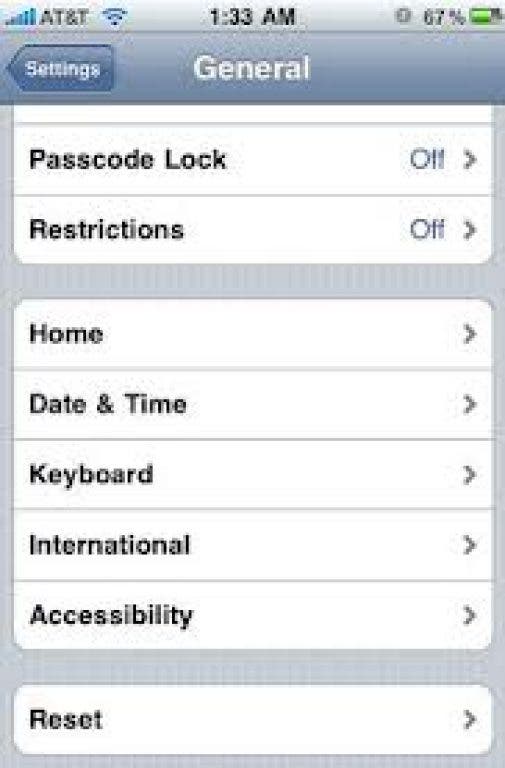


I know everyone is driven crazy by auto correction. But did you know you can create your own shortcuts? For example I always misspell my name dirithy and it never auto corrects it! So I put in a shortcut of 'dor' and it autocorrects it to 'Dorothy'!
Here's how you do it.
Go to Settings... Select General...Scroll down to Keyboard... Select Shortcuts... Select Plus Sign... Now start typing your shortcuts!
Remember not to pick shortcuts that are real words, like if your name is Adam Sandler you would not want to create the shortcut 'as' because as is a common words, but you create the shortcut 'ads' or 'asa'.
Find out what's happening in Alamedafor free with the latest updates from Patch.
Also if you capitalize the shortcut it will capitalize the word. For example I have the shortcut 'ty' for 'thank you'. If I type 'Ty' it will change to 'Thank you', or if type 'TY' it will change to 'Thank You'.