Business & Tech
Is Your Phone's 'Location Services' Enabled? Calif. Attorney General Issues Warning
Kamala Harris highlighted some dangers this week faced by consumers who use location services by apps on smartphones and mobile devices.


By Bay City News Service:
California Attorney General Kamala Harris has issued a consumer alert about geographical location services used by mobile apps.
Harris in her alert issued Monday highlighted some of the dangers faced by consumers who use location services by apps on smartphones and other mobile devices.
Find out what's happening in Burlingame-Hillsboroughfor free with the latest updates from Patch.
Although the use of the location services that track down consumers’ geographic information using satellites, Wi-Fi and cellular tower networks may be convenient, many consumers are unaware that their location may be accessible even when the particular app is not in use.
A date and time stamp along with a location may be inserted into a photo taken on a mobile device. Once the picture is shared online, it will reveal exactly where the photo was taken and can expose the consumer or their family to the risk of theft or physical harm, particularly for stalking or domestic abuse victims, she said.
Find out what's happening in Burlingame-Hillsboroughfor free with the latest updates from Patch.
According to Harris, one way to protect a consumer’s privacy is to disable the mobile device’s geo-tagging feature.
For Android phones and devices, she advised going to Settings, then Location and unchecking the boxes. When an app asks for access to the location, it is up to the user to grant permission. To disable the geo-tagging of photos, the user should open the camera and then click on the gear icon to set the location to “no,” she said.
For iPhones and iPads, Harris suggested the user go to Settings, then Privacy, then Location Services and simply turn it off, or the user can choose which functions and apps to give access to their location. To disable geo-tagging of photos, she said consumers could deny location access to the camera in Location Services.
For more mobile privacy tips on controlling location information, Harris said consumers can look at the California Department of Justice’s information sheets “Getting Smart About Smartphones: Tips for Consumers,” “Getting Smart About Smartphones: Tips for Parents” and “Staying Private in Public: How to Limit Your Exposure on Social Network Sites.”
All are available on the attorney general’s website at www.oag.ca.gov/privacy/info-sheets.
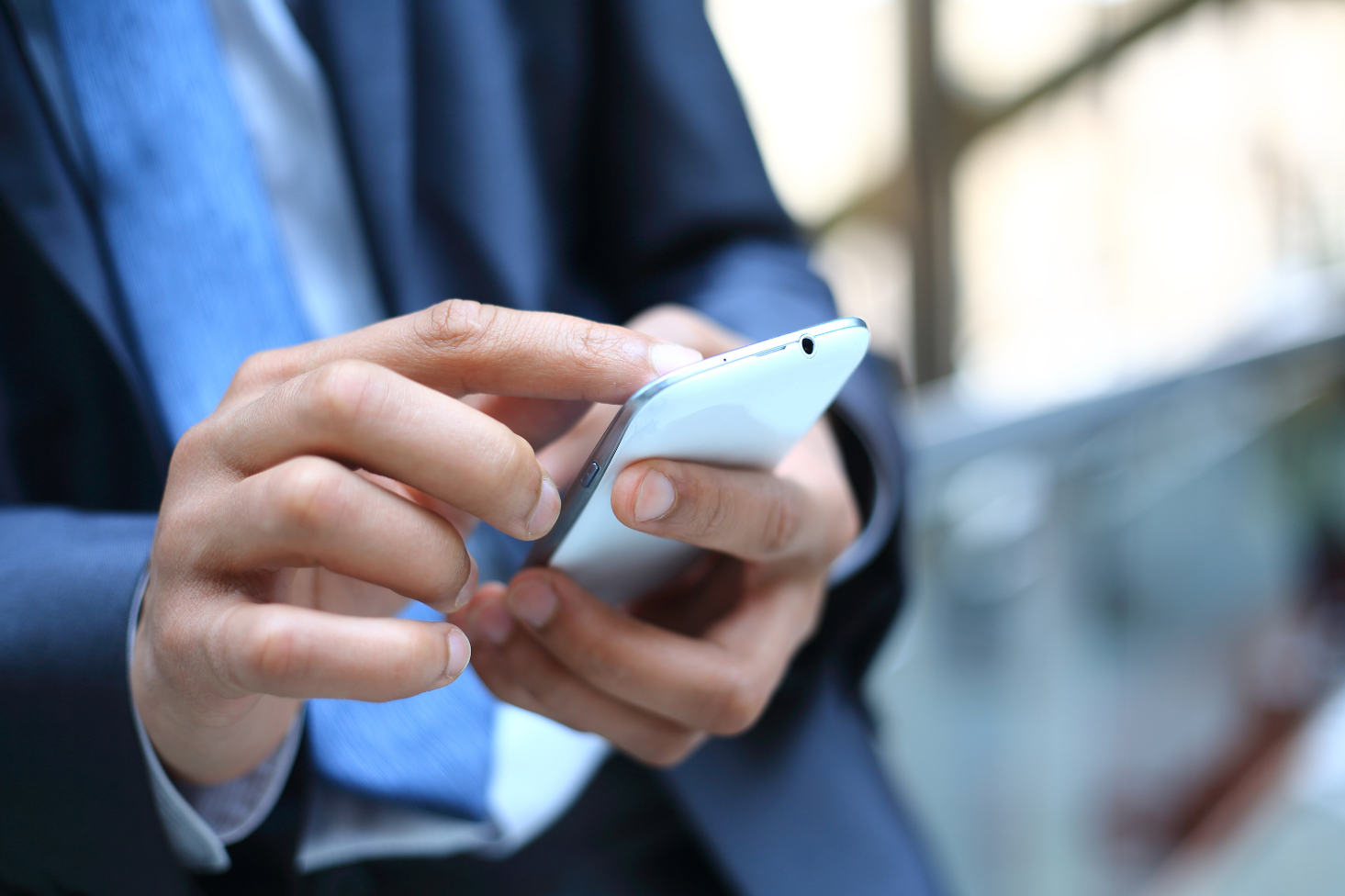
(Image via Shutterstock)
Get more local news delivered straight to your inbox. Sign up for free Patch newsletters and alerts.