
By
Skip Bourke
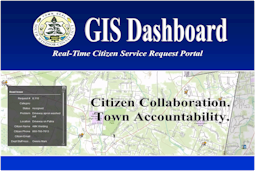
Reporting a trail maintenance concern at the South Windsor town parks has just gotten a bit easier and self empowering using the Dashboard program on the southwindsor.org website.
For example, if you are out and about on any of the town park trails and you happen to see a dangerously fallen or hanging tree, you can report this issue using the Dashboard. Remember the incident and approximate location after your outing. When you get back to your pc, laptop, or tablet, use your internet connection and go to http://dashboard.southwindsor.org/gis-web/swfv23pub/.
A regional map will appear with the town of South Windsor highlighted. You will see many icons on the map showing existing issues. 6 icons above the map are for user interface. The far left icon in this row is for reporting issues. Click on it and a small dialogue box appears.
A list of typical problem types with an icon for each is within this box. Scroll and select (click on) the icon and description that closely relates to the problem that you encountered. Drag the icon to the spot on the map of where you encountered it. Add a short description in the dialogue box and submit.
The staff at the public works department will receive your message request and add it to their work schedule.
There is more functionality on the dashboard than I have used including a service request filter, an address locator, a detail search tool, drawing tools, and printing capabilities.