Neighbor News
BBB Warns: Copier Machines Can Be Prime Target for Identity Theft
You might want to reconsider using a public copier.

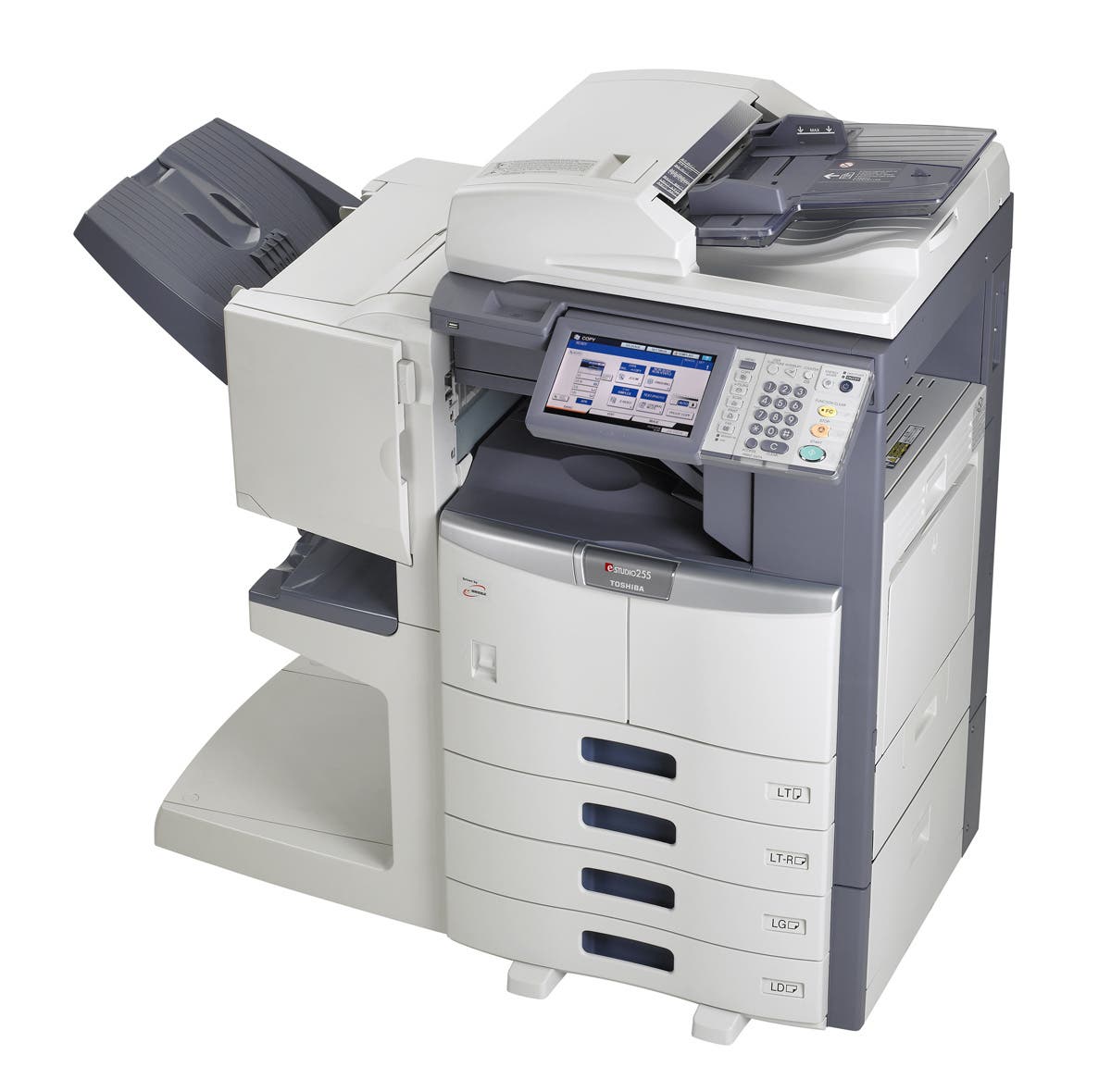
Have you ever made a copy of your tax returns? What about a passport, driver’s license or credit cards? What about an employee’s social security number on an employment app or a health record? Sounds innocent but did you know the information on those documents is stored on the hard drive of the copier you used?
Since 2002, most copiers, printer, scanners and fax machines, like computers contain hard drives and these hard drives store data – thousands of images copied, scanned faxed or printed.
This means everything you have copied, tax returns, passport, driver’s license, etc. are stored on that hard drive and identity thieve know this.
Find out what's happening in Acworthfor free with the latest updates from Patch.
Identity thieves will purchase used copiers at very low prices to see what pearls of information might be found on the hard drives in the machines. New machines may have the ability to encrypt documents or self-erase but these features cost more and some businesses choice not to opt for the feature. Do not assume newer machines are fully protected.
Many copiers are “networked.” If your network is hacked, thieves could have access to the copier hard drive as well.
Find out what's happening in Acworthfor free with the latest updates from Patch.
BBB offers the following tips on how to protect yourself at the office:
Make sure you/your company is aware of the dangers that copy machines can pose and make sure adequate steps are being taken to protect the data. Encourage your company to opt for additional security features including encryption on future purchases.
When a copier's lease is up or it is sold, be sure the hard drive is erased before sending it off to the warehouse or new buyer. Companies should take responsibility for seeing this is done or should request proof that this task is done if completed by a 3rd party. One cautionary note, companies should have a copier professional assist with this task. Removing the hard drive could damage firmware that makes the copier run. Removing data with no way to reinstall the firmware could render the machine inoperable.
If an office copier is being repaired, insure the tech is from your copier company and that they are known. Someone walking in asking to see your copier could be an ID thief. Beware. Consider having someone stay with the tech, oversee his work.
For your personal safety, limit what you copy, even if it is permitted by your company. Consider home options (where you have more control over the data). Send items through encrypted emails when able.
If using a copy center, library or other third party location to make copies be aware of their policies and procedures for dealing with data hard drives. Do not use them if you are uncomfortable with the policy.
Ultimately, you are responsible for your personal information, use every precaution available and be smart.
For more information on this topic please visit Identity Theft Resource page by clicking here of by visiting http://www.idtheftcenter.org/Identity-Theft/photocopying-sensitive-documents-you-might-want-to-think-again.html
To find companies you can trust please visit bbb.org/atlanta.