Neighbor News
Technology Tips from Verizon to Help Students, Parents Get Ready for School
Back to School: For many areas across Metro Atlanta, school begins again the weeks of July 31 and Aug. 7.
As parents count down the days until school is back in session, their attention shifts from finding enough for their kids to do during summer break to helping them manage all the homework, tests and after school activities.
Keeping your kids organized, focused and where they’re supposed to be can be challenging. Thankfully, there’s help in the form of technology including some free apps designed to ease the transition from pool to school.
Verizon’s Cornelius Miller offers some technology tips for parents:
Find out what's happening in Roswellfor free with the latest updates from Patch.
FAMILY LOCATOR – From busy school days to after school activities, it can be hard to keep track of your kids. With Family Locator, you can know their whereabouts right from your wireless phone, whether they're at the mall, on the soccer field or down the street.
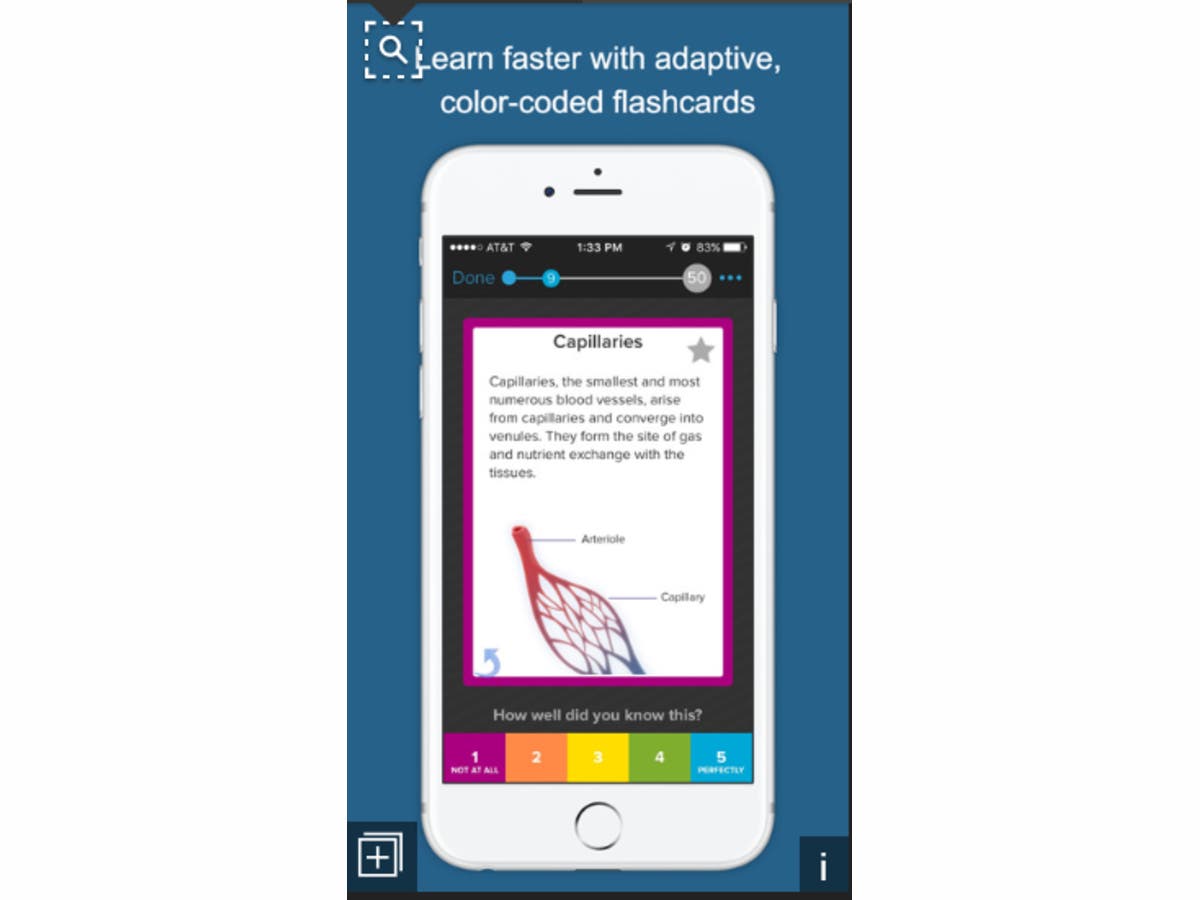
BRAINSCAPE – Flashcards are a tried and true way to improve math skills as well as foreign language, history or anything else. While the paper cards themselves may no longer be hip or cool, this app certainly is. Simply sign up for a free account and then choose from a list of pre-made flashcards or make your own! And add some flair with images and even video!
Find out what's happening in Roswellfor free with the latest updates from Patch.
EASYBIB – Writing a high school or college paper takes hard work and effort. But once you finish, your work wasn’t quite done. That’s because you had to cite your sources in a bibliography. And that was basically an assignment in itself! However, with EasyBib, you just open the app and scan the book you’re citing and a librarian-verified citation will be created instantly. It can also be used on webpages or for other online materials. Once you’re done, the list gets emailed from your phone and can then be dropped into any document.
TODOIST – With seven or more classes, sports, jobs and chores, creating and keeping track of a to-do list can be pretty time-consuming. But thanks to this free app, it’s a whole lot easier. Using simple text you can add your assignments, upcoming tests and practices to your to-do list, share it with family/friends, and most importantly check off your items one by one as they’re done!
GOOGLE GOALS (Google Calendar) – Finding time to hang out with friends, to study or even to relax isn’t always the easiest once school gets up and running. But thanks to the Google Goals feature as part of Google Calendar, it’s a little easier. Touch the plus button in your Google Calendar app and choose what type of goal you’d like to set. Then select about when you’d like to accomplish it (in the morning, night, etc). Google will automatically scan your calendar and find time for you to focus on your goal. You’ll also get regular reminders and can defer until later if you’d like.