Neighbor News
OpenAI’s ATLAS: When Your Browser Becomes Your Colleague
The technology is incredible, the danger is real

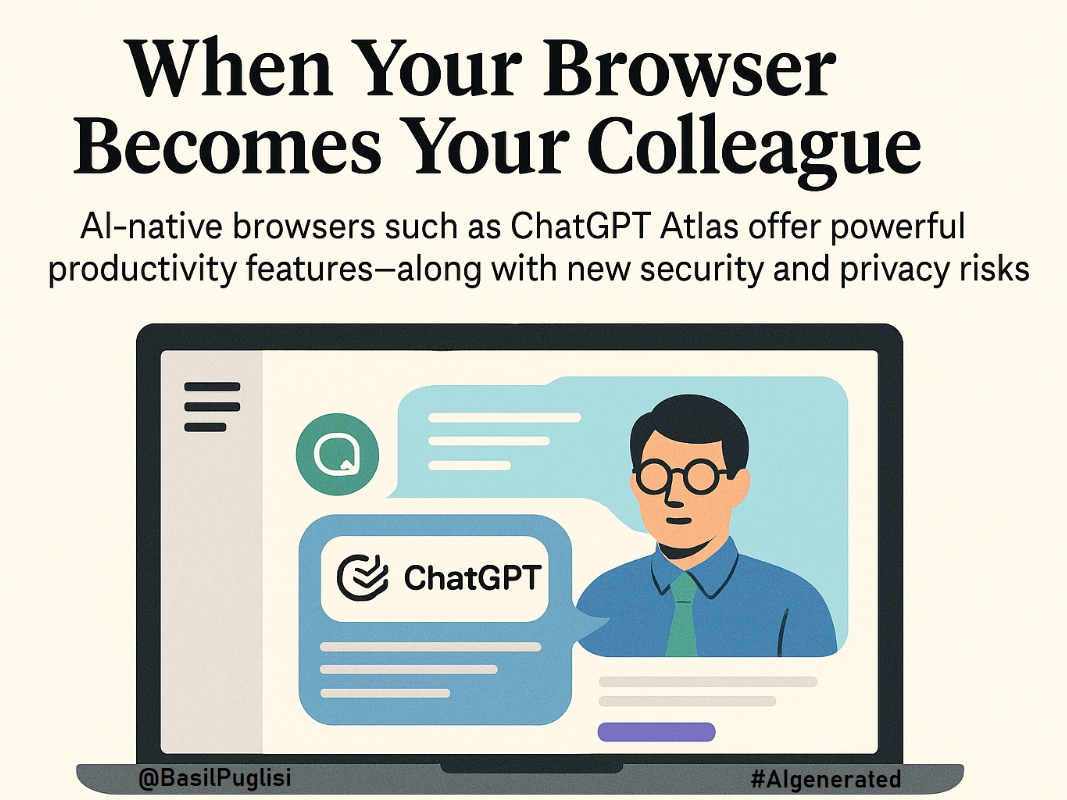
The browser stopped being a window sometime in the last few months. It became a colleague. It sits beside you now, remembers what you searched for yesterday, and when you ask it to book that flight or fill out that form, it does. That is the architectural bet behind ChatGPT Atlas and the wider wave of AI-native browsers currently launching across platforms.
Atlas arrives first on macOS, with Windows and mobile versions promised soon. OpenAI has embedded ChatGPT directly into the page context, so you stop toggling between tabs. The sidebar reads what you are reading. The memory system, optional and reviewable, tracks what you cared about across sessions. Agent Mode can click buttons, fill forms, purchase items, and schedule meetings. For anyone juggling too many browser tabs and too little time, this feels like technology has finally decided to help. For anyone thinking about privacy and control, it feels like we just handed our cursor to someone we barely know.
Here we are again, trying to decide which browser to trust. Twenty years ago, it was AOL, Internet Explorer, or Mozilla. The stakes felt technical back then, mostly about speed and compatibility. This time the stakes are different. We are not just choosing how we view the web. We are choosing who gets to act on our behalf.
Find out what's happening in Long Islandfor free with the latest updates from Patch.
The Convenience Is Real
When the assistant lives on the same surface as your work, certain tasks compress in ways that feel almost unfair. You draft replies inside Gmail without switching windows. You compare flight prices and the system maps options while you are still reading the fine print. You fill out repetitive forms and the agent remembers your preferences. The promise is fewer open tabs at the end of every evening, and if Agent Mode works reliably, the mental load of routine tasks drops noticeably.
But if the agent stumbles, if it books the wrong date or fills in the wrong address, the cost of babysitting a half-capable assistant erases the time you thought you saved. Productivity tools that demand constant supervision are not productivity tools. They are anxiety engines with helpful branding.
Find out what's happening in Long Islandfor free with the latest updates from Patch.
The Risk Operates Where You Cannot See It
Atlas positions its memory as optional, reviewable, and deletable. Model training is off by default. That is responsible design, and OpenAI deserves credit for it. But design hygiene is not immunity. What the system remembers about you becomes a target the moment it exists.
Once a browser begins acting on your behalf, attackers stop targeting your device and start targeting the instructions the AI follows. These are attacks hidden in the text and images the browser reads, invisible to you but perfectly clear to the agent. Security researchers at Brave demonstrated how hidden characters and invisible markup can steer the agent without you ever seeing the payload. LayerX showed how a single click can hijack what the agent thinks you want it to do.
The weapon is not malware anymore. The weapon is context. And context is everywhere: on every webpage, in every email, inside every PDF you open while Agent Mode is running.
What You Should Know Before You Enable It
Start with memories turned off. Defaults shape behavior more than menus settings ever will. When you decide to enable memories, do it site by site after you understand how Atlas behaves. Avoid letting it remember anything from banking sites, medical portals, or anywhere you would not want a structured record of your activity. Make privacy the path of least resistance.
Set up a monthly reminder to review what Atlas has remembered. If most users never check their memory logs, those logs become invisible surveillance with good intentions. If you see memories from sites, you consider sensitive, delete them and adjust your settings. If that feels like too much effort, default to stricter restrictions.
Treat Agent Mode like handing your credit card to someone helpful but inexperienced. For anything involving money, credentials, or personal data requires a confirmation step. That means the agent shows you what it is about to do and waits for approval. Security researchers have demonstrated these attacks work in production environments with minimal sophistication. Confirmation gates are not paranoia. They are protection from invisible instructions you never authorized.
If you use Atlas for research or writing, pair it with a rule: if the agent summarizes it, you open the source before you use it. AI-native browsing reduces the number of pages you visit, which sounds efficient until you realize you are trusting a summary engine with your reputation. If you are citing information or making decisions based on what Atlas tells you, verify the sources. If you skip that step, you are not doing research. You are outsourcing judgment.
OpenAI positions Atlas as beta software, which means features will change and what works today might behave differently next month. Use it for low-stakes tasks first. Let it handle routine scheduling and comparison shopping before you hand it access to sensitive accounts. If it performs well, expand what you trust it with. If it makes mistakes, pull back and wait. Early adoption has benefits, but it also has costs that multiply if you scale usage before the tool proves itself.
Not Everyone Agrees on the Severity
Some security researchers argue prompt injections are overblown, that real attacks require unlikely scenarios. Others, including teams at Brave and LayerX, have demonstrated working exploits that need nothing more than a normal click. The gap between these perspectives tells you the threat is evolving faster than the defenses.
Similarly, productivity claims vary. Some early users report dramatic time savings. Others note that supervising the agent and fixing errors erase those gains for complex tasks. Both can be true depending on what you ask it to do and how much patience you have for teaching it your preferences.
Disagreement is not noise. It is signal about where the technology is still maturing and where your expectations should stay flexible.
The Browser as Junior Partner
AI-native browsers offer you a junior partner with initiative. They can save time, reduce mental overhead, and handle repetitive tasks with speed that makes old methods feel quaint. But like any junior partner, they need clear boundaries, limited access, and supervision until they prove reliable.
If you structure that relationship carefully, you get real productivity without exposing yourself to risks you did not sign up for. If you enable everything by default and assume the technology is smarter than it actually is, the browser becomes a liability with a friendly interface and access to everything you can see.
The choice is not whether to try agentic browsing. The choice is whether to try it with your eyes open, your settings deliberate, and your expectations calibrated to what the technology can actually deliver right now, not what the marketing promises it will do someday.
You can move fast. You can also move carefully. In this case, doing both is not a contradiction. It is common sense with better tools.
Three Smart Habits for AI Browsers
Keep memories off by default. Enable them site by site only after you trust how the browser behaves. Avoid memory on financial, medical, or sensitive sites entirely.
Require confirmation for actions that matter. Money movement, credential access, and data sharing should always pause for your approval before the agent acts.
Verify what the agent tells you. If you are using summarized information for decisions that represent your judgment, open the source and confirm it yourself.