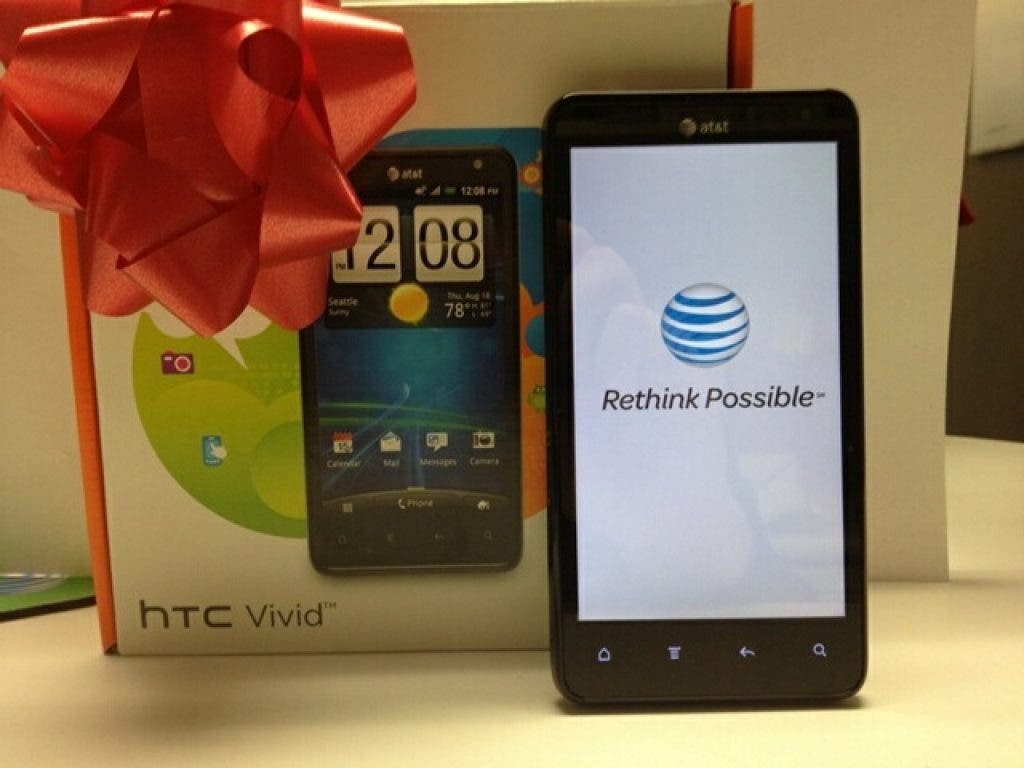
Now that the holiday season has come and gone, we know that for many this year the gift was gadgets. So, what did all those people who got a new wireless phone for Christmas do with their old one? Chances are that many folks have already stuffed it in a drawer somewhere.
This is certainly better than throwing it out; according to the U.S. Environmental Protection Agency (EPA), of the 2.25 million tons of TVs, cellphones and computer products that can be recycled, only 18 percent was collected for recycling and 82 percent was disposed of, mostly in landfills.
But AT&T has the best option: AT&T Reuse and Recycle.
Find out what's happening in Springfieldfor free with the latest updates from Patch.
We invite customers to bring unwanted wireless phones, smartphones, accessories and batteries (regardless of the manufacturer or carrier) to AT&T company-owned retail stores for recycling. If you can't get to one of our store locations, you have two other options:
- Download a postage-paid mailing label and mail your phone directly.
- If you don't have a printer, request a postage-paid envelope to be mailed to your address.
AT&T also offers a trade-in service. FlipSwap is a trade-in service that is available in all AT&T company owned retail stores; allowing AT&T customers to turn in old wireless phones and receive an AT&T promotional card or donate the value to Cell Phone for Soldiers, an initiative that uses funds from recycled cellphones to buy prepaid phone cards for active duty military members to help connect them with their families.
Find out what's happening in Springfieldfor free with the latest updates from Patch.
Before Recycling Your Device
To help protect your privacy, remember to do the following prior to recycling your device:
- Power down your phone.
- Remove your device SIM card, if it has one.
- Erase your address book, photos, messages and other information stored on your device.
Removing Your SIM Card
For step-by-step instructions on removing your phone's SIM card, go to our Phone/Device Learning Center/Tutorials, select the manufacturer and model of your device, then review the Insert/Remove SIM Card tutorial under Getting Started.
Clearing Personal Data
For step-by-step instructions on clearing personal information from your phone, see the Data Erase Web site. You also can consult your device User Manual or manufacturer web site.