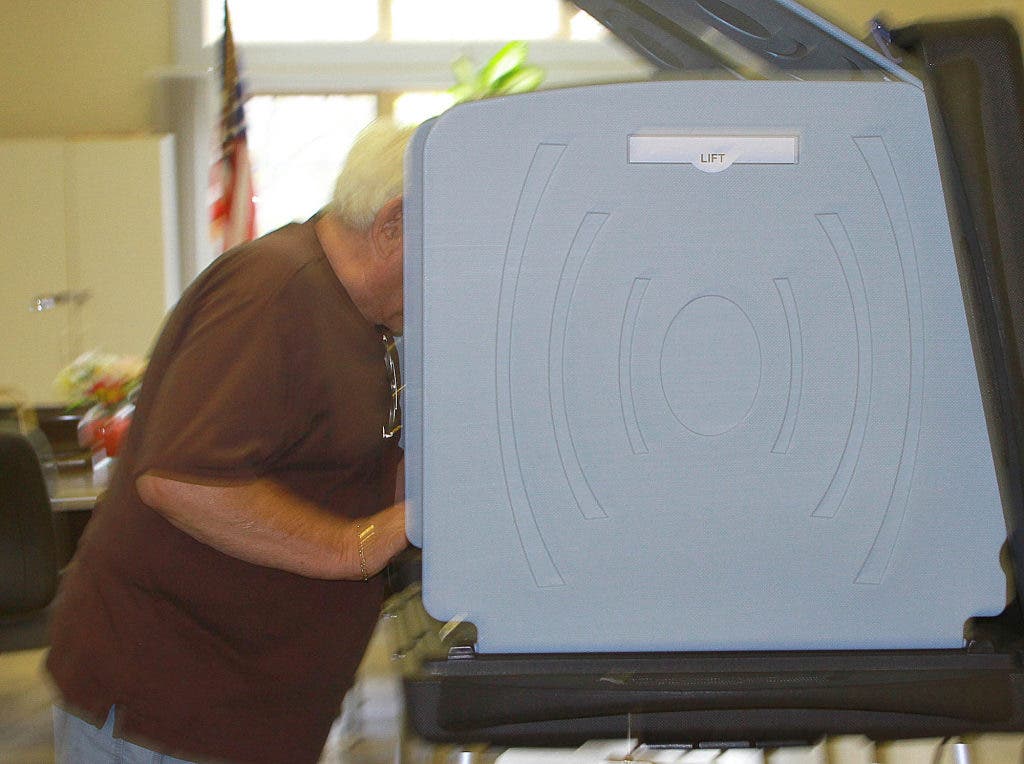

Here are five things you need to know about voting Tuesday.
- You Need to Know About Starting: Touch "View Ballot" at the screen's bottom and then touch the candidates or issues for which you'd like to vote. When your selection turns green, you're good.
- You Need to Know About Moving Ahead: Touch "Next" to head to the following page. But don't worry. You can return to the previous page by touching "Back."
- You Need to Know About Write-Ins: Touch "Write-in" and type in your candidate's name. When you're done, press "Accept." Check your spelling first, however.
- You Need to Know About Reviewing: You'll have an opportunity to check your work at the end. Press "Review" to look it over. If you want to change a selection, touch the box. Then touch "Review" again to return to the summary screen.
- You Need to Know About Finishing: When you're done, touch the flashing red "Vote" button or green check mark at the top of the screen. And when you're really, really done, click "Confirm" to cast your final ballot.
Get more local news delivered straight to your inbox. Sign up for free Patch newsletters and alerts.