Health & Fitness
Computer Vision Syndrome
Eye and Vision Care and Dr. Dimple Kapoor will be publishing articles about vision health.
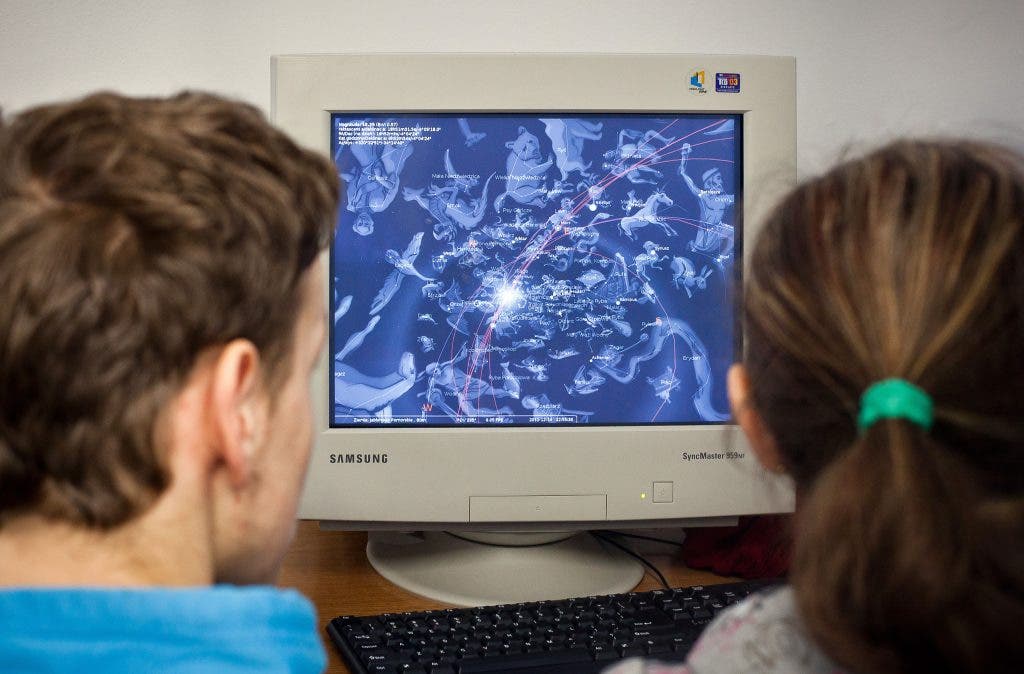
Computer Vision Syndrome (CVS) is a term used to define the vision and eye problems that occur while you're working at a computer.
Today it is almost unavoidable to spend considerable time looking at a computer screen. Not only do we use the computer for both work and play, but, with the development of the Internet, we are using computers for nearly all aspects of our life.
Viewing a computer screen is a visually demanding task that requires good functioning of the eyes: good vision, good focus of the eyes on the screen and good eye movement and coordination.
Find out what's happening in Chantillyfor free with the latest updates from Patch.
Because working at a computer is a visually demanding task, often in a compromised visual environment, various forms of discomfort and
decreased performance commonly occur.
The most common symptoms of CVS are eyestrain, headache, near blurred vision, glare /light sensitivity and eye irritation such as burning, dryness and redness, contact lens discomfort. Neck, back and shoulder pain are also symptoms.
Find out what's happening in Chantillyfor free with the latest updates from Patch.
Since we cannot avoid the computers in daily life, there are some ways which can minimize or eliminate the effect of CVS:
1. Slow refocusing and near blur: A pair of computer glasses
specifically designed for computer stations will eliminate the near blur and
will make focusing at different distances more efficient. Computer glasses
prescription is different from your regular glasses prescription. These special
computer lenses are designed to accommodate the unique viewing distances and
angles at a computer; they work for presbyopic computer users and can also work
for others who require lenses for their computer.
2. Neck and back pain: Body posture is usually compromised to ease the visual discomfort with computer use. By maintaining 20-28 inches viewing distance from computer and putting a computer screen 4-8 inches below the eyes will decrease the stress on neck and back. Eyes work best with slight downward gaze. If screen is higher or lower than this it would cause an awkward posture which would lead to sore neck back or shoulders.
3. Light sensitivity: Eliminate the glare sources like overhead light and desk lamps. Put computer screen in such a way that the windows are on your sides not straight ahead in your sight of vision. Use blinds to adjust the light so that it goes upwards or sideways away from your eyes. Another most effective way to reduce reflections is to place an antireflection filter over your screen. All antireflection
screens reduce screen brightness, so you'll need to increase the brightness on
your computer. Adjust it so that it is similar in brightness to the immediate
visual surroundings.
4. Dry and irritated eyes: Research have shown that our blink rate decrease with concentration and limited eye movement which is common while working on computer. This reduces the amount of tears in the eyes and cause dryness on external ocular structures. Forced blinking, taking frequent breaks while working on computers and use of artificial tears reduces the dryness and irritation.
By taking some precautions we can continue to enjoy the new technologies
without stressing the body.
By:
Dimple Kapoor O.D.
Eye and Vision Care
Have questions for the doctor? Tell us in the comments.